System Basics 21
Favorite CIA Display
You can select a favorite default display for the CIA that will show when [Displays] is pressed.
The standard default display for the CIA is the Browser.
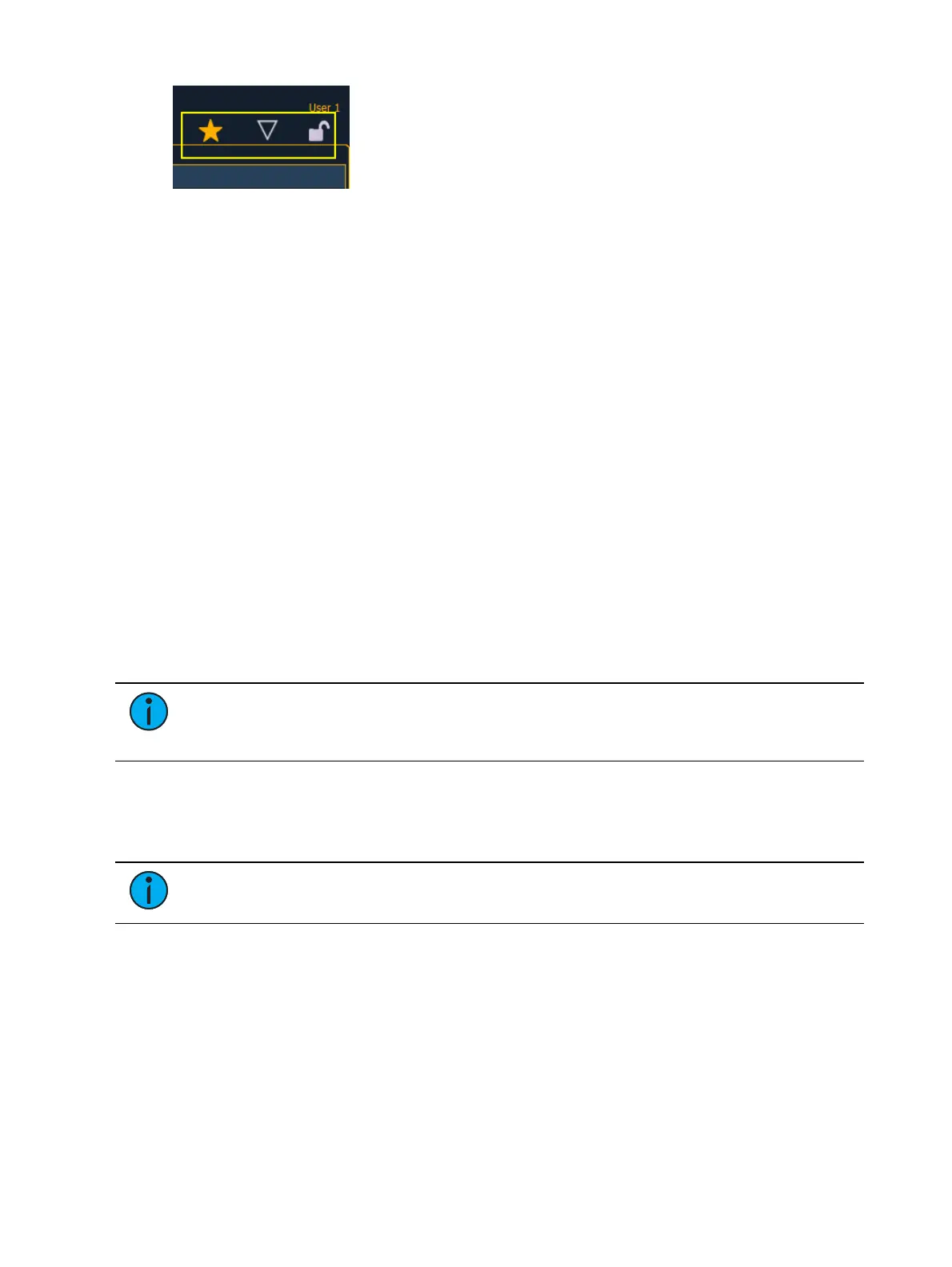
The favorite display will show a gold star icon at the top of the CIA by the arrow and lock icons.
Displays that can be selected as a favorite, but are currently not, will show a gray star at the top
of the CIA. Click on the gray star to make that display your favorite. That display will now be the
new default display for the CIA. Displays that show up in the CIA but cannot be the default
display will not show the star icon.
Collapse/ Expand the CIA
It is possible to collapse the CIA from view. To do this, you can click the arrow icon above the
CIA. The CIA will collapse from view, exposing a larger viewing area of whatever display is
visible above the CIA. The arrow will move to the bottom of the screen.
To expand the CIA into view again, click the arrow at the bottom of the screen. The CIA will
reopen.
Lock the CIA
You can lock the CIA in place to prevent it from being collapsed or viewed.
To lock the CIA, click on the lock above the browser. The lock will “lock”.
To unlock the CIA, click the sunken lock again.
Note: While locked, the CIA can still be collapsed or expanded by clicking the arrow
icon. You can also use [Displays] & [Page ▲ ] to expand or [Displays] & [Page ▼ ] to
collapse.
The Command Line
This is the area where commands appear when entered. When in Live, this line is bordered in
gold. The command line will display in blue when in Blind.
Note: Press [Clear] to remove commands from a terminated command line. Use
[Shift] & [Clear] to remove commands from a command line that is not terminated.
See
Syntax Structure (on page5)
for more information on using the command line.
Command Line Prompt
Directly above the command line, you will see gold text that will prompt you for an action. The
prompts will change between different displays and actions, and provide useful information to
aid you in programming.
Command line prompts can be disabled in Setup. See
Display Help Prompts (on page145)
for
more information.



 To Next Page