38 Eos Family v2.9.0 Operations Manual
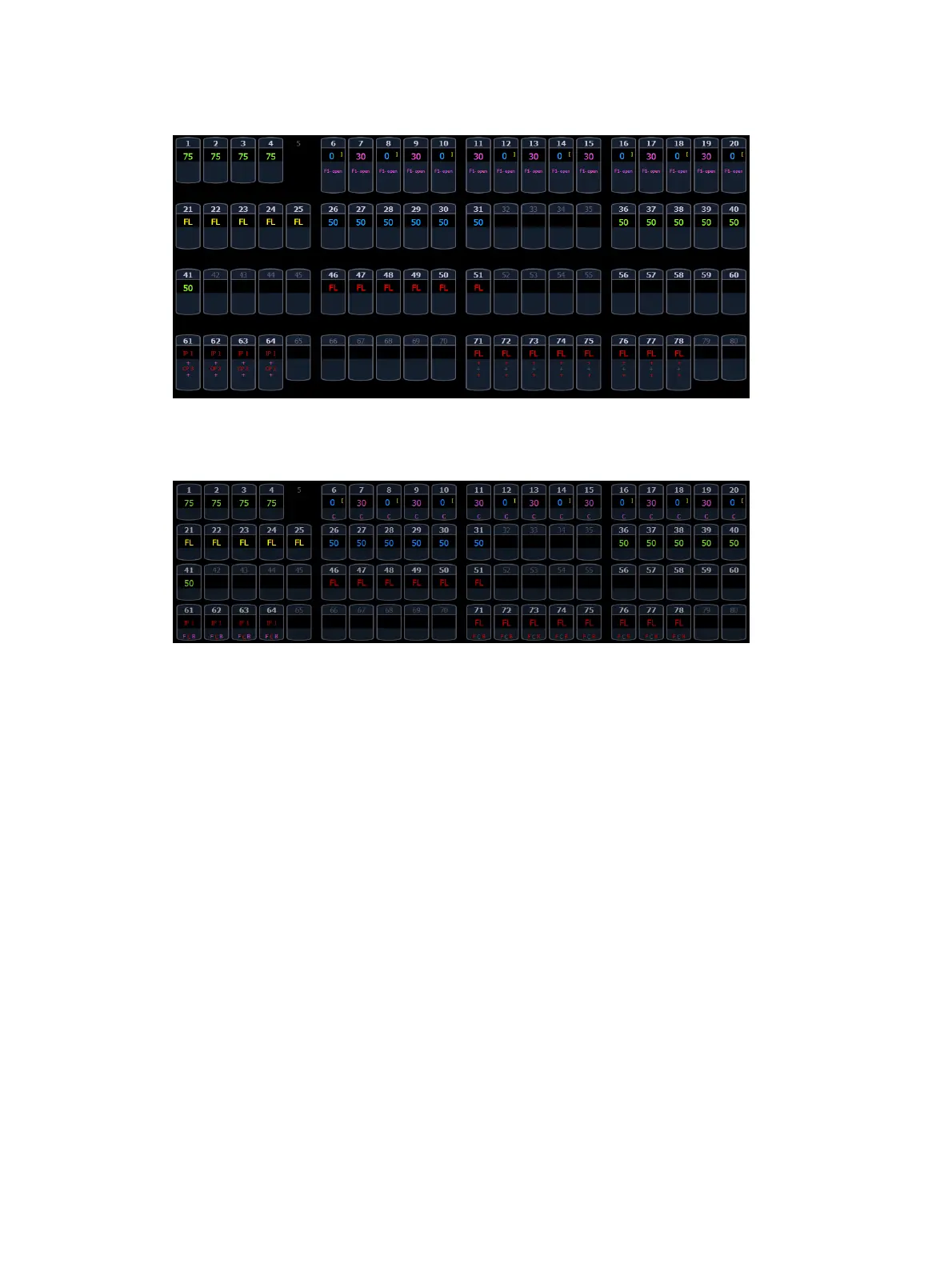
FCB icons will appear at the bottom of the channel area for channels that have those parameters
patched to them. See
Indicators in the Live/ Blind Display (on page41)
for more information.
To collapse the summary view, hold down [Data] and any of the parameter category key in the
parameter display (Focus, Color, Image, Shutter, or Form).
When the summary view has been collapsed to show only intensity data, you may include focus,
color, or beam data in the summary view by holding down [Data] and any of the parameter
category key in the parameter display (Focus, Color, Image, Shutter, or Form). This displays all
categories again.
Table View
Table view is available in Live or Blind. Unlike summary view, table view displays the fixture
type associated with channels and details about each channel’s category and parameter levels.
In Live, table view displays all active channel data being output from Element. In Blind, it will
display all data for a single record target (cue, preset, palette) depending on what is viewed. In
table view, focus, color, and beam information can be viewed in either a summary of these
three categories or an expanded view to show all parameter data.
To expand a category to show detail, press the [Data] key and the associated parameter key.
For example, [Data] [Color] will change the color category from a summary view to a detailed
one. To collapse a category. press the [Data] key and the associated parameter key. You cannot
hide a category from view.
When a category has been expanded, to hide or reveal only certain parameters, press and hold
[Data] and then select the parameter buttons of the appropriate parameters in the CIA. The
parameters will be displayed or suppressed depending on the current view.
Notice that when you hold down the [Data] button, the buttons of parameters that are currently
selected for viewing will be highlighted in the CIA.



 To Next Page