M2-32 031914
4. Touch and highlight the desired
language and touch the “OK”
button.
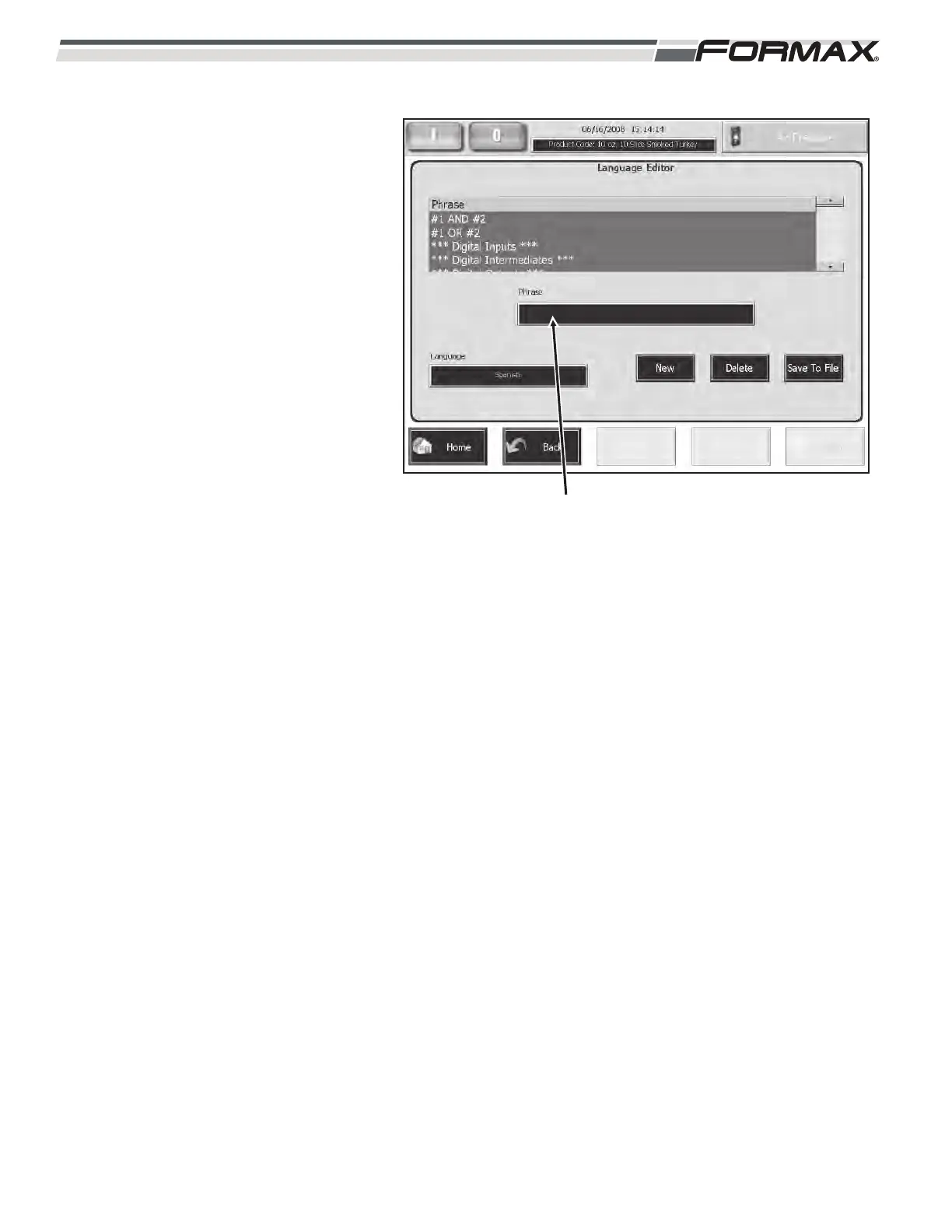
5. If it has already been translated,
the translation will appear in the
“Phrase” window. If it has not it will
remain blank. (Illustration 50)
6. Touch the “Phrase” window. Type
the translation into the keyboard
and touch the “OK” button.
(Illustration 50)
7. The translated word or phrase will
now appear in the window and on
the operating screens when that
language is selected by the
“User.”
ILLUSTRATION 50
“PHRASE WINDOW”



 To Next Page