M4-56 031914
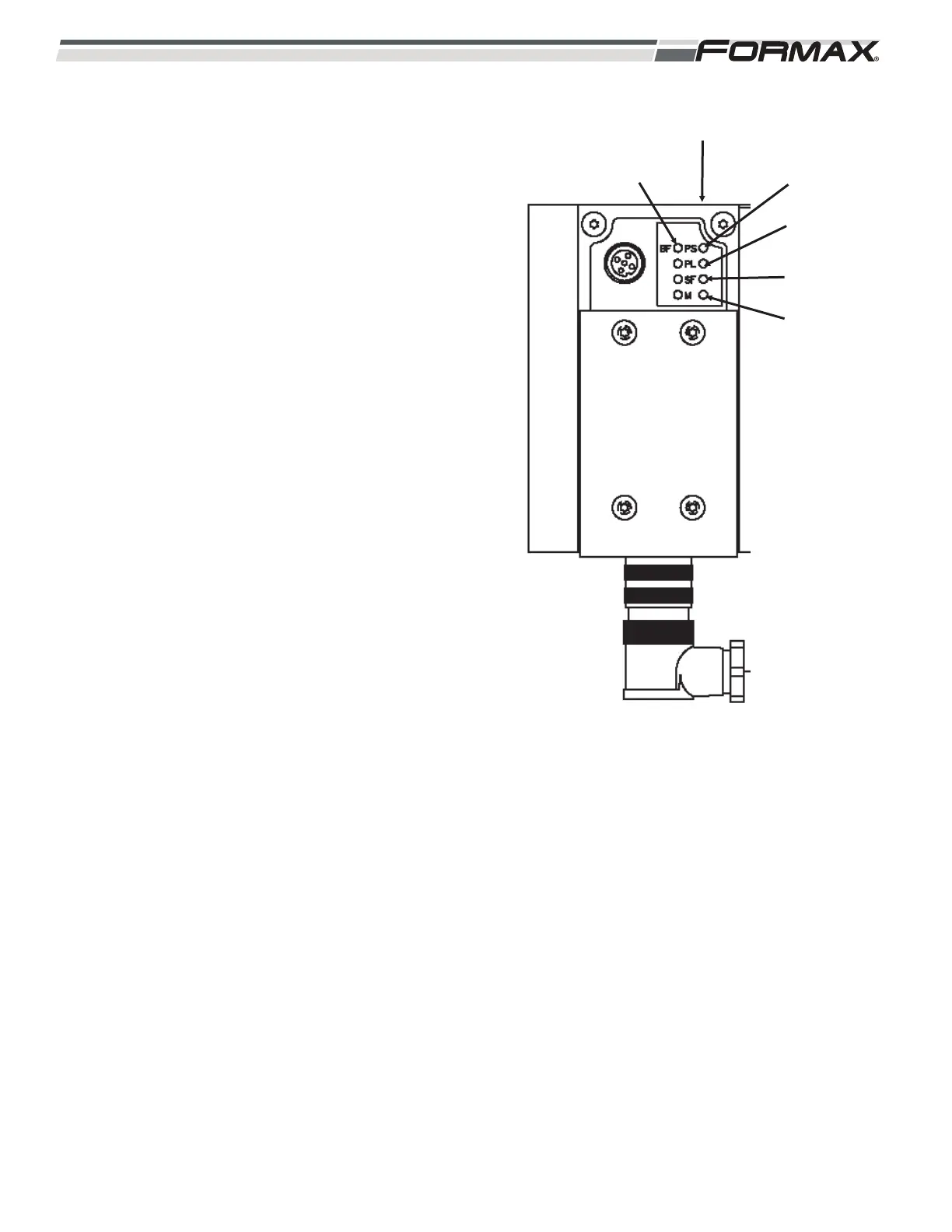
PL LED: Reports Power Load Supply Status.
(Outputs/Valves)
LED is Green: No Fault.
LED is Flashing Green: Check for:
1. Undervoltage.
2. Turn Power “Off” and then back
“On.”
SF LED: Reports System Fault Status.
LED is “Off”: No Fault.
LED is Flashing Red: Check For:
1. Short Circuit/Overload.
2. Wire Break.
3. Module Failure.
4. Component Failure.
M LED: The “Modify” LED is only used by the
programmers when connecting a Laptop to
the Computer and forcing a function.
LED is “Off”: No Fault.
LED is Yellow: System Start.
LED is Flashing Yellow: Function has
been forced.
ILLUSTRATION 129
PL LED
PS LED
SF LED
BF LED
XS3 GATEWAY MODULE
M LED



 To Next Page