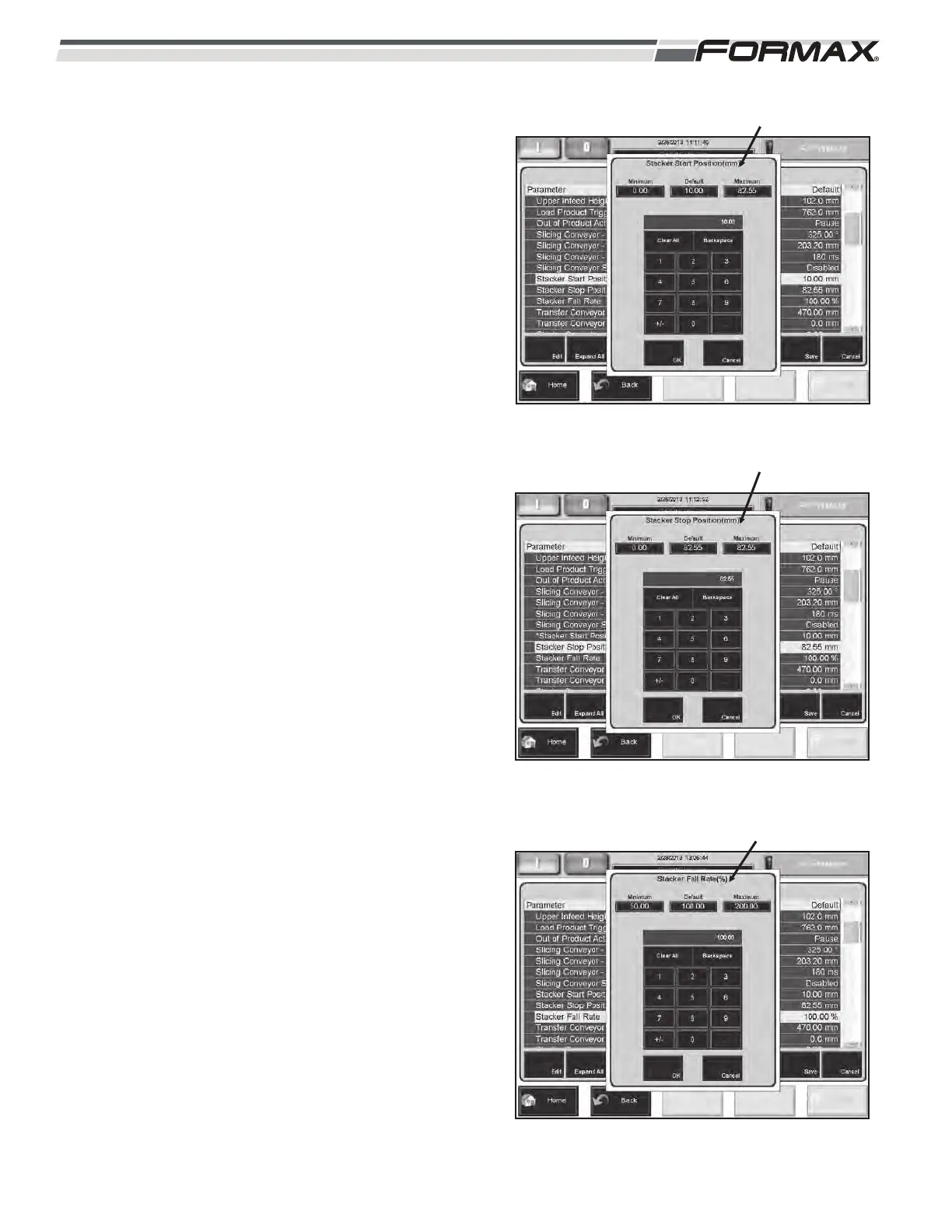
STACKER START POSITION: The Stacker Start
Position is used when slicing in the HIGH SPEED,
and ULTIMATE stack or shingle modes. Setting the
Stacker Start Position to 0.00 mm (0 in.) starts the
Slicing conveyor at the full “UP” position for the start
of each group of drafts or stacks.
When the Stacker Start Position is set to +13 mm
(0.5 in.), the Slicing conveyor will start at 13 mm
(0.5 in.) below the full “UP” position.
Setting the position too high will result in rolled over
slices and product jams. Setting the position too low
will result in shuffled stacks and offset bottom slice
problems.
For the best product quality, set the Stacker Start
Position as high as possible without causing
product jams. (Illustration 68)
STACKER STOP POSITION: The Stacker Stop
Position adjusts the stopping position of the Slicing
Conveyor after it lowers at the Stacker Fall Rate.
The product is then sent from the Slicing Conveyor
to the Transfer Conveyor. (Illustration 69)
STACKER FALL RATE: The Stacker Fall Rate is
used when slicing in the Ultimate or Decel Height
stack or shingle modes. This controls the rate of
speed that the Stacker lowers as the drafts or
stacks are sliced. The lowering rate is displayed as
a percentage.
When the lowering rate is set to 100%, the conveyor
lowers at the same rate of speed that the product
feeds through the Infeed conveyors. Raising the
percentage will cause the conveyor to lower faster
than the product Infeed. A setting that is too high
can cause shuffled or fluffed stacks. A setting that is
too low can cause the product to hit the head
housing when transferring to the Decel conveyor.
A setting of about 100% will provide the best quality
stacks for most products. (Illustration 70)
6-26 031914
ILLUSTRATION 68
STACKER START POSITION
ILLUSTRATION 69
ILLUSTRATION 70
STACKER STOP POSITION
STACKER FALL RATE



 To Next Page