CR Console Operation Manual
2011. 06 897N0519M 3 - 47
3.4.4 Preparation before Exposure (Image Reading): Changing Exposure Menus
Changes exposure menus as follows.
Both exposure menus before image reading and after image reading can be changed. Perform
appropriate operation depending on the selected display mode of the Study Execution Screen.
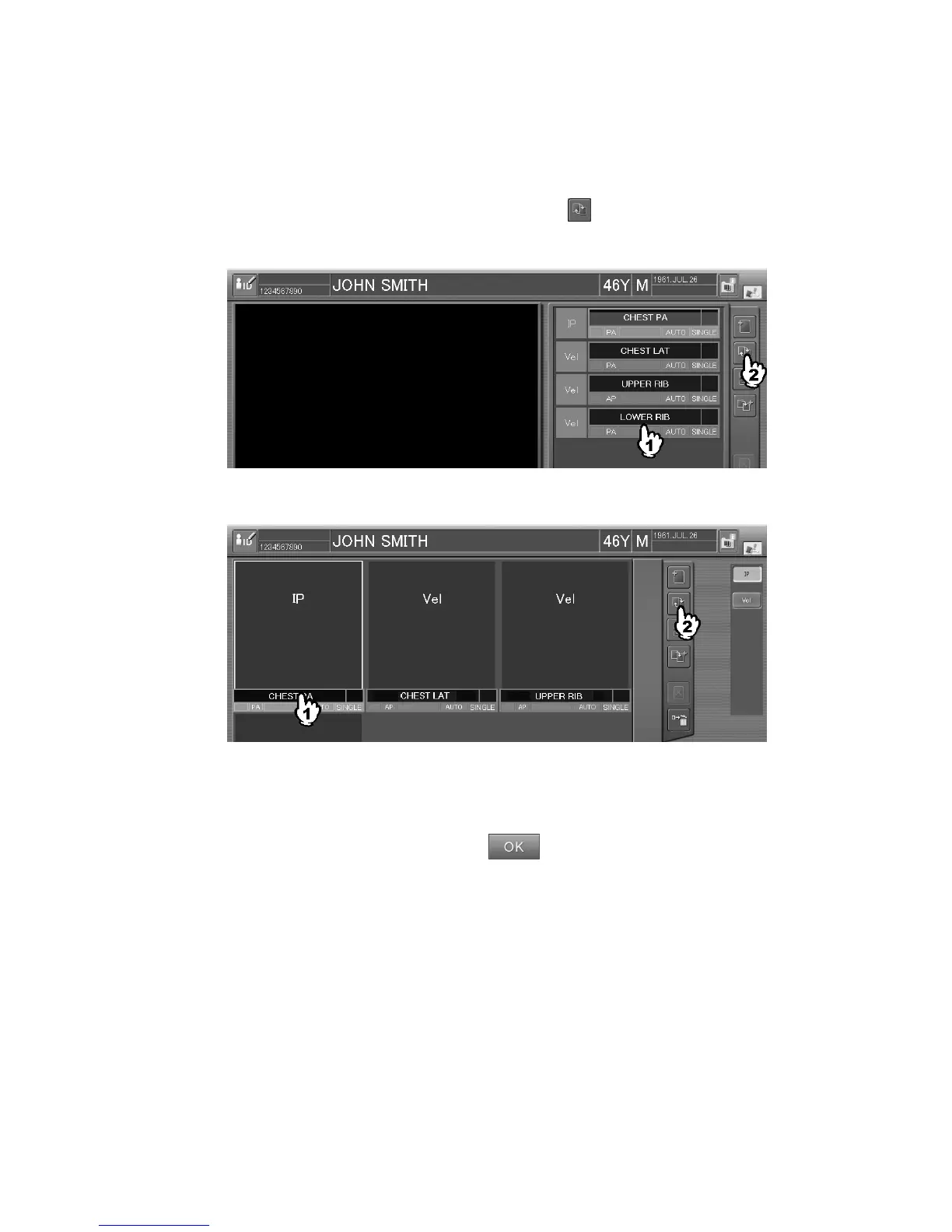
Select an exposure menu to be changed, and then select
.
Sample of one-image display mode:
Sample of six-image display mode :
The exposure menu change box is displayed.
Select a menu item in the menu group to display the desired exposure menu, and then select an
exposure menu.
After selecting an exposure menu(s), select
.
For how to select a menu in the exposure menu change box, see [
3.1.3 Selecting Exposure Menu
].



 To Next Page