CR Console Operation Manual
2011. 06 897N0519M 3 - 29
(5) Starting Studies from the Scroll View (option)
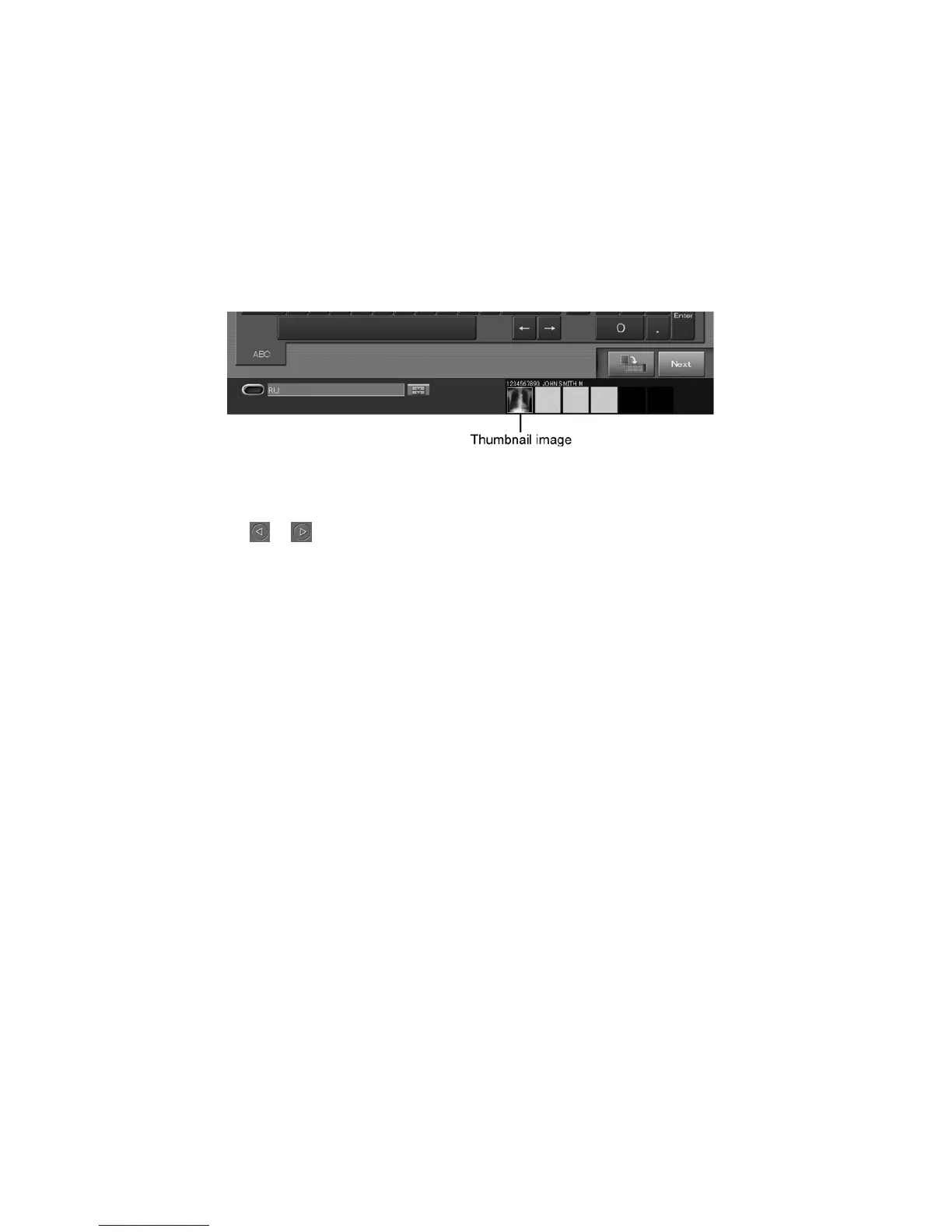
When the study is ended before completing an image reading after the IP registration of all exposure
menus in study execution is completed, the image reading status is displayed in the scroll view at the
bottom of the Patient Information Input Screen/Exposure Menu Selection Screen/Study Execution
Screen/individual lists.
Studies displayed in the scroll view can be resumed.
For more information about the scroll view option, see [
2.4 Scroll View Display Area (option)
].
Select a thumbnail image.
When It is not Possible to Fully Display Thumbnail Images in the Scroll View
Select
or to scroll thumbnail images as desired. A maximum of 18 thumbnail images from the
beginning can be displayed.
To resume a study, display thumbnail images included in the scroll view on the “Study Execution
Screen”.
Different “Confirmation boxes” will be displayed depending on the screen displayed when thumbnail
images were selected.



 To Next Page