CR Console Operation Manual
4 - 42 2009. 09 897N0519H
4.4.4 Setting the rejection
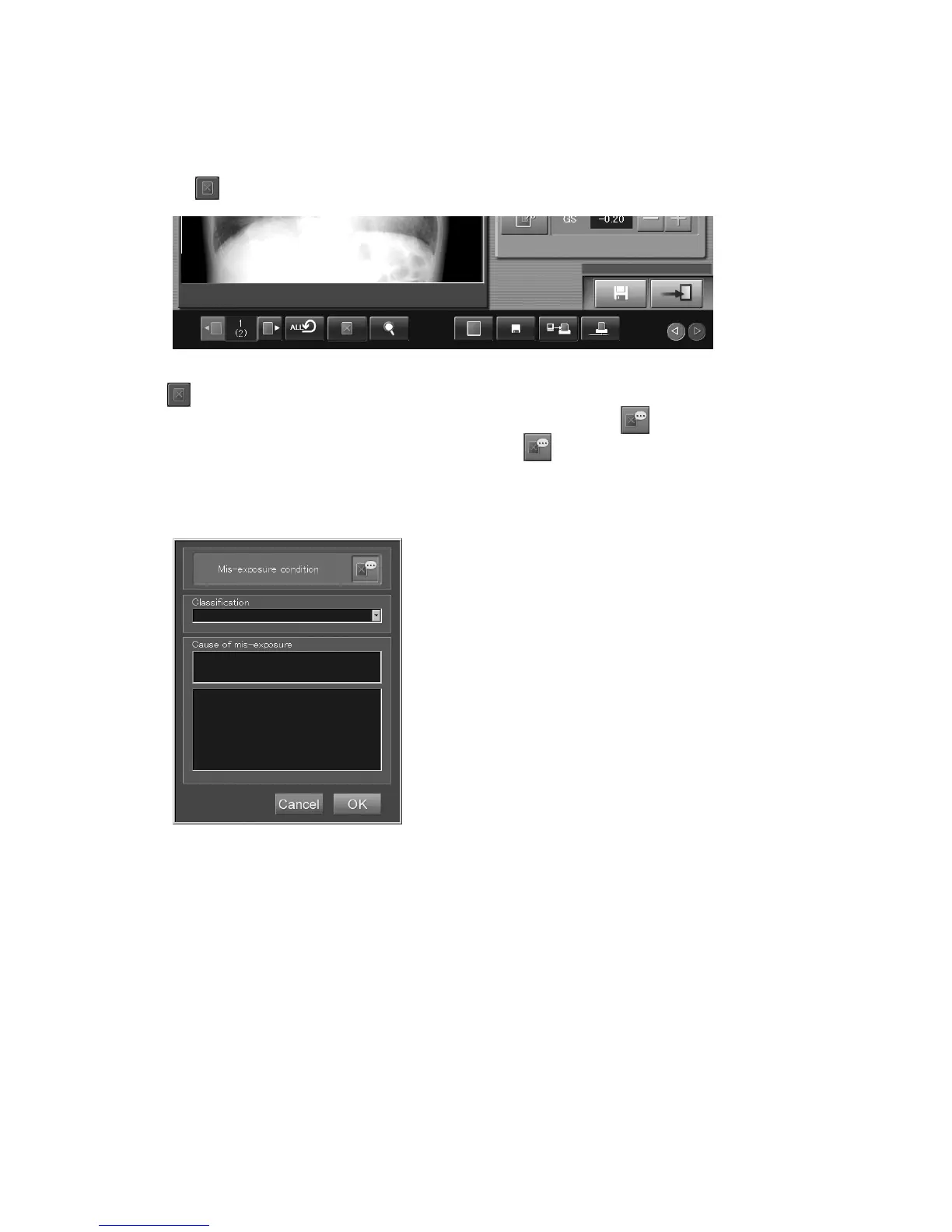
Handles the image currently displayed as rejected. The image handled as rejected cannot be output to
external devices.
Select
. Select the icon again to release the rejected status.
If
is selected, a box where a cause of the rejection is to be entered will open depending on the
setting performed at installation. When entering a cause of the rejection,
is in the activated state,
as shown below, which is changed alternately every time
is selected.
From the drop-down list that opens, select a classification according to which the image is to be
handled as rejected.
“Rejection reason input box”



 To Next Page