CR Console Operation Manual
2009. 09 897N0519H 4 - 17
(10) Inputting markers
Inputs markers. (Artifacts are generated around the input markers in images because of frequency
processing when they are displayed or output on film by other units.)
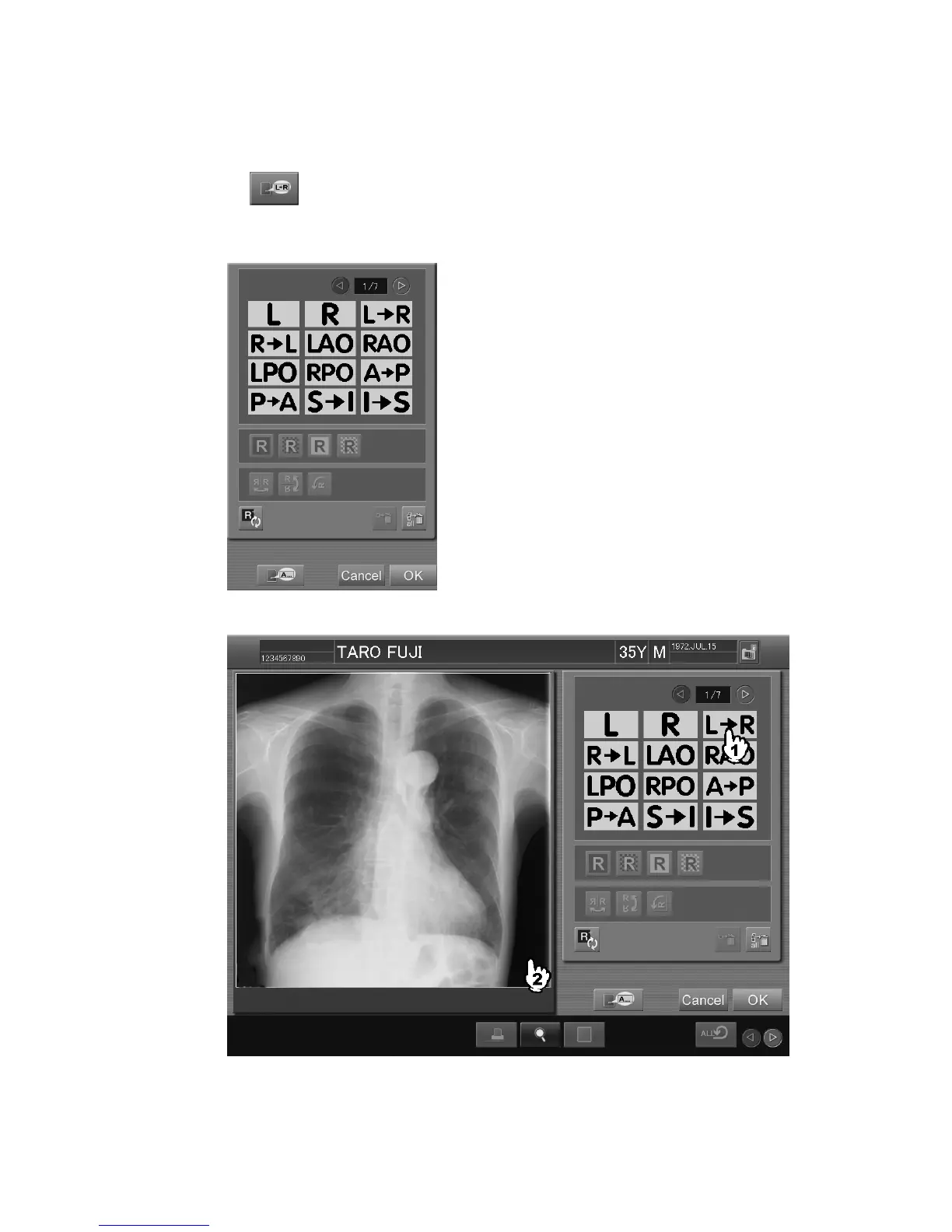
When is selected, the setting box is displayed. Select the marker to be input.
Select the desired position on the image. The marker will be input. Up to sixteen markers can be
input for each image by repeating selection of markers (above mentioned) and positions.
“Marker setting box”



 To Next Page