CR Console Operation Manual
5 - 20 2006. 10 897N0519C
Study date filtering
Select one of “Today”/“Past one week”/“Period designation”. When “Period designation” is selected,
input dates for the period (beginning date and ending date). The input format for dates differs
depending on the setting made when the equipment is installed.
Example
> Studies only on January 1, 2002 → From 2002.01.01 / To 2002.01.01
> Studies after January 1, 2002 → From 2002.01.01 / To blank
> Studies before January 1, 2002 → From blank / To 2002.01.01
Patient information filtering
Select one of “ID#”/“Patient name”, and input its condition in “keyword” field.
When “Patient name” is selected, the character string to be input need not to equal to actual character
string completely. So, a fuzzy filtering is valid in this case.
Example
> To display all patients whose family name is “Jones” → Input only “Jones”.
Update
Updates the information to the latest for the studies to be listed up in the study list .
Select
. (When the filtering display is set, studies will be displayed according to its
condition.)
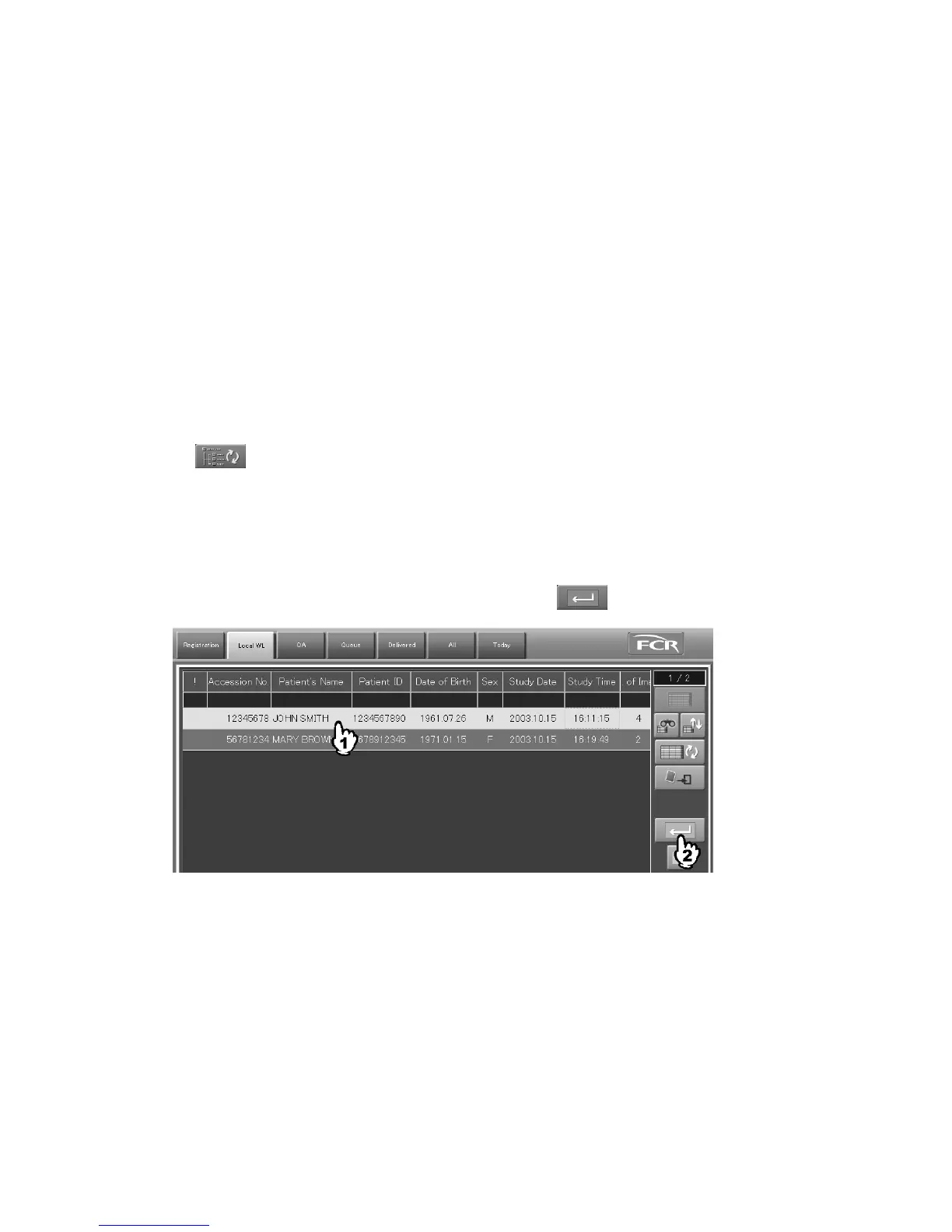
(12) Execution of Next Processing
Executes next processing. This function is valid for the lists, “Local WL”, “QA”, “Delivered”, “All”,
and “Today”.
Select a study in the directory by a study level, and then select
.



 To Next Page