CR Console Operation Manual
3 - 40 2011. 06 897N0519M
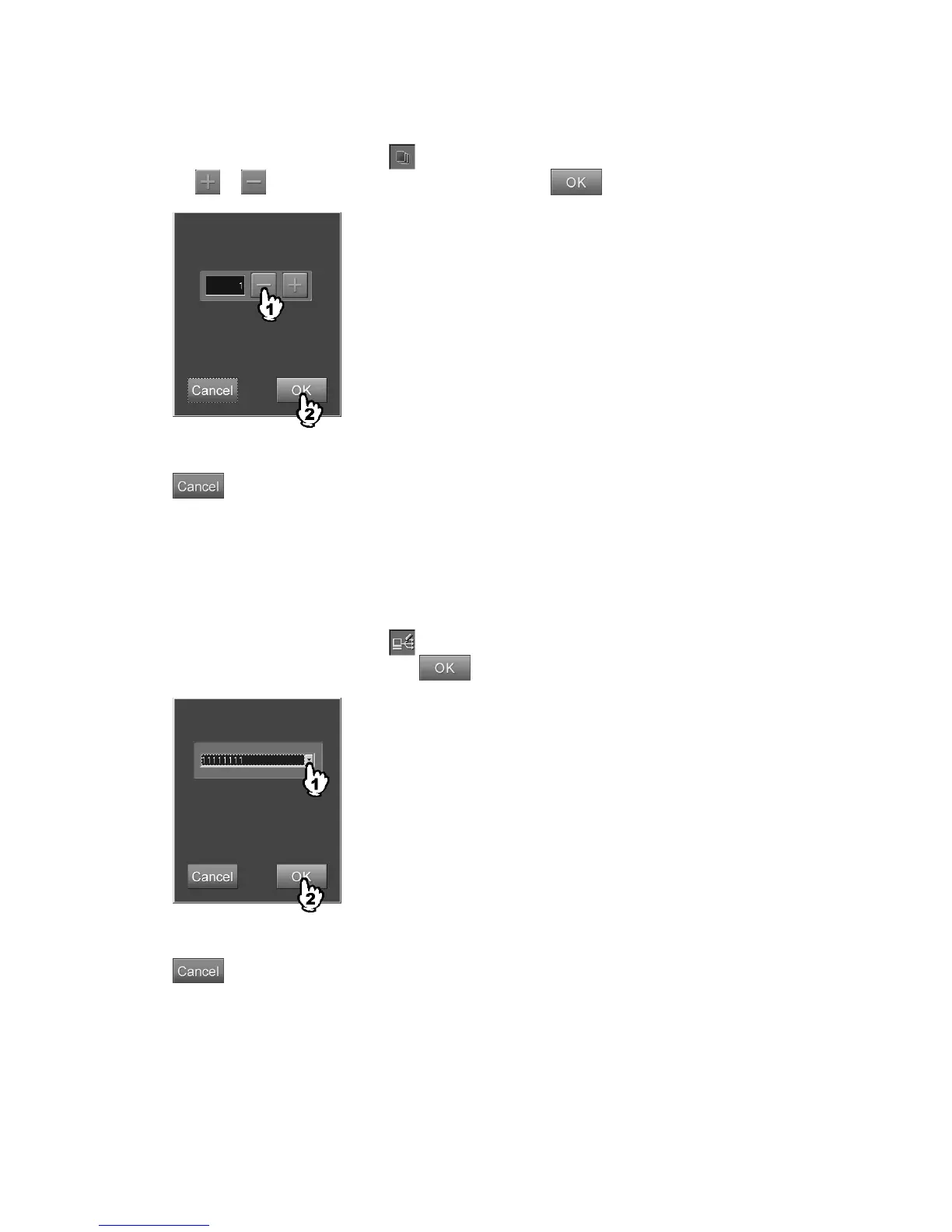
(7) Number of film output
Sets the number of films to be output.
Select the parameter display field of
to display the setting box.
Select
or to set the number of output, and then select .
“Film output count setting box”
: Cancels operation.
With the User Utility, you can set up the number of films to be displayed as the initial value. If filing
mode is set to “OFF”, do not set this parameter to “0”.
(8) Distribution code
Sets the distribution code (a code number which specifies the destination of transfer) of the image.
Select the parameter display field of
to display the setting box.
Select a distribution code, and then press
.
“Distribution code setting box”
: Cancels operation.



 To Next Page