CR Console Operation Manual
2011. 06 897N0519M 3 - 39
(6) Film mark
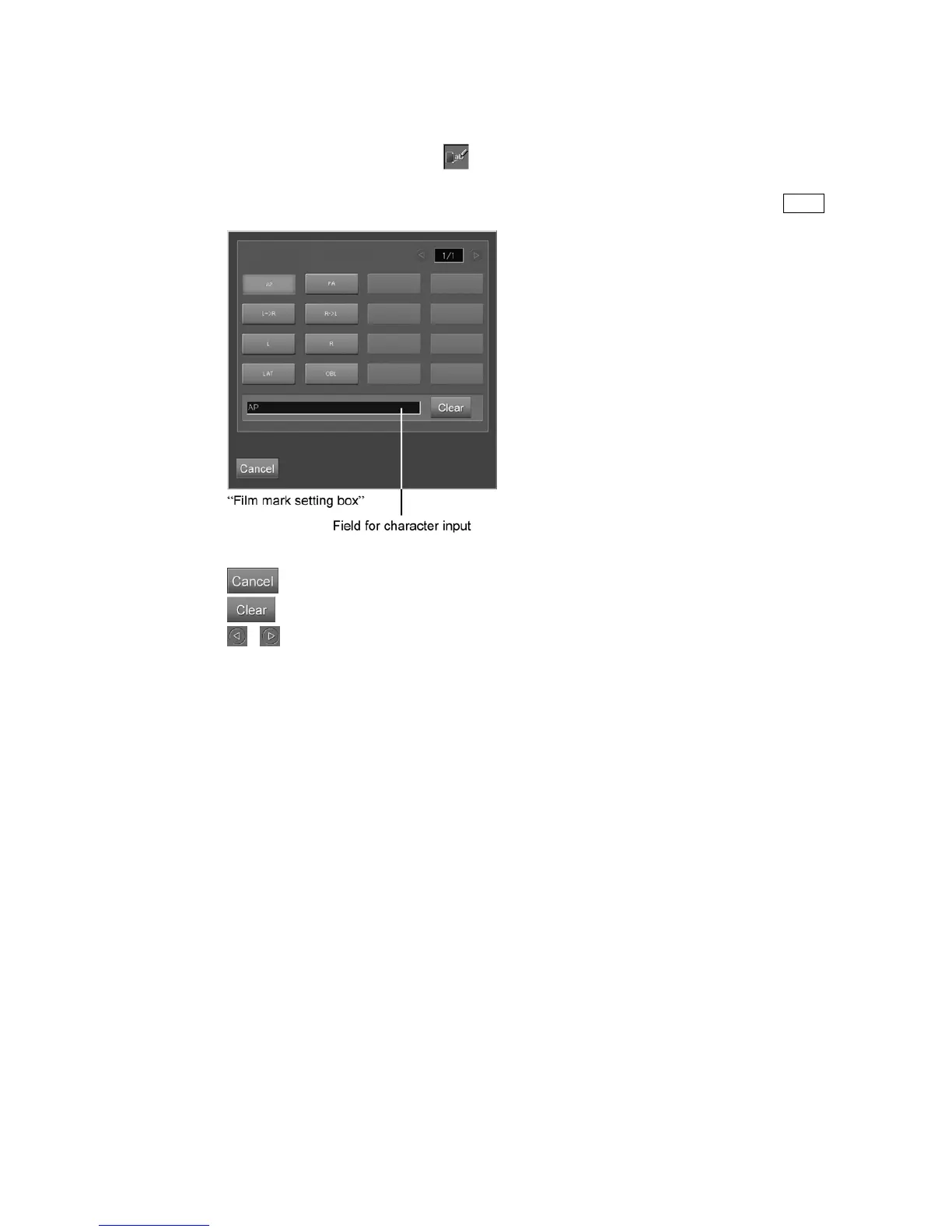
Sets a film mark (characters displayed on the film).
Select the parameter display field of
to display the setting box.
Select a film mark.
Any character can be input in the input field below the box. Enter characters, and then press the Enter key.
: Cancels operation.
: Clears all text entered in “Field for character input”.
/ : Turns page.



 To Next Page