CR Console Operation Manual
4 - 24 2009. 09 897N0519H
(12) Changing S/L
Changes values of S/L.
If use of user authentication was set at the time of installation, the
is displayed when has
been selected and user authentication has been done.
When the
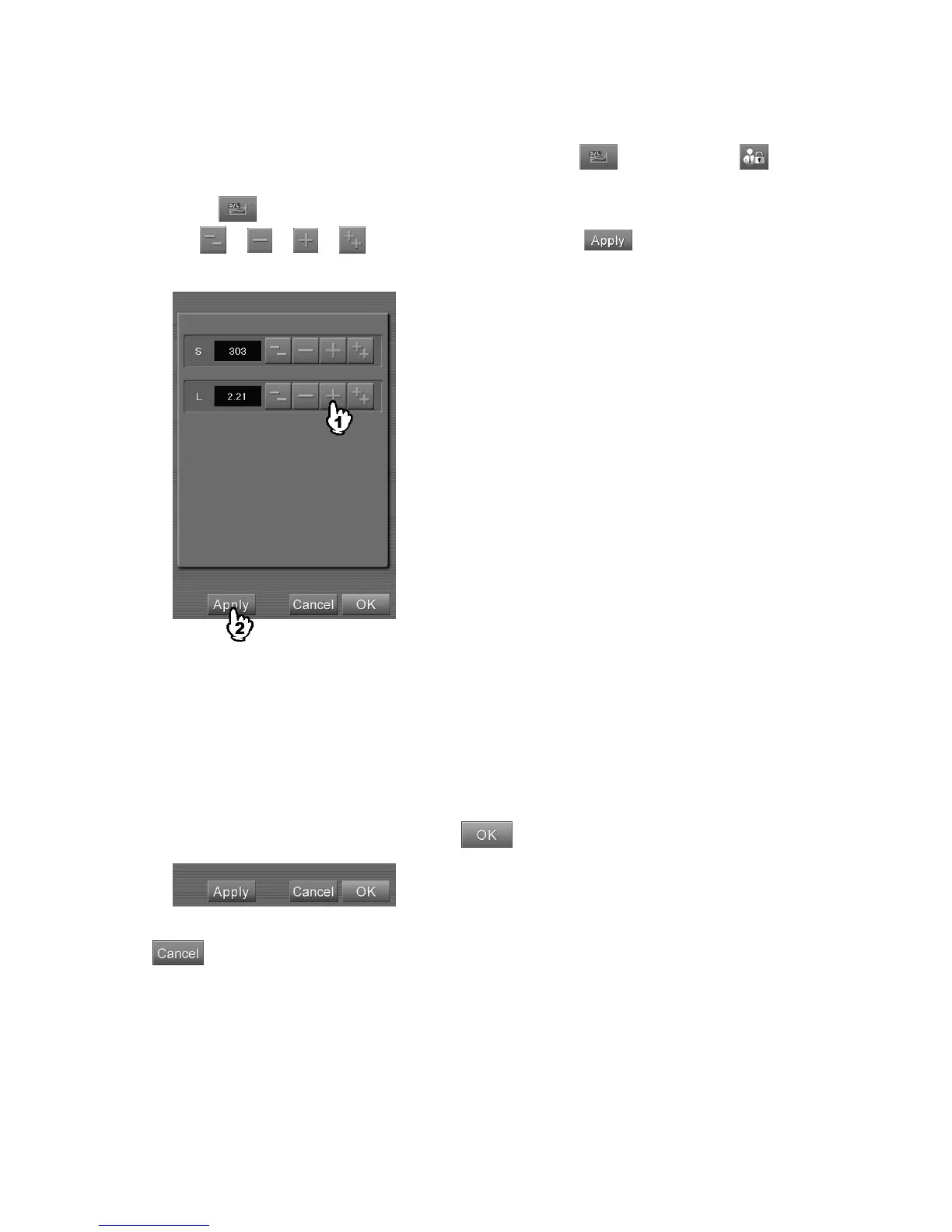
button is selected, a setting box is displayed.
Select
or or or to change values, and then select . The changed values will
be reflected on the display image.
“S/L values setting box”
S
: The center point of the image reading sensitivity decided by the EDR (Exposure Data
Recognizer function). When an incident X-ray dose increases, this value decreases, and when
an incident X-ray dose decreases, it increases. This value can be set in the range of 4 to 20047.
L
: The image reading latitude decided by EDR. It shows the range of incident X-ray dose (from
minimum to maximum) as logarithmic values. This value can be set in the range of 0.50 to
4.00.
When the above separation is completed, select
.
: Cancels operation.



 To Next Page