CR Console Operation Manual
3 - 42 2011. 06 897N0519M
(10) SS/CS
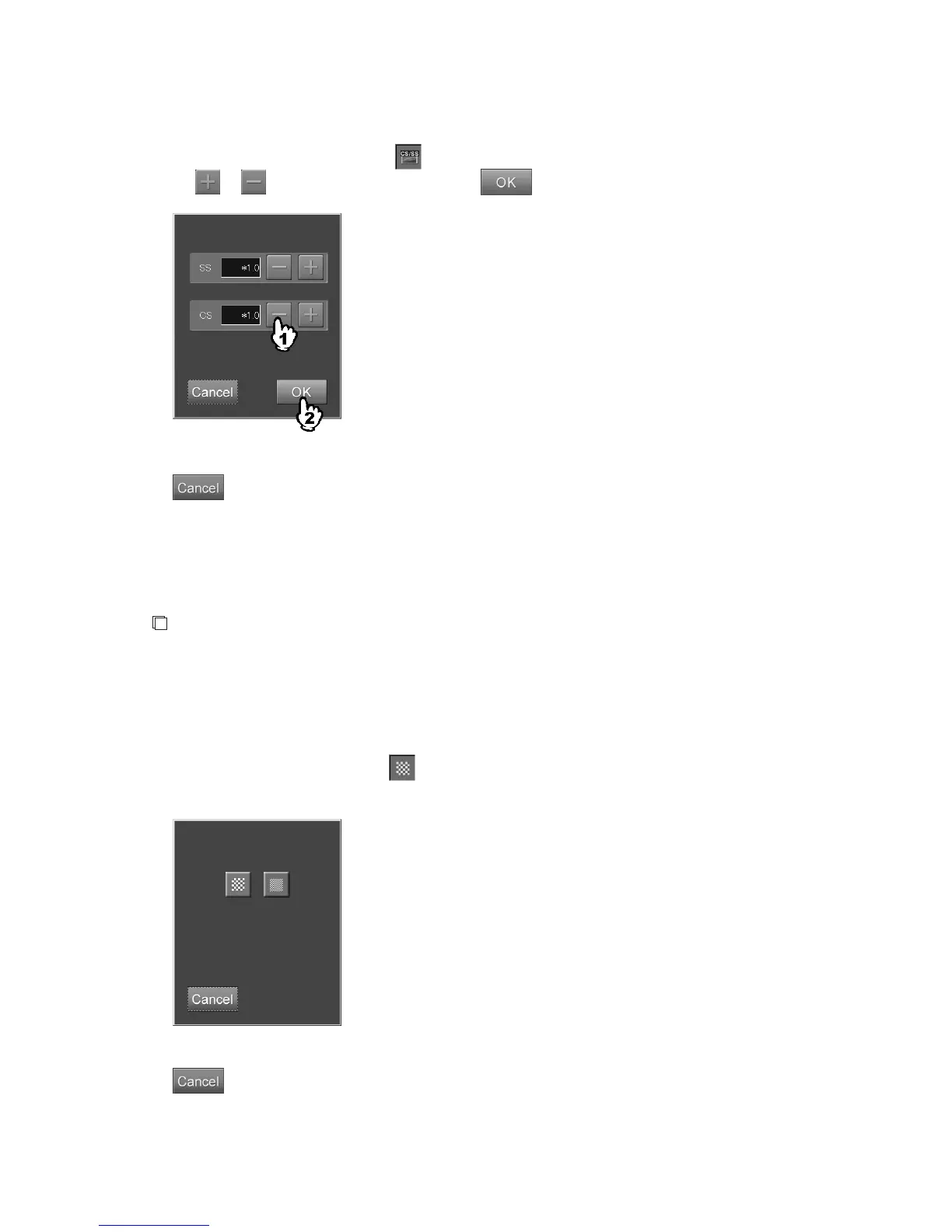
Sets SS (Sensitivity Shift) and CS (Contrast Shift) to the image.
Select the parameter displays field of
to display the setting box.
Select
or to select a value, and then select .
“SS/CS setting box”
: Cancels operation.
SS
: A coefficient given to parameters related to reading sensitivity. Changes the density of
the image. Can be set in the range of /(÷)2.0 to *(×)2.0.
CS
: A coefficient given to parameters related to tonal curve. Changes the contrast of the
image. Can be set in the range of *(×)0.5 to *2.0.
NOTE
Depending on the setting made at the time of installation, it may not be possible to change or
reference the SS (Sensitivity Shift) and CS (Contrast Shift) of the image.
(11) Pixel density
Sets pixel density for the image.
Select the parameter display field of
to display the setting box.
Select one of the icons.
“Pixel density setting box”
: Cancels operation.



 To Next Page