CR Console Operation Manual
2008. 03 897N0519E 3 - 13
3.2.3 Modifying Exposure Menu
Adds, changes, or deletes an exposure menu as follows.
(1) Adding Exposure Menus
To add exposure menus on the “Exposure Menu Selection Screen”, use this function with no
exposure menus selected in the “Selected exposure menu list”. For how to operate processing for
selection of exposure menus, see [
3.1.3 Selecting Exposure Menu
].
NOTE
Make sure that no exposure menus have been selected in the “Selected exposure menu list”, and
then add exposure menus. An attempt to operate selection of exposure menus, with exposure
menus selected in the “Selected exposure menu list”, will result in adding those already-selected
exposure menus to menus to be newly added in the list.
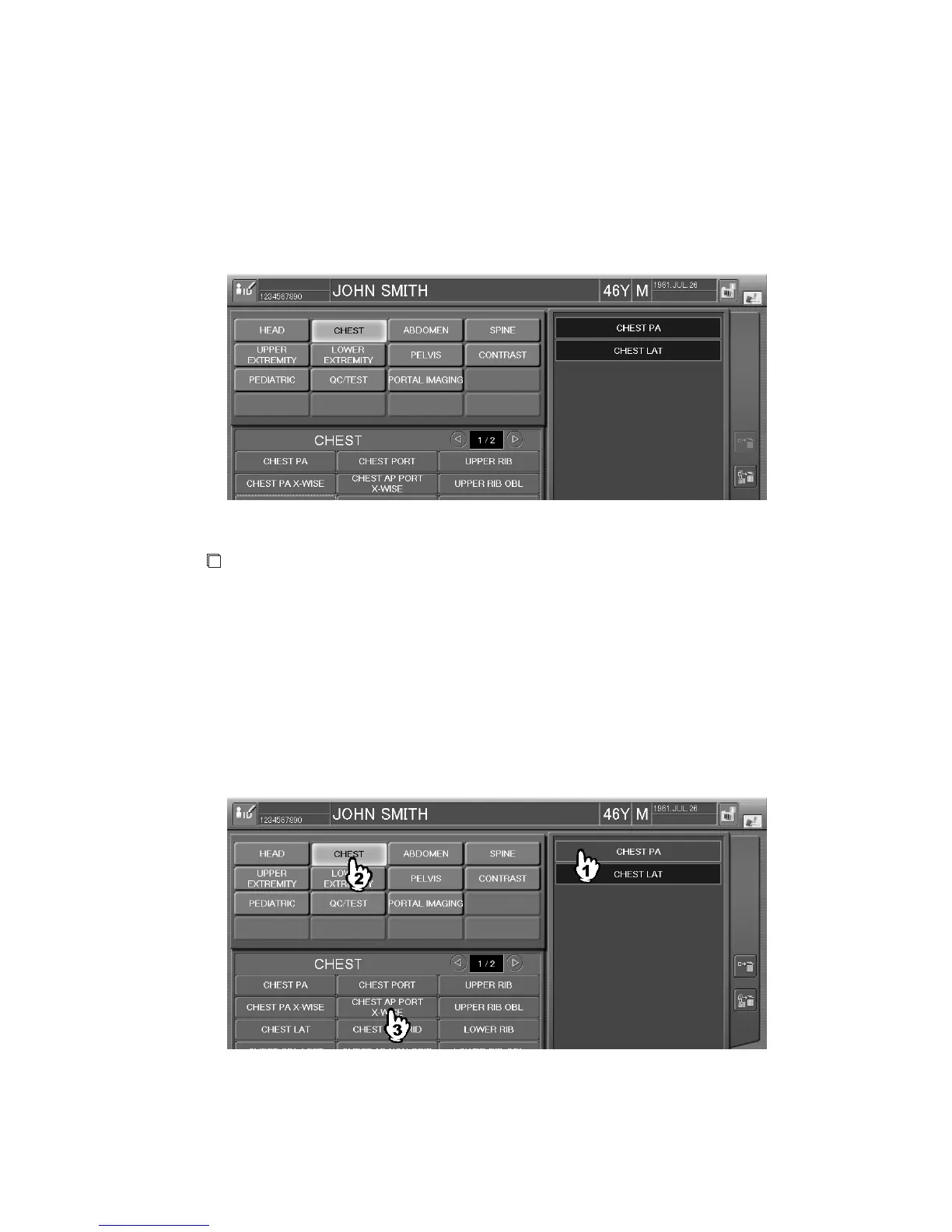
(2) Changing Exposure Menus
To change an exposure menu on the “Exposure Menu Selection Screen”, select an exposure menu
you want to change from the “Selected exposure menu list” and then perform manipulation necessary
to actually changing the selected exposure menu. For how to select an exposure menu, see [
3.1.3
Selecting Exposure Menu
].



 To Next Page