CR Console Operation Manual
2011. 06 897N0519M 3 - 27
(4) Starting Studies from the “Examination Order Issuance Screen”
Start a study for which a patient ID is set on the “Examination Order Issuance Screen”.
Select
.
The “Study Screen” is displayed. For more information about the ”Study Screen”, see [
2.2.9 Study
Screen
].
NOTES
• When the patient ID histories exceed 200 thousands, they will be deleted from the oldest on the
next startup of the CR Console.
• When the examination order issuance function is enabled, it is recommended that “The method at
the time pushed Study Finish button (The unregistered menu exists.)” is set to “The unregistration
menu is deleted, and study is finished.” in the Property Setting of User Utility.
• When the examination order issuance function is enabled, patient IDs can neither be searched nor
registered using the card reader or the barcode reader.
• If the hard disk of the unit is replaced due to faults, the history of the patient IDs automatically
issued will be lost. (This is equivalent to selecting
.) Make sure that no patient
IDs are duplicated when issuing a patient ID after the hard disk is replaced.
• The examination order issuance function can only be used at the following resolutions:
• 1024 × 768
• 1280 × 1024
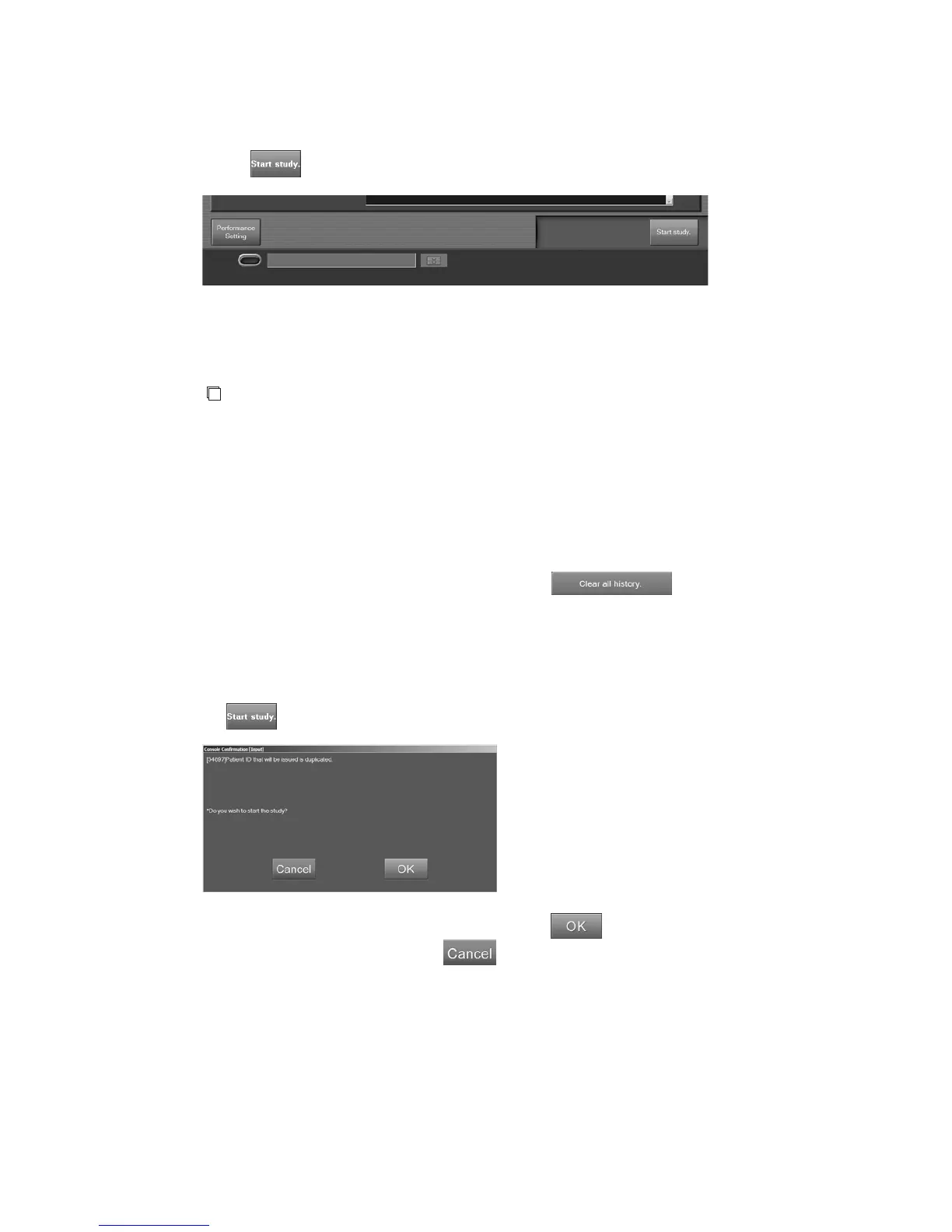
• If the patient ID to be issued is already used, the following confirmation box is displayed when
is selected.
To use a duplicated patient ID without change, select .
To set another patient ID number, select , and set a number on the “Examination Order Issuance
Screen”.



 To Next Page