CR Console Operation Manual
4 - 52 2009. 09 897N0519H
(4) Specifying a magnification/reduction ratio to assign it into an image format (edit
mode)
Confirm the frame printed in bold-face in the image format display field. The image will be assigned
within this fame.
Select
to have the magnification/reduction ratio edit mode be activated.
The trimming frame will be displayed being fit to the frame shown in bold-face. When doing so, the
magnification/reduction ratio is displayed taking the size same as to that recorded on the IP to be
100%.
To release the magnification/reduction ratio edit mode, select
.
: Decreases every time this key is selected the image reduction ratio in the decrement of 10%
in relation to its life size, taking the center of the image display field to be the center point.
: Decreases every time this key is selected the image reduction ratio in the decrement of 1%
in relation to its life size, taking the center of the image display field to be the center point.
: Increases every time this key is selected the image magnification ratio in the increment of
1% in relation to its life size, taking the center of the image display field to be the center
point.
: Increases every time this key is selected the image magnification ratio in the increment of
10% in relation to its life size, taking the center of the image display field to be the center
point.
The ratio can be specified accordingly between 50% and 300%.
(5) Moving the trimming image frame
With the use of ,
, , or you can move the frame where the trimming image is to be
displayed. You can move the trimming frame also by directly selecting it.
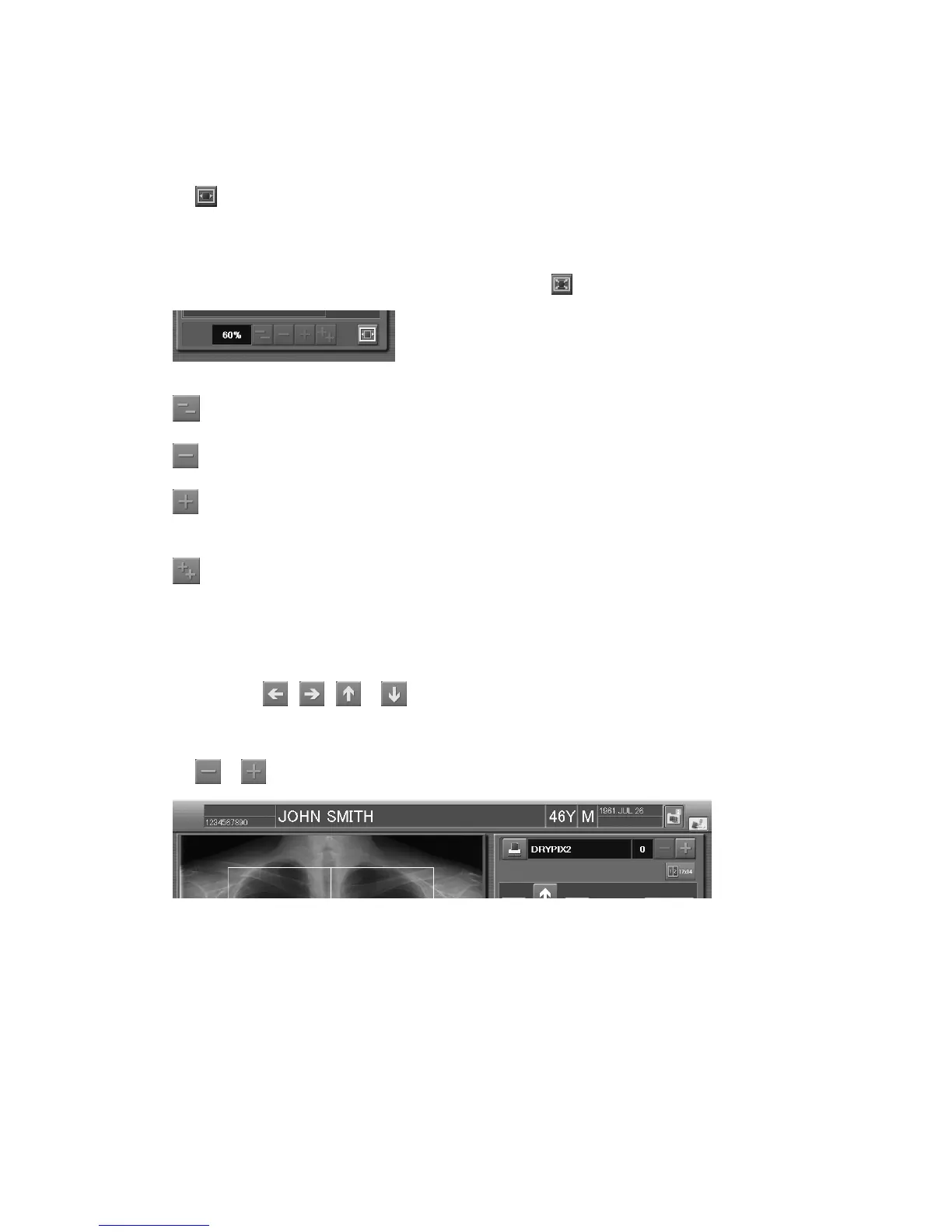
(6) Changing the number of printouts
Select
or to change the number of printouts you want.



 To Next Page