CR Console Operation Manual
2009. 09 897N0519H 4 - 41
4.4.2 Changing Parameters
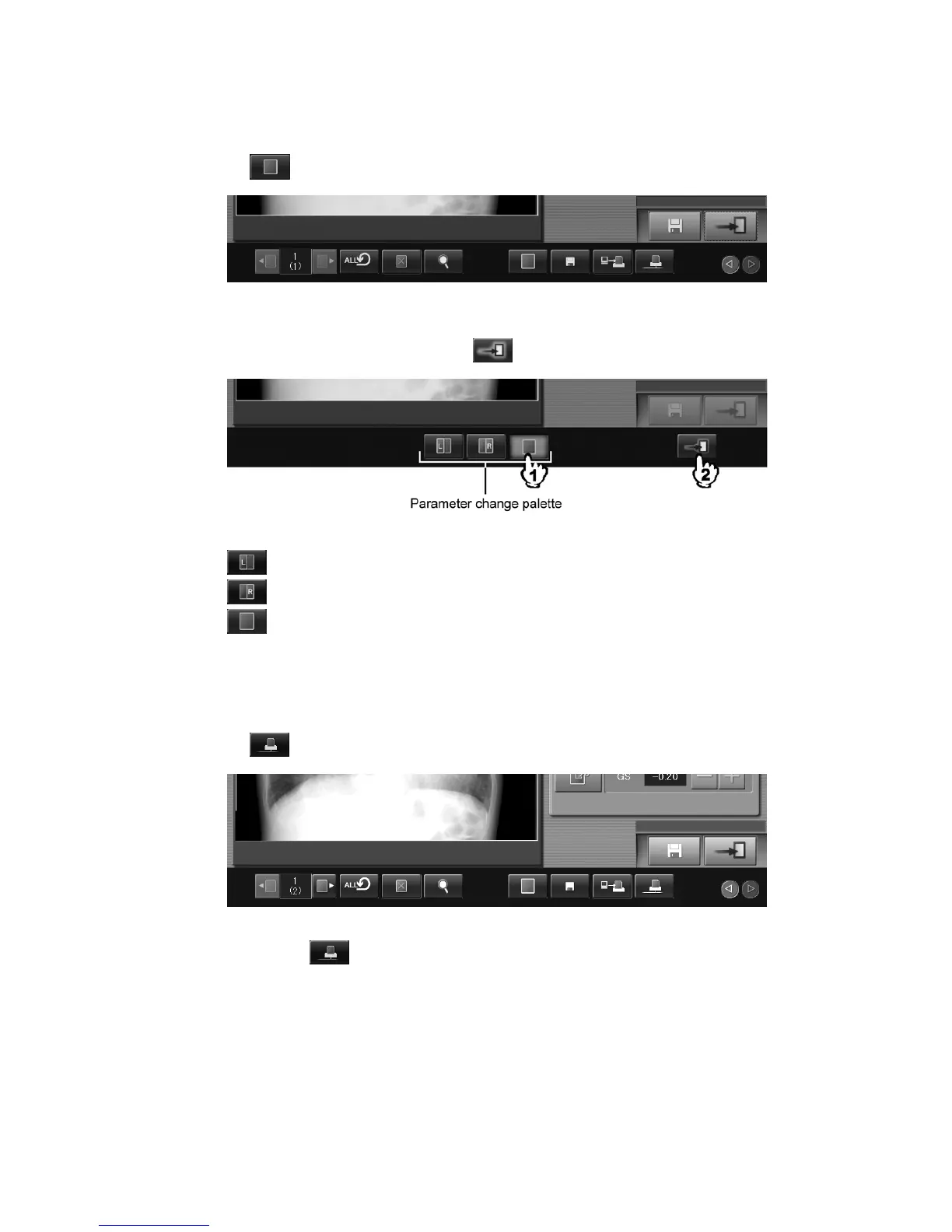
Changes application of the target image processing parameter.
Select
.
A parameter change palette is displayed.
Select either of the icons, and then select
.
: Changes to the image processing parameter for left image in two image format.
: Changes to the image processing parameter for right image in two image format.
: Changes to the image processing parameter for one image format.
4.4.3 Reprinting Display Image
Reprints the image currently displayed. However, images handled as rejected cannot be reprinted.
Images for which no printout destinations have been set up will not be reprinted either.
Select
.
When selecting
, you can also make setting so that the confirmation box is displayed.



 To Next Page