CR Console Operation Manual
3 - 4 2006. 10 897N0519C
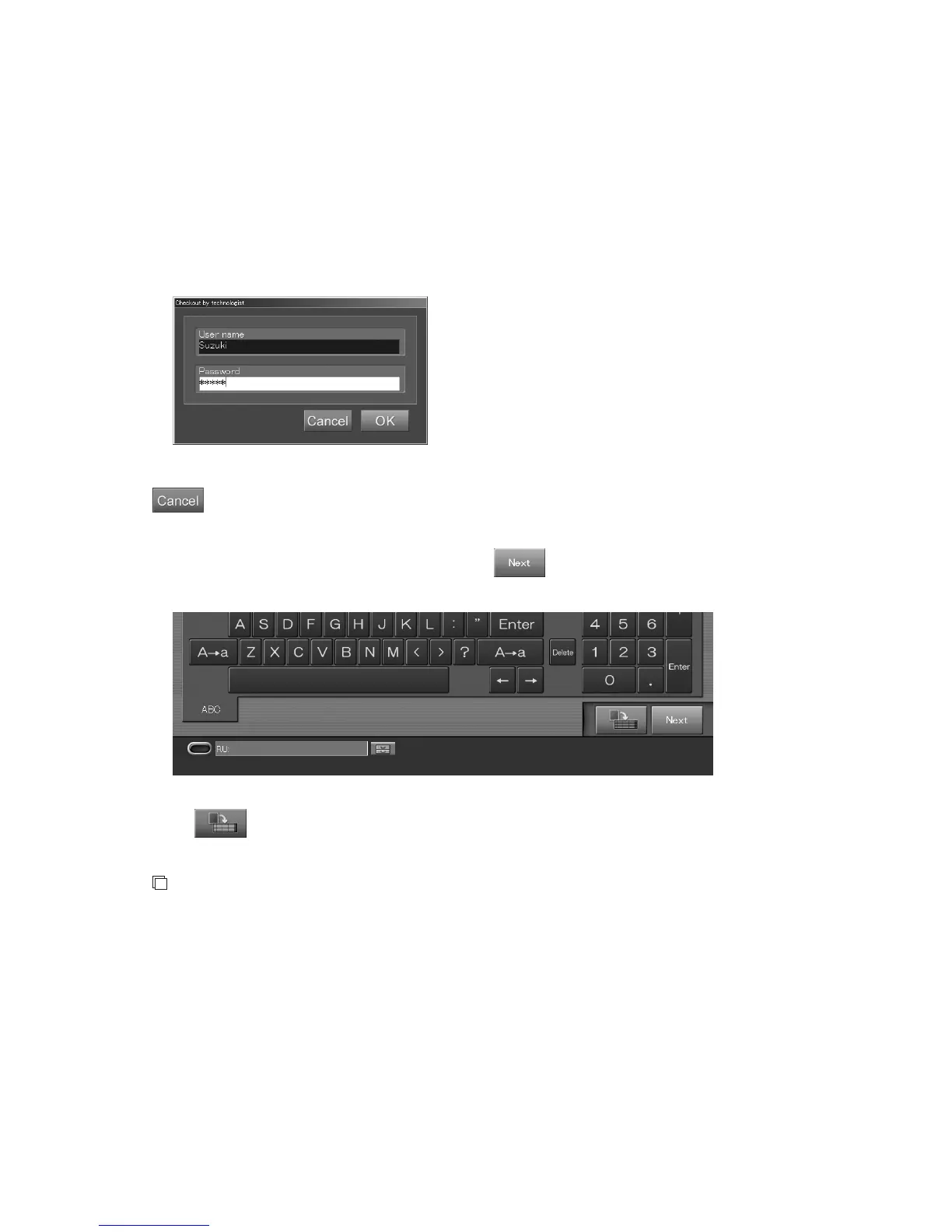
If the “Checkout by technologist box” opens when changing the technologist displayed in the
“Technologist input box”
When the user authentication has been specified according to the setting performed at installation, the
logged-in technologist is entered as the default in the Technologist input box.
When another technologist (user) is selected, the “Checkout by technologist” dialog like that shown
below appears.
Input the “User name” and “Password” after another technologist has been selected and the logged-in
technologist (user) will then be changed alternately.
“Checkout by technologist dialog box”
: Cancels operation.
(2) Ending Input of Patient Information to Display the “Exposure Menu Selection Screen”
After completing input of patient information, select
. The patient information input is then
finished to proceed to the exposure menu selection step.
When
is selected, a received study can be reserved as an unexecuted study. The reserved
study is stacked to the “Local WL” list.
NOTE
Whether input of Requesting department code/Requesting department name is correlated with
each other on not varies depending on the setting performed at installation.



 To Next Page