CR Console Operation Manual
3 - 22 2011. 06 897N0519M
3.4 Executing Studies
Starts already-received studies and reads images on the “Study Execution Screen”. Described herein
are operations for the execution of studies.
3.4.1 Starting a Study
Displays the Study Execution Screen and starts a study. Perform appropriate operation depending on
the screen currently displayed.
NOTE
Do not interrupt an operation and leave the Study Screen on for a long time.
Depending on the setting made at the time of installation, the date and time displayed on the
Study Screen is taken as the starting date of the study. Therefore, a long interruption may result in
an inconsistency between displayed date and time and the actual date and time of the study.
If you have interrupted an operation for a long time, cancel the received study and start again
from the input of study information.
(1) Starting Studies from the Exposure Menu Selection Screen
Start a study that underwent necessary processing in “Receiving Studies” and “Confirming Study
Details” on the Patient Information Input Screen and Exposure Menu Selection Screen.
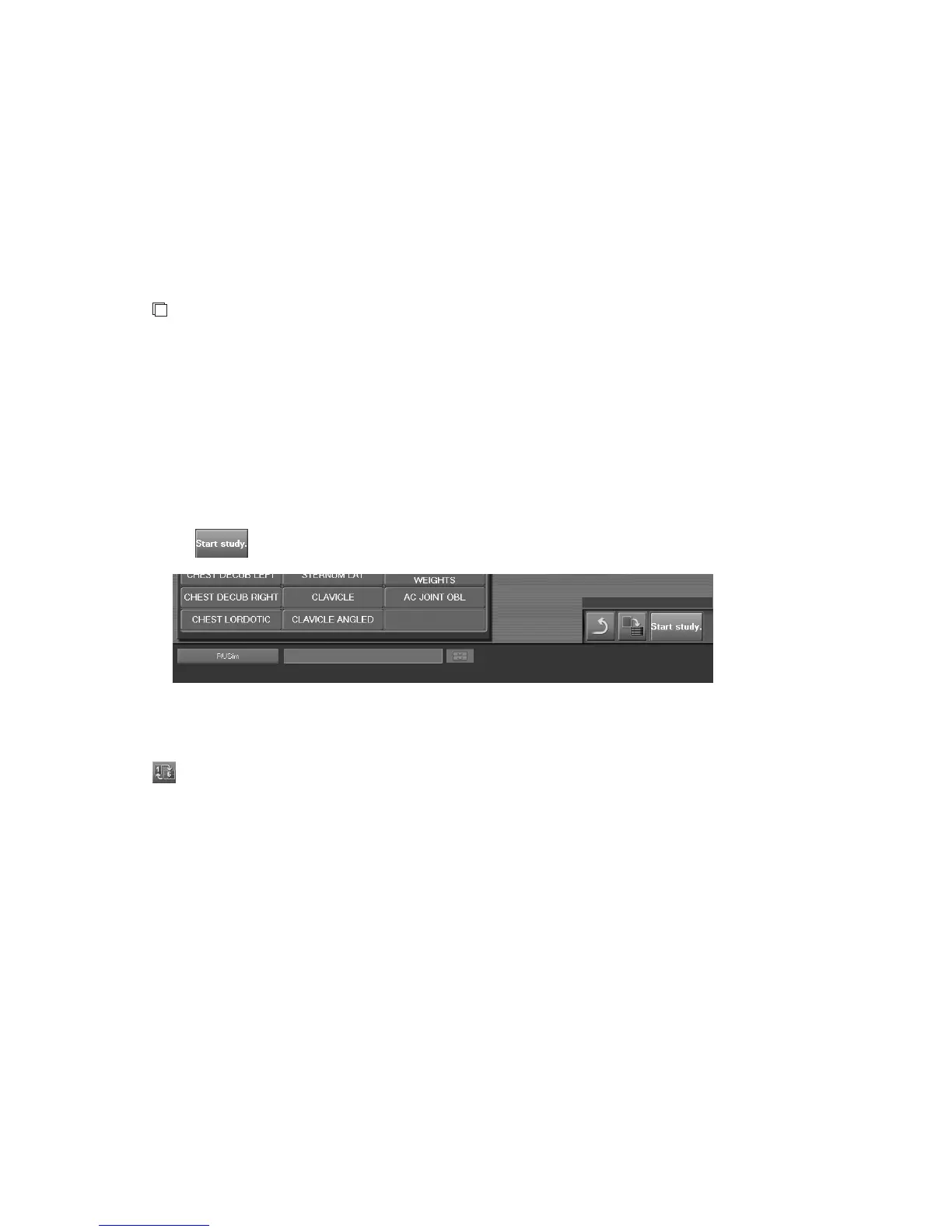
Select
.
The Study Execution Screen is displayed. There are two kinds of display mode: one-image display
mode and six-image display mode, which can be changed to each other alternately at the press of the
button. The mode can be switched alternately. It is possible to specify in the User Utility which
mode is displayed at first after the startup. Refer to [
Chapter 3 TABLE SETTING / CR Console
OPERATION MANUAL - THE USER UTILITY OPERATIONS
].
From the next study the mode set lastly will be displayed.



 To Next Page