CR Console Operation Manual
2011. 06 897N0519M 3 - 41
(9) Reading size
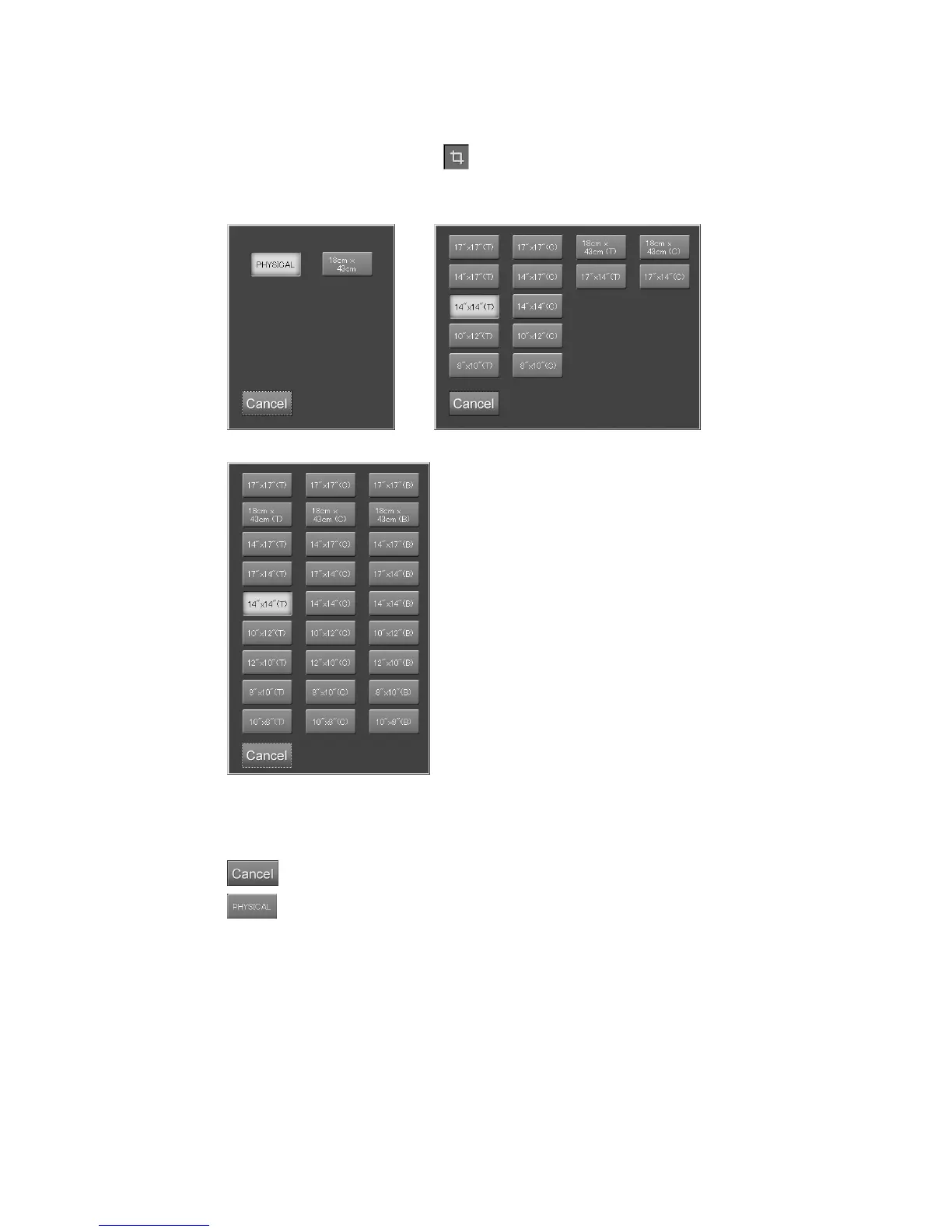
Sets the reading size of IP.
Select the parameter display filed of
to display the setting box.
Select one of the icons.
<Cassette type> <FCR 5000 series>
<FCR VELOCITY series Built-in type>
“Reading size setting box”
* The reading size setting box that opens differs depending on the Image Reader size.
: Cancels operation.
: Reads in the same size as the IP.
Others
: Reads in the displayed size shown on the icon.
For the bed-type Image Reader, only the center reference (C) icon can be selected as the
reference position for IP reading.



 To Next Page