CR Console Operation Manual
4 - 38 2009. 09 897N0519H
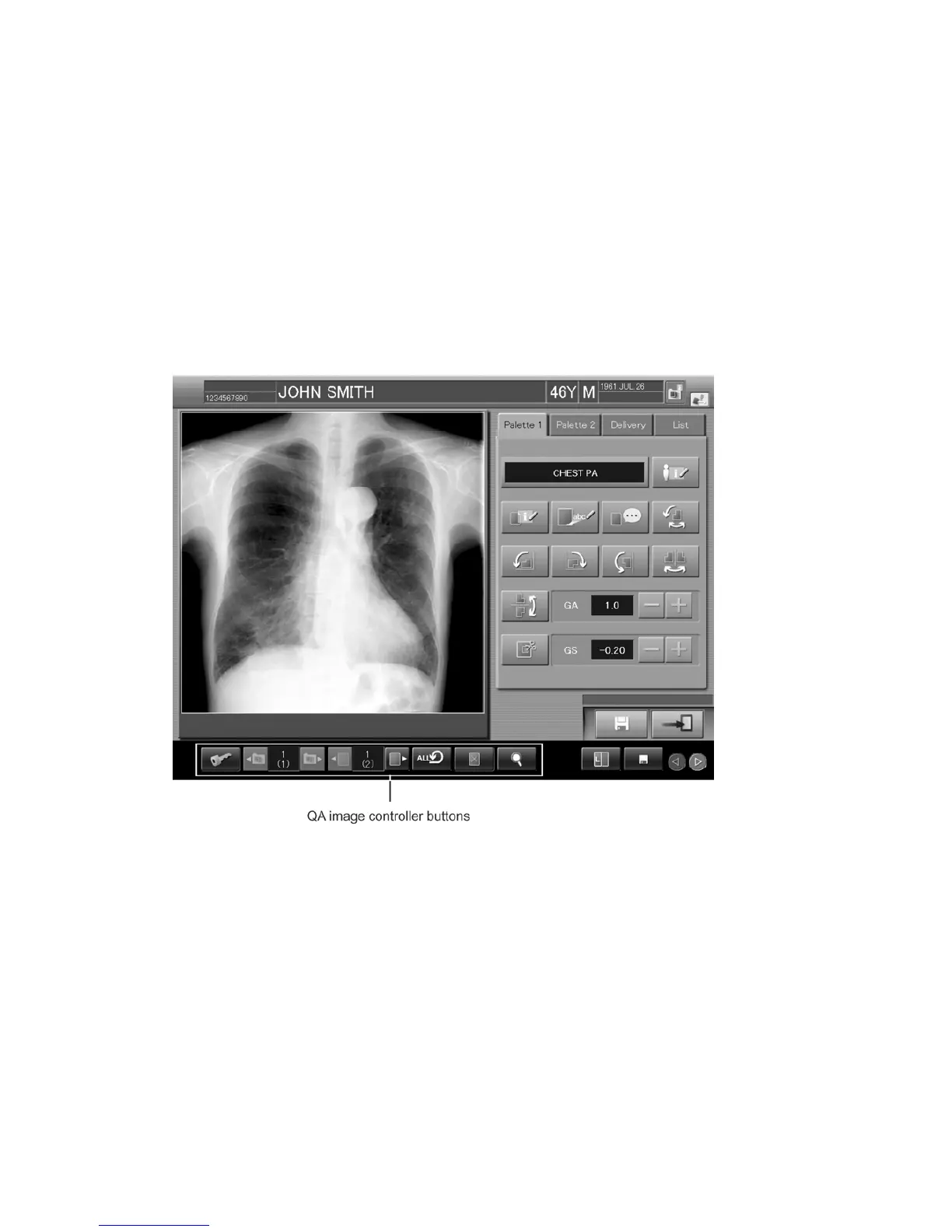
4.4 Using Utility (QA Image Controller Buttons)
This section explains how to operate various utility functions (Magnifying display image/Changing
parameters/Reprinting display image/Setting rejected image/Locking study/Saving image/Outputting
DICOM files/Special Image Print/Resetting).
Perform these operations accordingly. The “Magnifying display image/Changing
parameters/Reprinting image/Saving image/Resetting” are the functions available in common and
can be used at the Image Edit Screen by an image level, and the icons for other functions will not be
displayed.
Property of the QA image control buttons can be set at “User Utility”. Refer to [
Chapter 10
CUSTOMIZING THE SCREEN DISPLAY / CR Console OPERATION MANUAL - THE
USER UTILITY OPERATIONS
].



 To Next Page