CR Console Operation Manual
2006. 10 897N0519C 4 - 13
With the display image selected appropriately, the values can be changed also by moving
vertically (GA) or horizontally (GS).
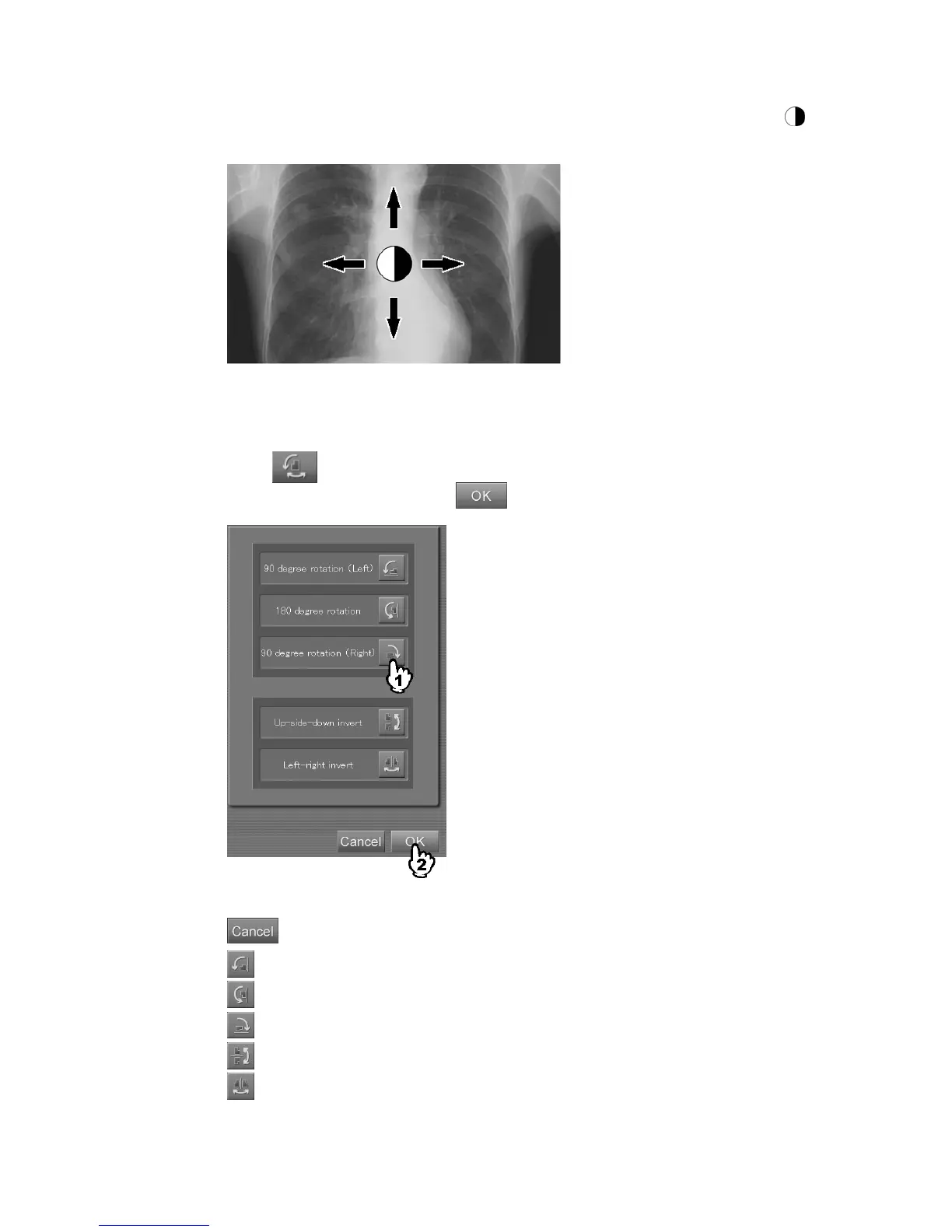
(8) Flip/Rotation
Flips or rotates the image.
When the
button is selected, the setting box is displayed.
Select one of the icons and then select
.
“Flip/rotation setting box”
: Cancels operation.
: Rotates the image 90 degrees to left.
: Rotates the image 180 degrees.
: Rotates the image 90 degrees to right.
: Flips the image vertically.
: Flips the image horizontally.



 To Next Page