CR Console Operation Manual
2008. 09 897N0519F 4 - 11
(5) Film marker
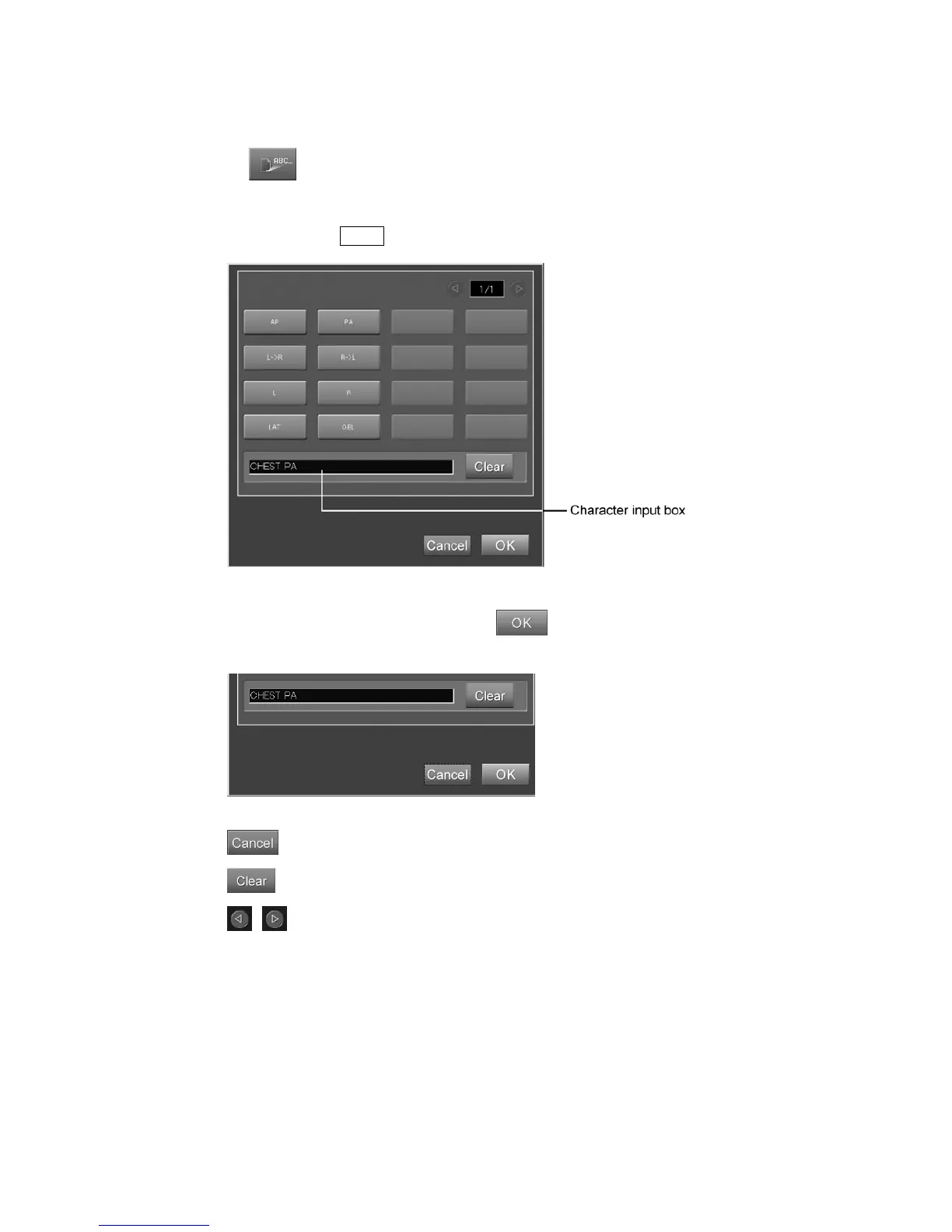
Sets a film marker (characters to be displayed on film) as follows.
When
is selected, the setting box is displayed.
Select a film marker.
However, it is possible to input arbitrary characters in the input field at the bottom of the box. Input
characters and press Enter .
“Film marker setting box”
After completing the above operation, select .
The box will be closed to complete input processing.
: Cancels operation.
: Clears all text entered in “Character input box”.
/
: Turns a new page.



 To Next Page