CR Console Operation Manual
2010. 03 897N0519J 4 - 57
4.6 Completing Image Edit
Completes image information edit.
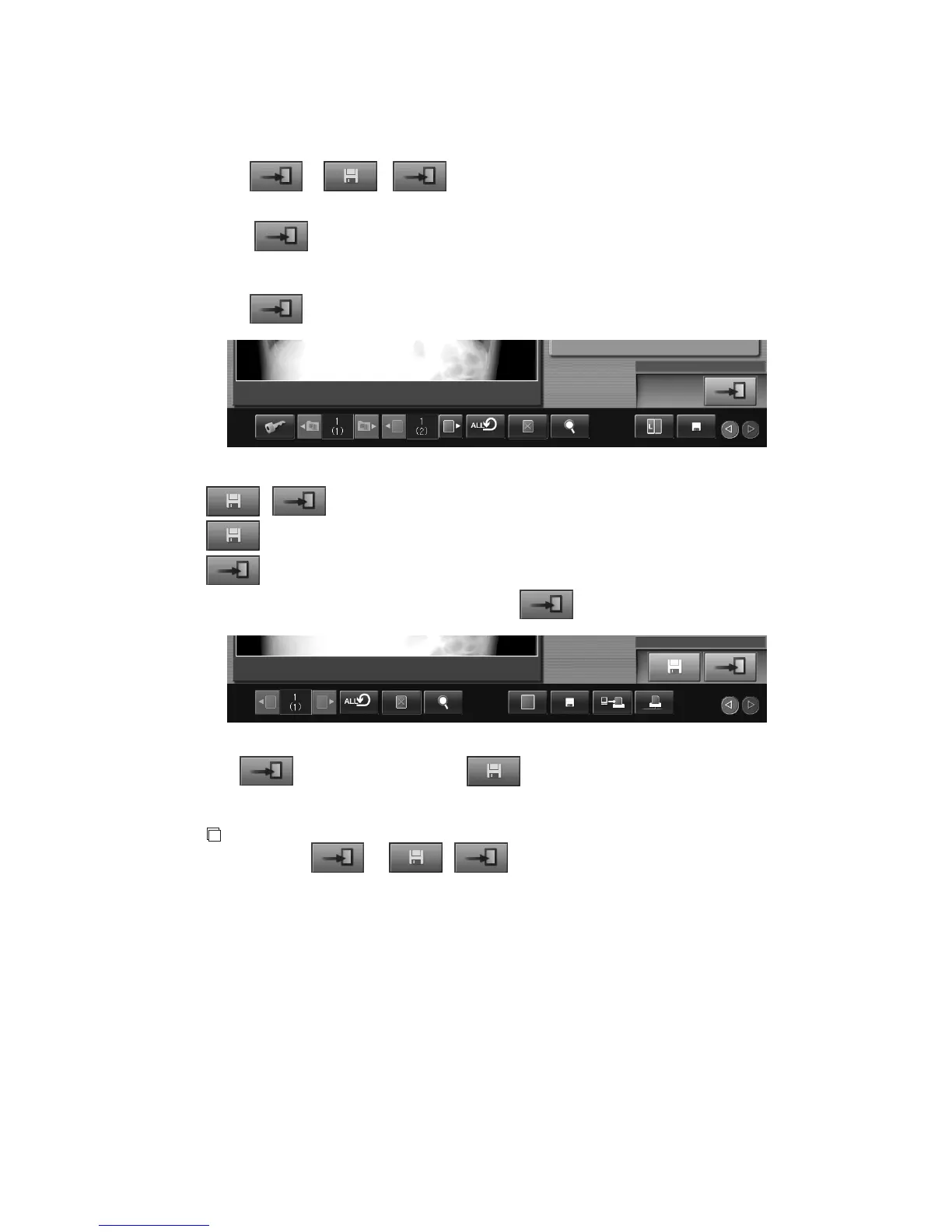
Either
or / is displayed depending on the maintenance setting. Perform the
following operation according to the displayed button.
(1) When
is displayed
When other image (study) is displayed and editing image is finished, the setting is saved
automatically.
Select
. The edit of image information is completed.
(2)
/ is displayed
: Saves edited image information.
: Ends image information editing.
To end by reflecting the setting, select and then
.
If is
selected without selecting , image edit processing will be ended without saving
the setting data.
NOTE
While either
or / is displayed, the setting will be saved automatically
when either of Changing exposure menus, Alternately switching images, Reprinting image is
performed. It is also possible to configure so that a confirmation box appears when the setup data
is saved automatically.



 To Next Page