CR Console Operation Manual
2011. 01 897N0519L
6 - 7
(3) If a Hard Disk is Damaged (for RAID-type PC)
If one of the hard disks is damaged, a window indicating so will appear on startup of the CR Console.
In such a case, press the F1 key and contact our official dealer.
If the operating system is other than Windows 2000
If the operating system is other than Windows 2000 and the function described below is installed, the
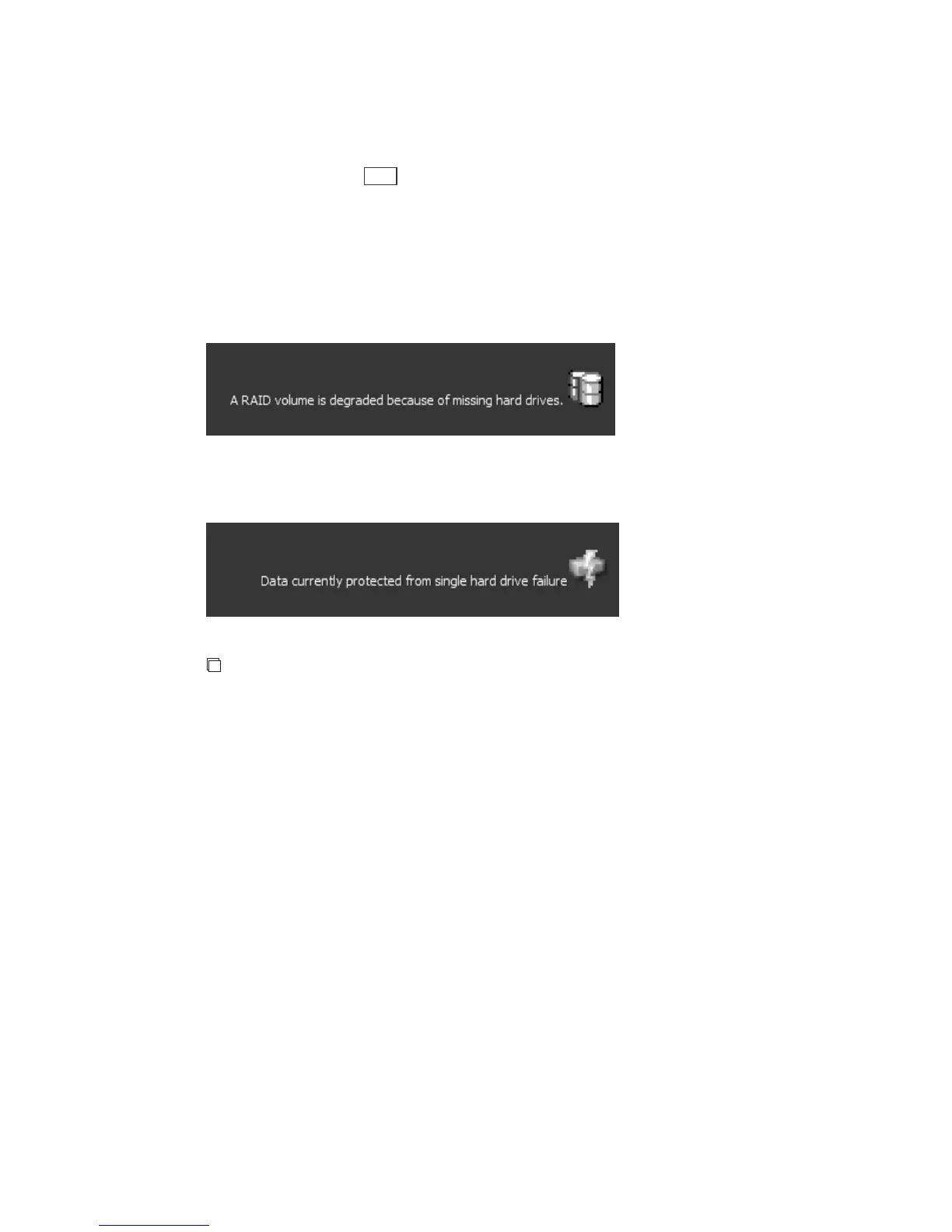
state of the hard disks can be displayed. If one of them is damaged, the following message appears.
Contact our official dealer or local representative.
The details can also be displayed by clicking the icon.
After the hard disk is restored, make sure that the following message is displayed before using the
CR Console.
NOTES
•
Do not select “Exit” from the menu displayed by right-clicking the icon. This function terminates
when the menu is selected.
•
If the message, etc. overlaps other items on the screen, move the icon to change the display position.



 To Next Page