CR Console Operation Manual
3 - 38 2011. 06 897N0519M
(5) Function
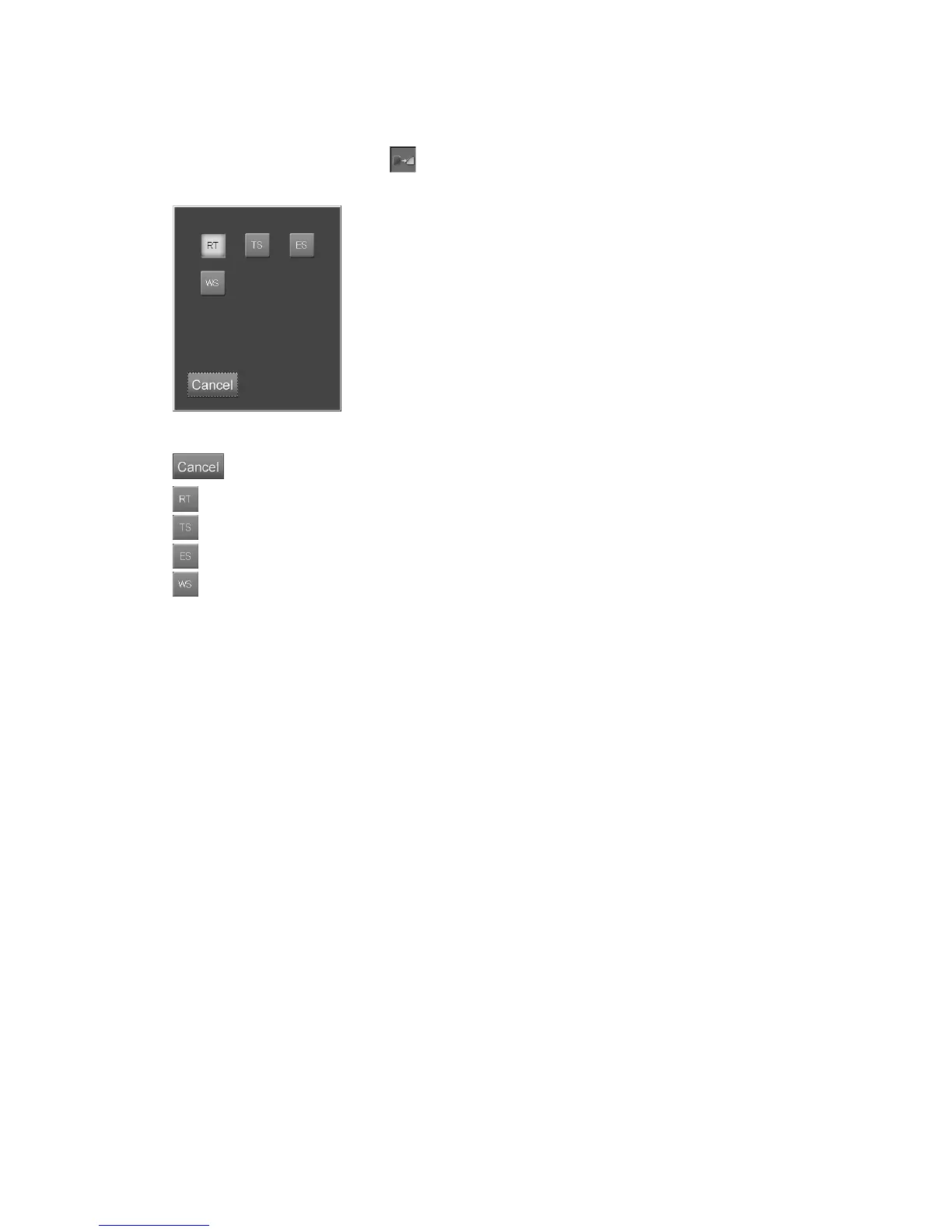
Sets the function (a special processing).
Select the parameter display filed of to display the setting box.
Select one of the icons.
“Function setting box”
: Cancels operation.
: Routine processing (normal exposure).
: Temporal subtraction processing.
: Energy subtraction processing.
: Whole spine processing.
Usually it is set to the exposure menus for the Image-composition Processing (optional).
If it is set when the user’s unit does not have the image-composing function, the image
processing defined to this function is only applied to the exposure menus.



 To Next Page