CR Console Operation Manual
4 - 36 2009. 09 897N0519H
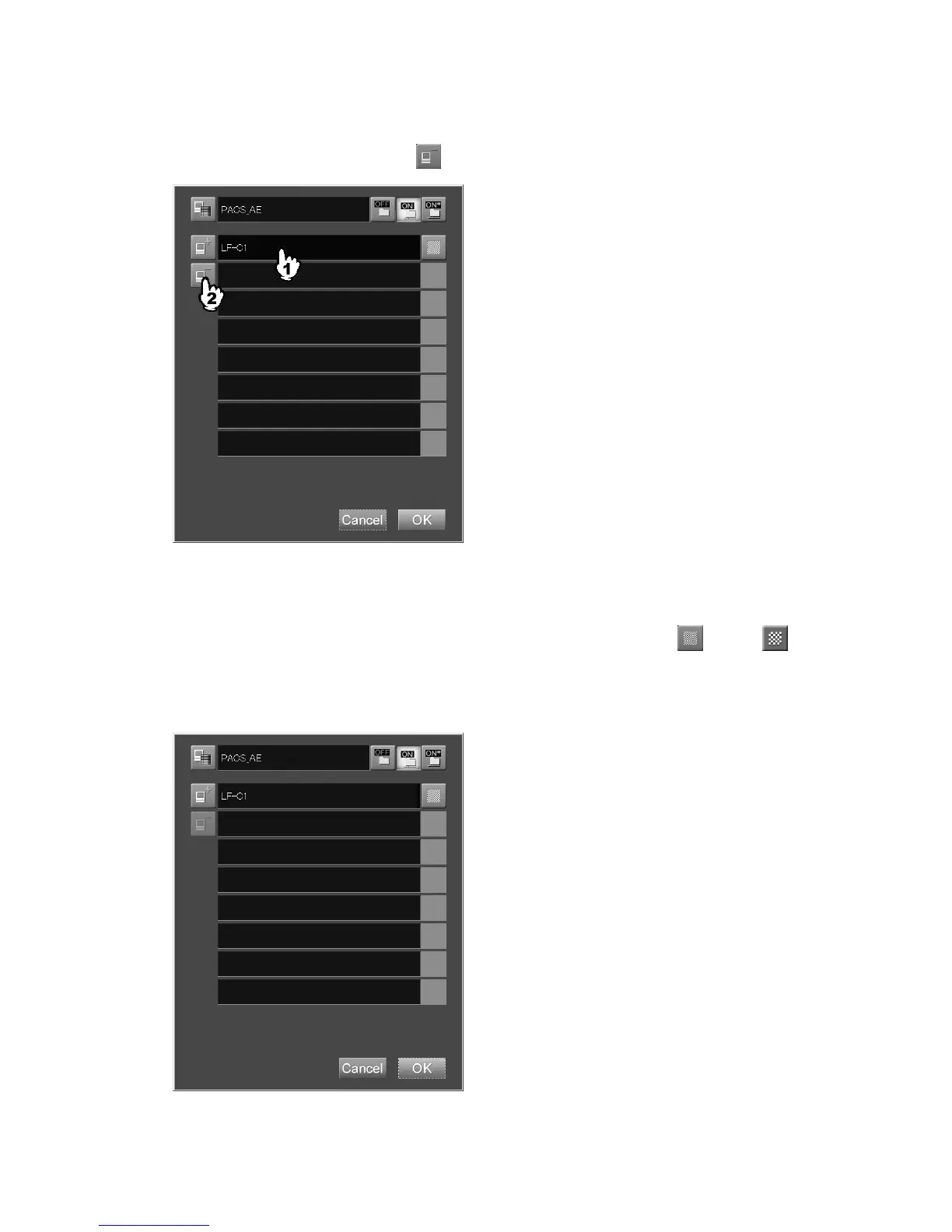
(6) Deleting a soft copy device
Deletes a registered image console.
Select a soft copy device, and then press
.
(7) Setting density of soft copy image
Sets image density to be applied when delivering images to an image console.
Select the icon in the right of the desired soft copy device display field to display
(HQ) or
(standard). Note that 14" x 17" and 14" x 14"-size images set to the standard density will be reduced
to 67% when they are output in one-image format onto film from the equipment targeted for image
transfer.



 To Next Page