CR Console Operation Manual
2006. 10 897N0519C 5 - 13
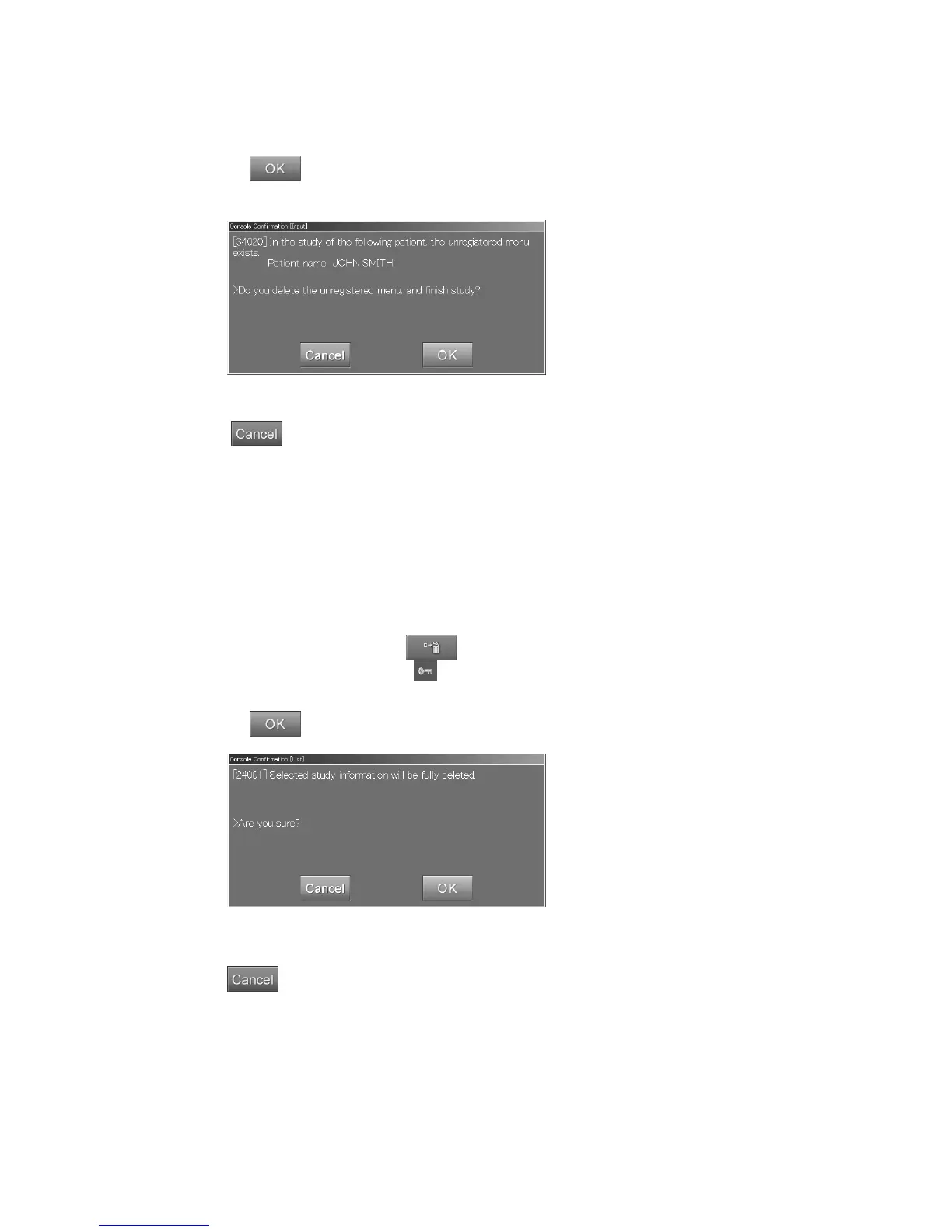
If the exposure menus before the IP registration still remain in the study, the following confirmation
box is displayed.
Select
. When all exposure menus of the study are before the IP registration, the information
for the study will be deleted.
“Confirmation
box
”
: Cancels operation.
(6) Deletion
Deletes information as follows. This function is valid for the lists of “QA” / “Queue” / “Delivered” /
“All” / “Today”. When the user authentication has been specified according to the setting performed
at installation, the user is allowed to limit the use of this function. For more information, refer to
[
Chapter 3 TABLE SETTING / CR Console OPERATION MANUAL - THE USER UTILITY
OPERATIONS
].
Select information in the highest directory (by an image level for “Queue” list, by a study level for all
the other lists), and then select
.
The information displayed with
(lock) cannot be deleted.
A confirmation box is displayed.
Select
.
“Confirmation box”
: Cancels operation.



 To Next Page