CR Console Operation Manual
2009. 09 897N0519H 4 - 55
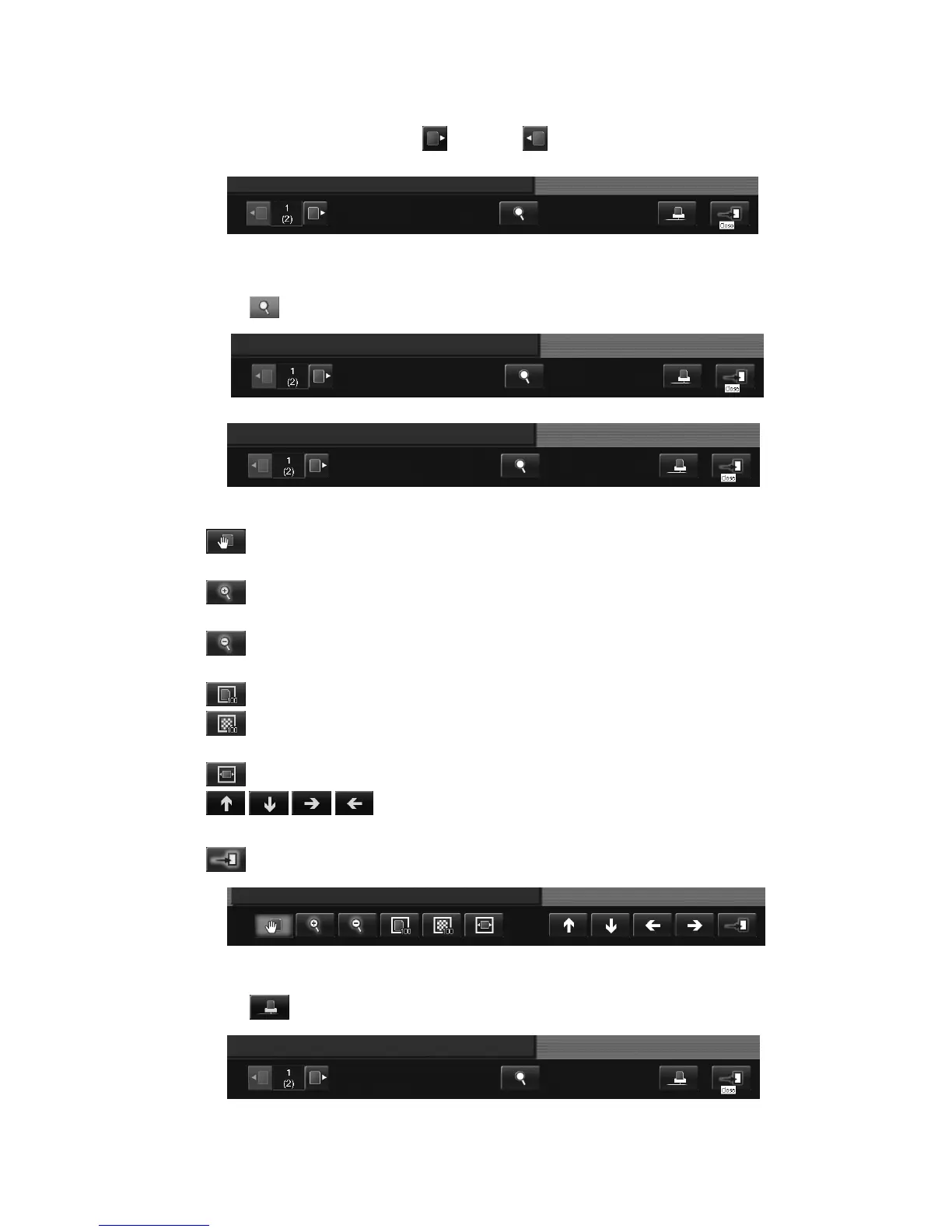
(9) Displaying the previous/next image
To display the next image, select
, and select if you want to display the previous image.
(10) Image magnification/reduction
Select
, and the magnification function palette is displayed.
“Magnification function palette”
: If any position selected on the image is moved up-and-down and right-and-left, with this
button selected appropriately, the image can be moved as you wish.
: Whenever this button is selected, the image is zoomed in taking the center of the image
display field to be the center point.
: Whenever this button is selected, the image is zoomed out taking the center of the image
display field to be the center point.
: Displays an image in the same size as that recorded on the IP.
: Displays an image, where one pixel appearing on the monitor corresponds to one pixel on
the source image.
: Displays an image in accordance with the size shown in the image display field.
/ / / :
Moves the image shown in the image display field up-and-down and right-and-left.
: Closes the magnification function palette.
(11) Printing image
Select
, and you can print a desired image.



 To Next Page