CR Console Operation Manual
2009. 09 897N0519H 2 - 17
(7) If an Error Occurs on Destination Device
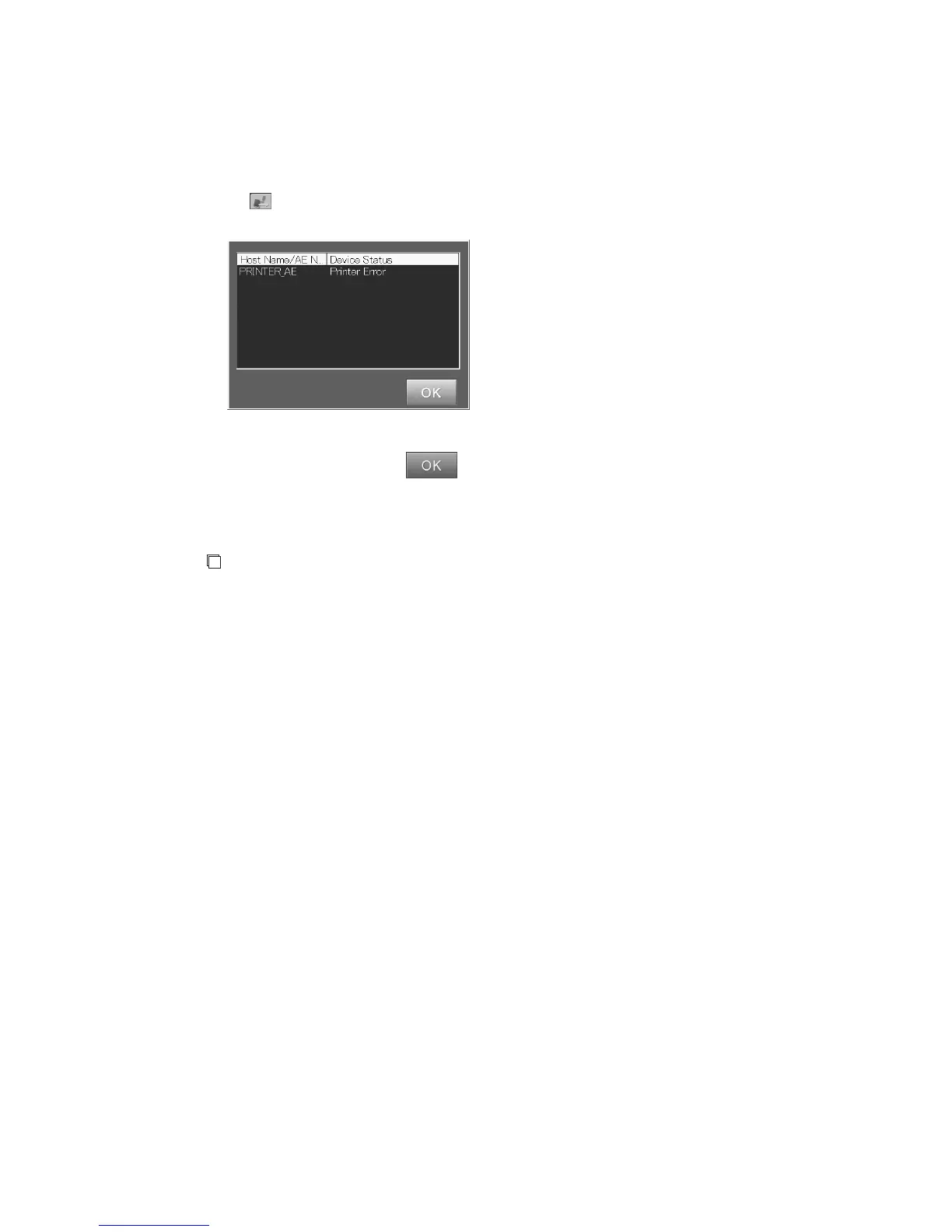
This icon appears at the upper right corner of the screen when an error occurs on a device targeted by
the CR Console for image output or on the communication with other devices connected to the CR
Console.
Select
.
The “Error display box” is displayed.
“Error display box”
Check the device status, select , and then take an appropriate action.
(8) Display of the current time and date
The current time and date are displayed. Confirm that they are correct.
NOTE
If the time and date are not correct, use the User Utility to change them.
For details on the User Utility, see [
Chapter 4 PROPERTY SETTING/CR Console
OPERATION MANUAL - THE USER UTILITY OPERATIONS
].
It is possible to change the position of the time and date display. To do this, select and drag the
display in the selected format.
To change the display format or to turn off the time and date display, please contact our authorized
distributor.



 To Next Page