CR Console Operation Manual
3 - 86 2011. 06 897N0519M
Study Suspended :
The exposure is stopped halfway through processing and the current study is suspended. For details,
see [
3.9 Suspending Studies
].
Exposure Completed :
The exposure is terminated, and the study is stacked in the “QA” list. It cannot be selected when
“Automatically distribute images to all attributes whenever an image is read.” is set for “Auto-
distribution Setting” at the Proper Setting of the User Utility.
Exposure/QA Completed :
The exposure and the image editing (QA) are terminated.
The study is stacked in the “Queue” list.
For multiple studies starting at the same time, both exposure and image edit processing (QA) will be
finished for all the studies.
If no IP has been registered for the exposure menu, the study will be added to the Local WL list or
deleted, depending on the setting performed with the User Utility.
If the study concerned is IP-registered, but whose images have not been read, the study will be
stacked to the “QA” list. Furthermore, if the study concerned is IP-registered and whose images have
been read, the study will be stacked to the “Queue” list.
(2) In the case that the exposure menus of unregistered IP remain in the study
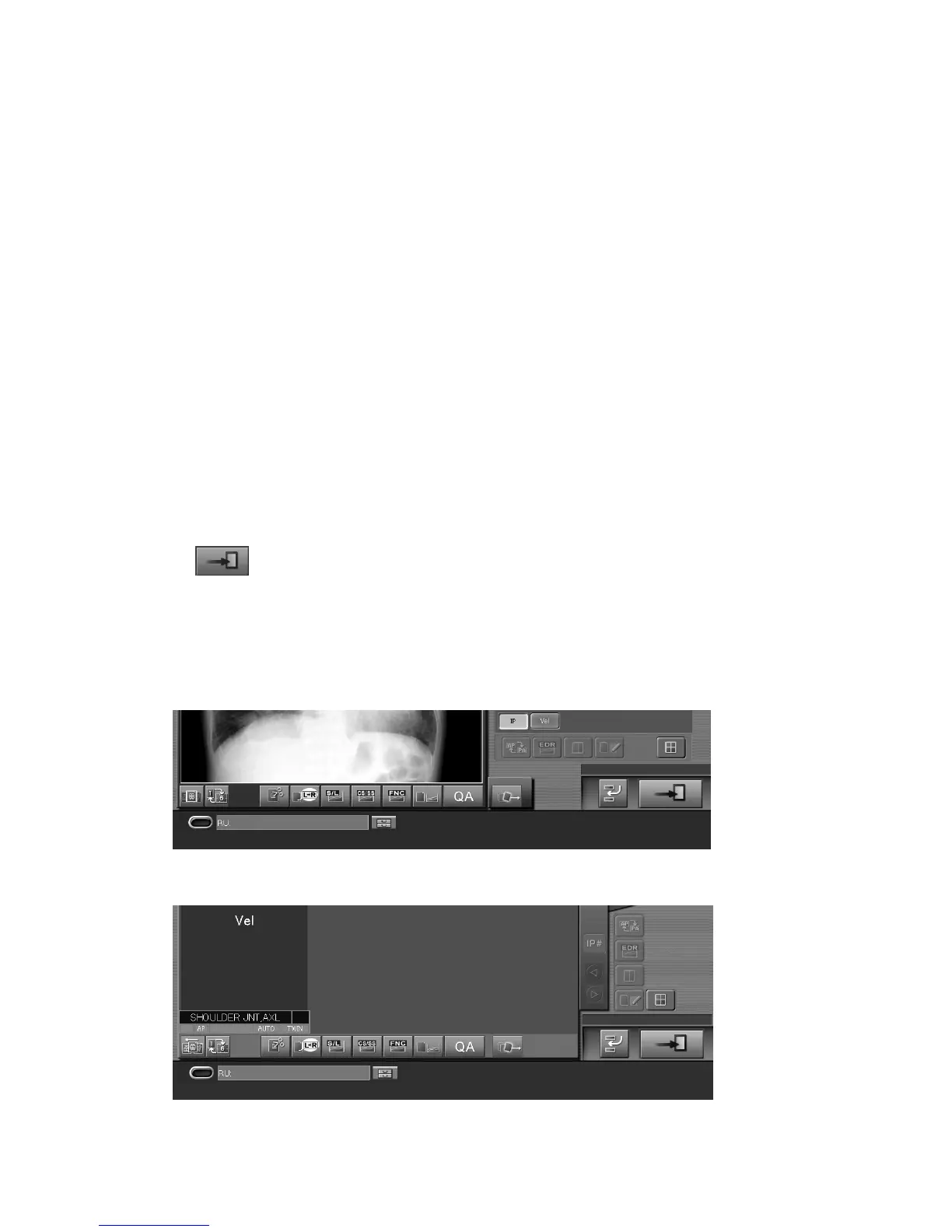
Select
. The condition set in “The method at the time pushed Study Finish button (The
unregistration menu exists.)” at the Property Setting of the User Utility is applied.
The exposure can be completed with a different condition from the setting of the User Utility.
Refer to [
(1) In the case that the image reading has been done for all exposure menus in the
study
]. (In this case, the exposure menus of unregistered IP will be deleted automatically.)
Sample of one-image display mode :
Sample of six-image display mode :



 To Next Page