CR Console Operation Manual
2011. 06 897N0519M 3 - 87
Explained herein are the conditions set in the “The method at the time pushed Study Finish button
(The unregistered menu exists.)” field within the User Utility configuration settings and those applied
when a study is ended.
The unregistered menu is deleted, and study is finished. :
If this condition is set, the exposure menus of unregistered IP are deleted automatically, and the study
is completed accordingly. The completing action will be either “Finish exposure only” or “Finish
exposure and QA” following the condition applied in the previous section.
The unregistered menu is not deleted, and study is suspended. :
If this condition is set, the study is suspended without deleting the exposure menus to which the IP
registration has not been done. So, the study cannot be completed. When completing the study, use
the same procedure as for [
(1) In the case that the image reading has been done for all
exposure menus in the study
] to complete the exposure with different condition from the setting
of the User Utility.
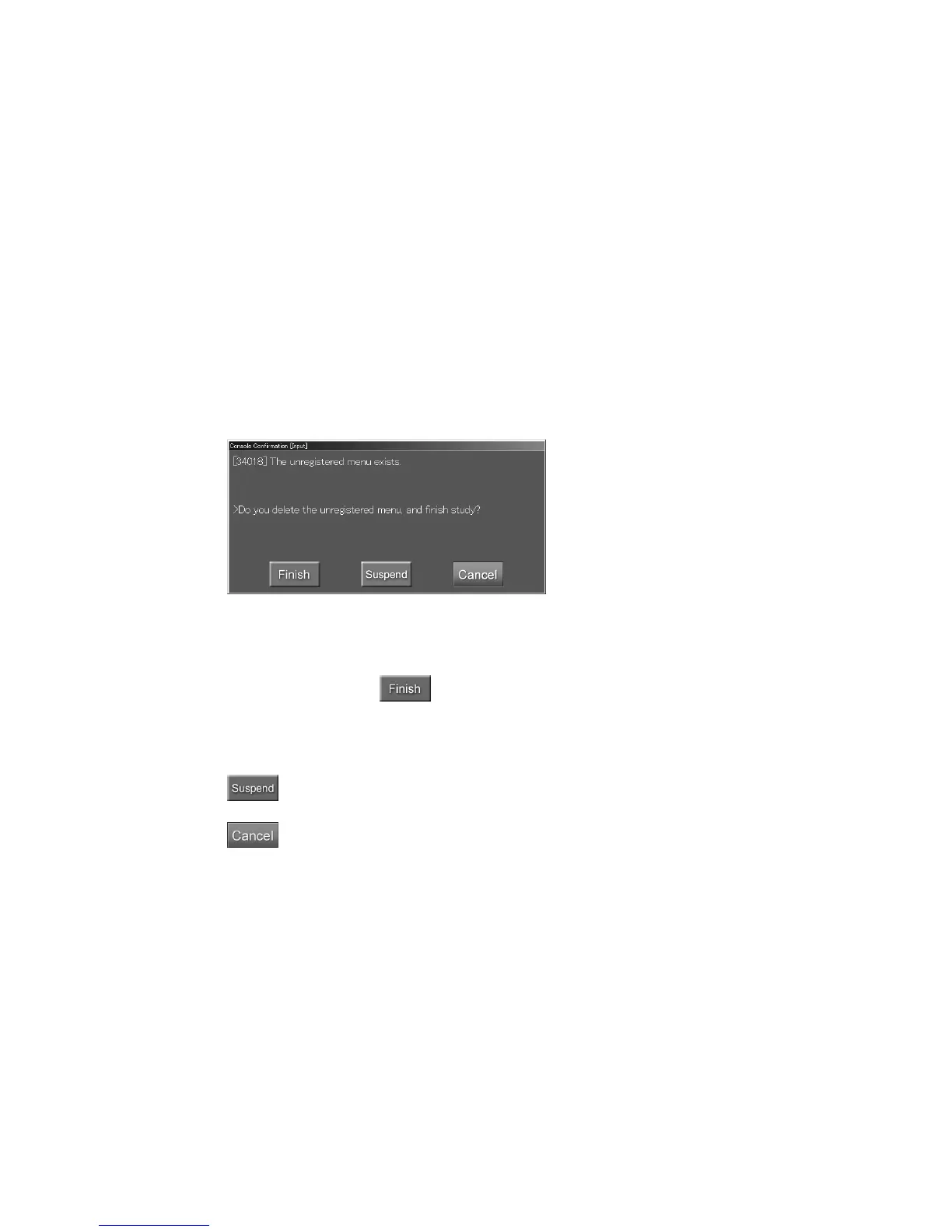
“Confirmation box”
User confirmation :
To finish this study, select
.
The exposure menus will be terminated deleting those menus to which the IP registration has not
been performed automatically. The completing action will be either “Finish exposure only” or
“Finish exposure and QA” following the condition applied in the previous section.
: If this button is selected, the study will be suspended without deleting the exposure
menus to which the IP registration has not been done.
: Cancels operation.



 To Next Page