CR Console Operation Manual
4 - 48 2010. 03 897N0519J
4.4.7 Outputting DICOM Files
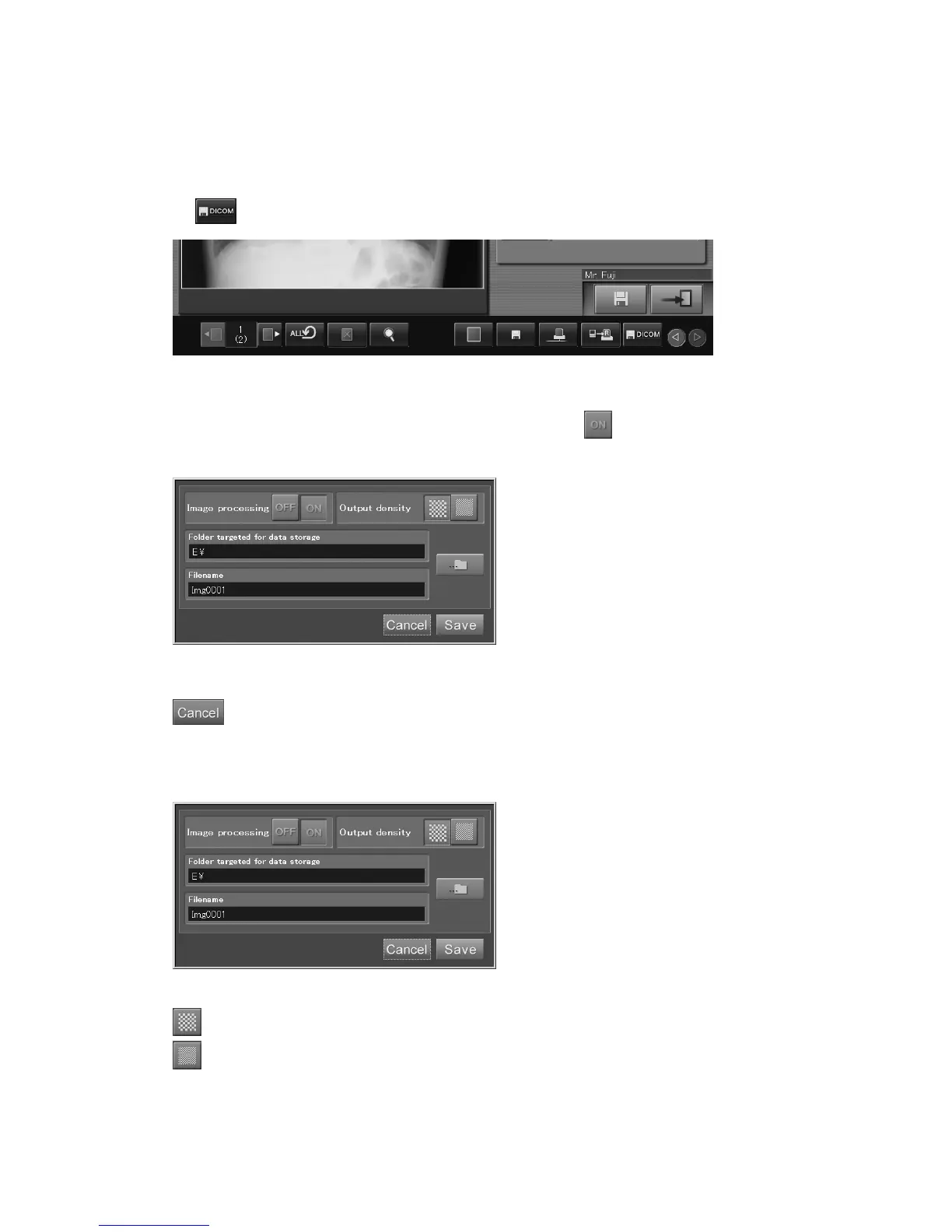
Stores the currently displayed image onto any media (floppy disk, USB flash memory, etc.) in the
DICOM stream format.
To use this function, however, prior setups by a designated service supplier are required.
Select
.
The DICOM file output box is displayed.
When subjecting an image to be stored to image processing, select
in the Image processing item
on the window shown below.
“DICOM file
output
box”
: Cancels operation.
Select either of the icons in the “Output density” item on the window shown below to determine a
desired output density.
: Standard density
: High density



 To Next Page