CR Console Operation Manual
3 - 32 2011. 06 897N0519M
3.4.2 Preparation before Exposure (Image Reading): Confirmation and Modification of
Exposure Parameters
Makes various settings for the exposure menus of the study before performing exposures. Perform
the operation if necessary.
Confirms or changes exposure parameters. This processing cannot be performed to the exposure
menus to which the IP registration and/or the image reading have been performed. For an already-
registered IP, setting image flipping (
) is possible for the exposure menu, if the image has not
been read yet.
An appropriate condition for each parameter is already set by an exposure menu, perform these
operations accordingly.
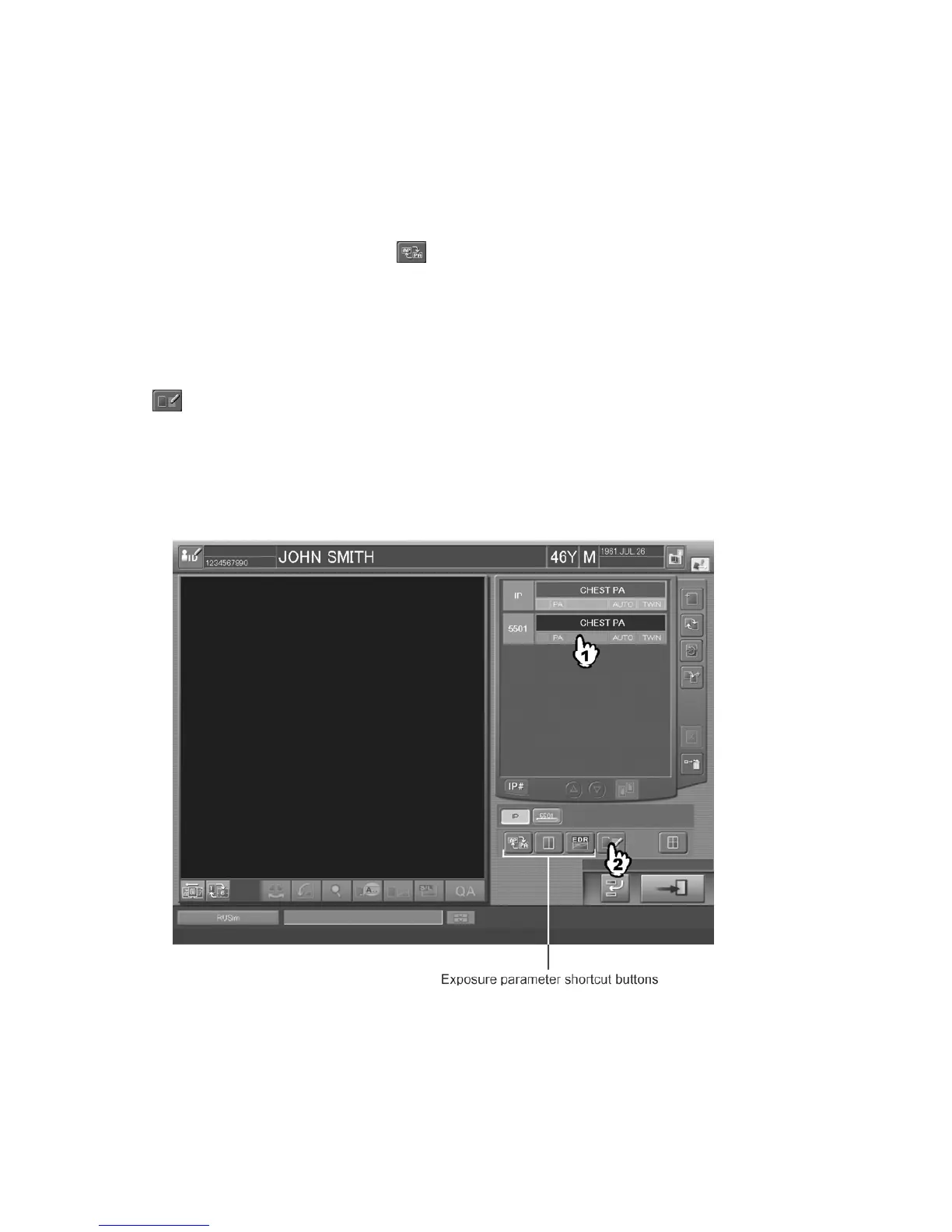
Select an exposure menu that has not been subjected to image reading, and then select the exposure
parameter shortcut button for a parameter you want to modify to displaying setup boxes or select
to displaying the “Exposure Parameter Selection Box”. Note that the configuration where the
exposure parameter shortcut button is displayed differs depending on the settings made at the time of
installation and the settings made with the User Utility. Refer to [
Chapter 10 CUSTOMIZING THE
SCREEN DISPLAY / CR Console OPERATION MANUAL - THE USER UTILITY
OPERATIONS
].
One-image display mode:



 To Next Page