CR Console Operation Manual
4 - 12 2006. 10 897N0519C
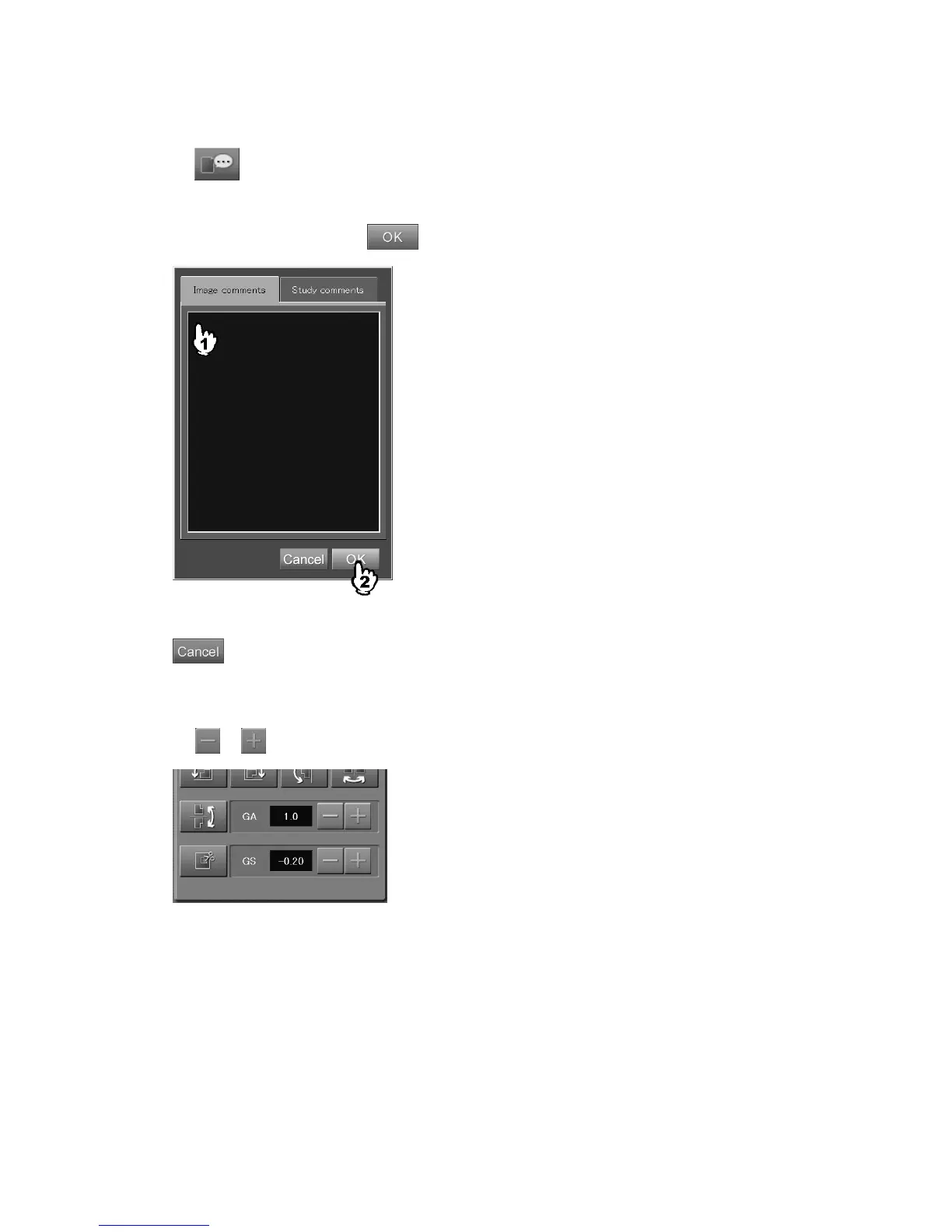
(6) Comments on image/study
Sets comments on image/study.
When
is selected, a setting box is displayed.
When the image comment is set, select “Image comment”. When the study comment is set, select
“Study comment”. The study comment cannot be edited at the Image Edit Screen by an image level.
After inputting comments, select
.
“Image comment/study comment input box”
: Cancels operation.
(7) Changing GA/GS
Changes values of GA (contrast) and GS (density).
Select
or to change the value.



 To Next Page