CR Console Operation Manual
4 - 50 2009. 09 897N0519H
4.4.8 Special Image Print
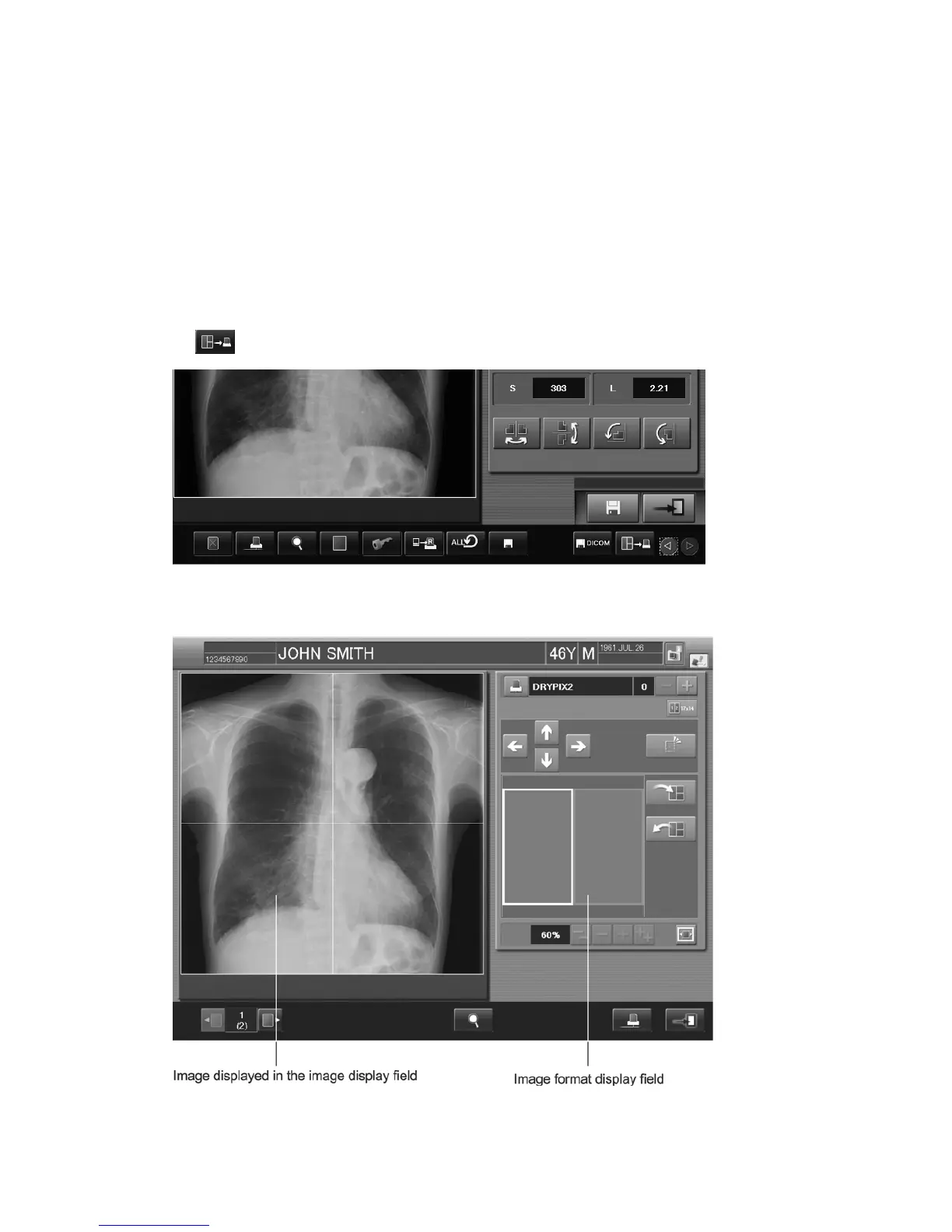
Performs trimming of a specified range on an image, and then magnifies/reduces the area undergone
trimming processing to produce a printout on film. The range undergone trimming for the purpose of
magnification/reduction can be printed on the same film in one image or multiple (two to four)
images by selecting a proper film format.
To make use of this function, it is required that necessary settings have been made by a designated
service supplier. The following patient information items are printed on film.
Patient ID, Patient name, Date of birth, Sex, Exposure direction (AP or PA), as well as
Magnification/reduction ratio.
Select
.
A window opens, where the setting for special image print is to be determined.



 To Next Page