CR Console Operation Manual
4 - 20 2009. 09 897N0519H
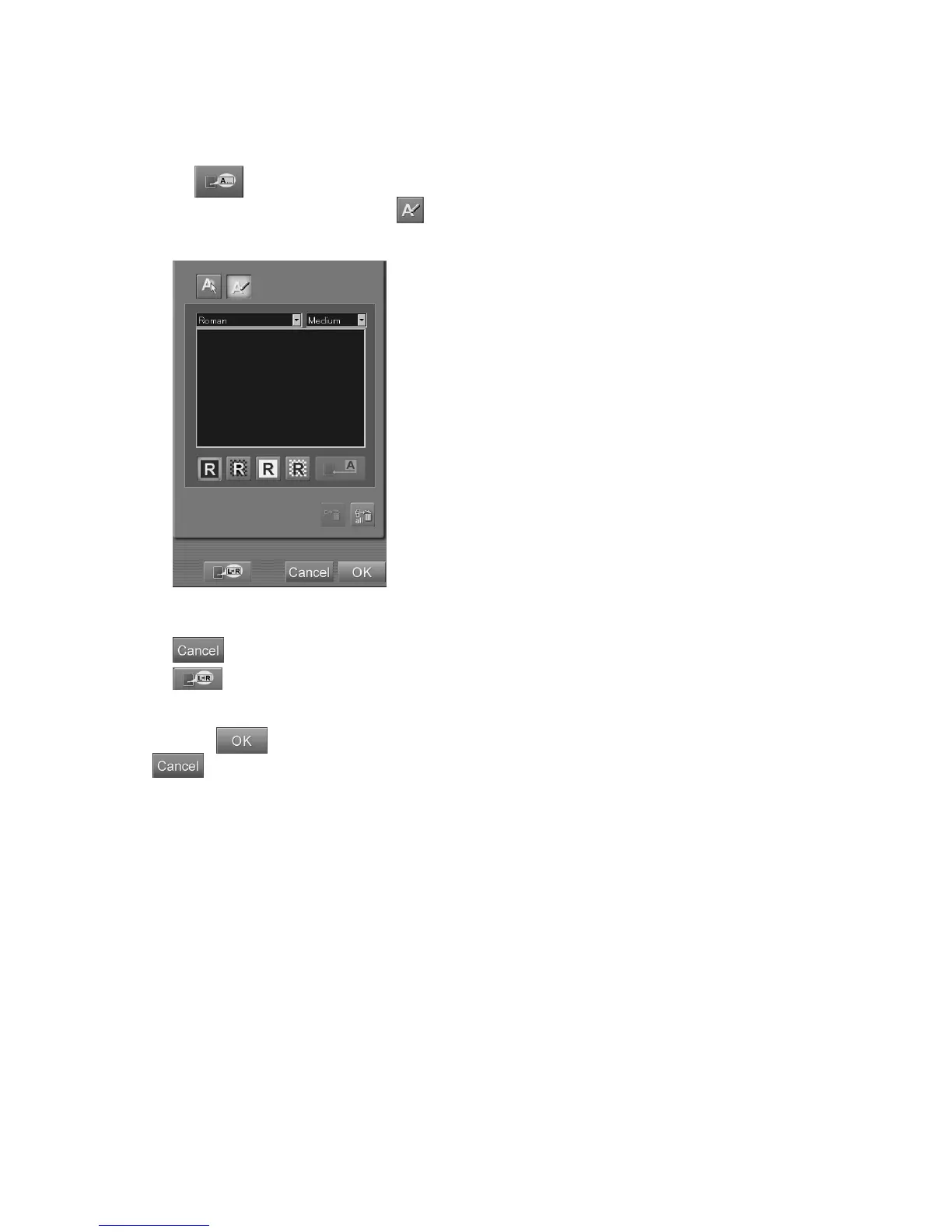
(11) Inputting annotation characters
Inputs annotation characters. (Artifacts may appear around the annotation characters input on images
due to frequency processing when those images are displayed or output on film by other devices.)
When
is selected, the setting box is displayed.
To input annotation characters, select
to go into the text input mode. (Immediately after the
relevant screen has been displayed, this mode remains selected for a certain period of time.)
“Annotation setting box”
: Cancels operation.
: Displays the marker input box.
For the “Marker input box”, see [
(10) Inputting markers
].
Selecting
in the marker input box will also complete the annotation character input. Selecting
cancels operations performed in the annotation character input box.
To specify a position before inputting annotation characters, select the desired position on the image.
The point for input of annotation characters is thus determined. To delete such point, re-select it.
When no specific position is determined for input of annotation characters, the annotation will be
input at the center of the image.
The annotation character position can be changed accordingly even after they have been input.



 To Next Page