CR Console Operation Manual
2009. 09 897N0519H 4 - 19
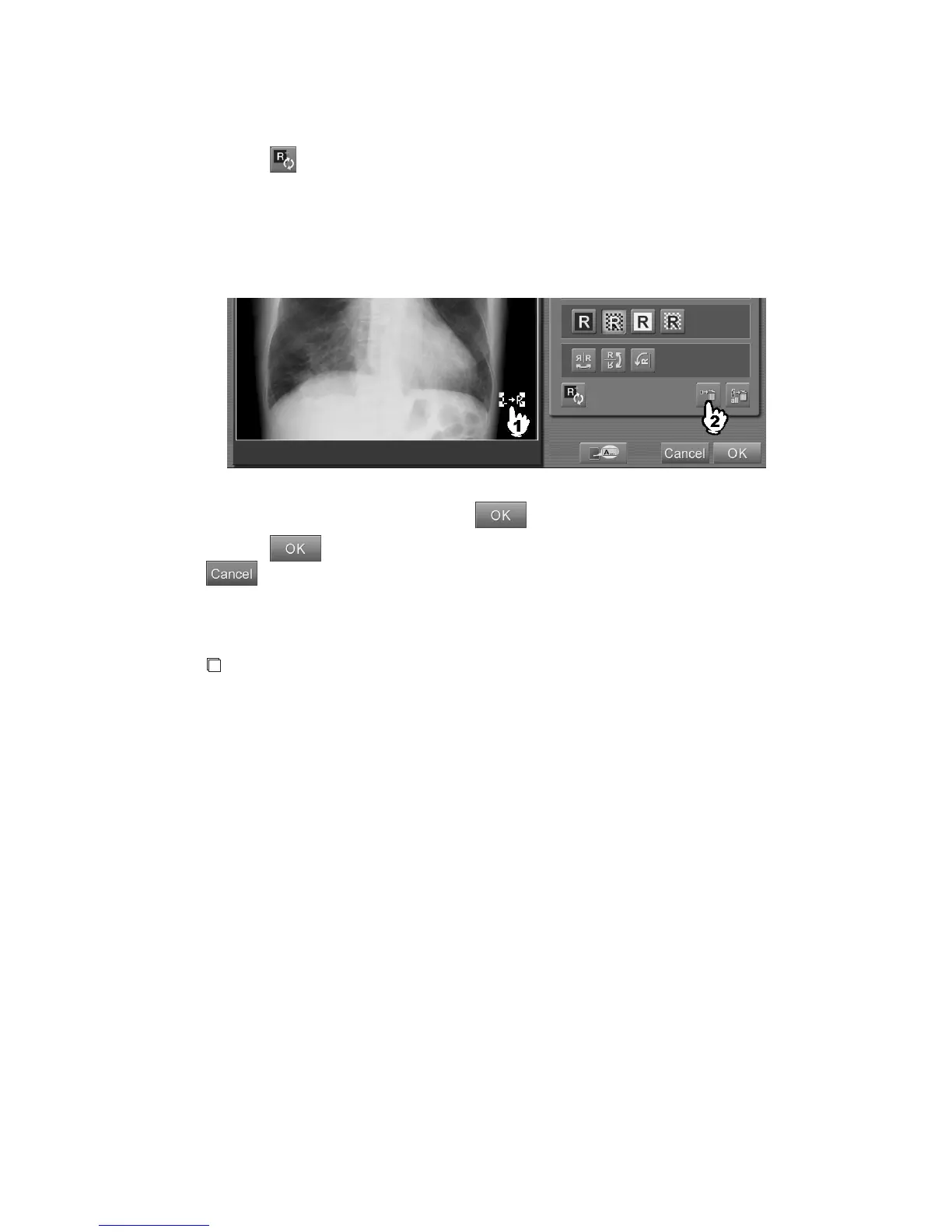
Auto-inputting markers
Selecting
after setting the marker, it will be reflected on the exposure menu for the image being
edited. Up to four markers can be set for an exposure menu.
Once the setting is made, the marker(s) can be displayed automatically on an image exposed with the
same exposure menu.
The automatic marker is displayed in a dotted line in black and white. The display position and
editing operations are the same as for normal markers.
After completing the marker input, select
.
Selecting
in the marker input box will also complete the annotation character input. Selecting
cancels operations performed in the annotation character input box.
When the exposure menus are changed or the image switching is performed after the marker input,
the marker is erased.
NOTES
• Do not mistake the right- and left-side of the exposed image. When making an exposure, place
lead characters or input a marker by using the CR Console function and make sure that the
direction of the image and the display on the marker are the same. Make also sure that the lead
characters or the marker is correctly displayed on the monitor after setting it.
If you use the automatic marker, confirm that the directions of the set marker and the displayed
image are the same.
• When correcting the position of the automatic marker, move it manually.
• The automatic marker is not reflected on a stitched long-view image read in the background.



 To Next Page