CR Console Operation Manual
2008. 03 897N0519E 2 - 5
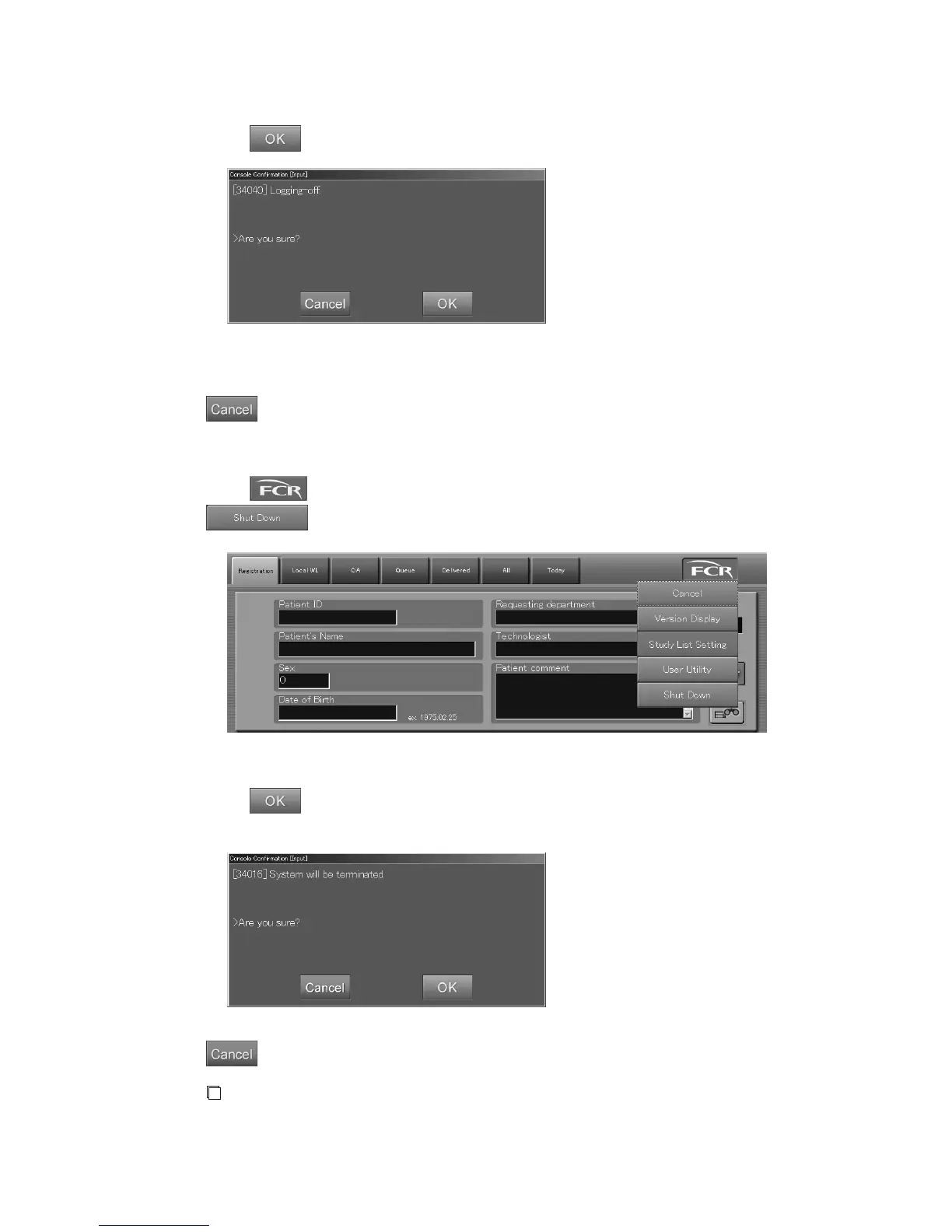
The “Confirmation box” is displayed.
Select
.
“Confirmation box”
This completes logoff processing and the “Login box” opens.
: Cancels operation.
2.1.2 Shutting Down the CR Console
Select to display the menu on the Patient Information Input Screen, and then select
.
The “Confirmation box” is displayed.
Select
. The application software of the CR Console ends, and the power of the personal
computer is automatically turned off.
: Cancels operation.
NOTE
• As the CR Console is not supposed to operate continuously all day long, turn off the personal
computer once a day by performing this section’s operation.



 To Next Page