CR Console Operation Manual
2006. 10 897N0519C 5 - 11
(2) Search
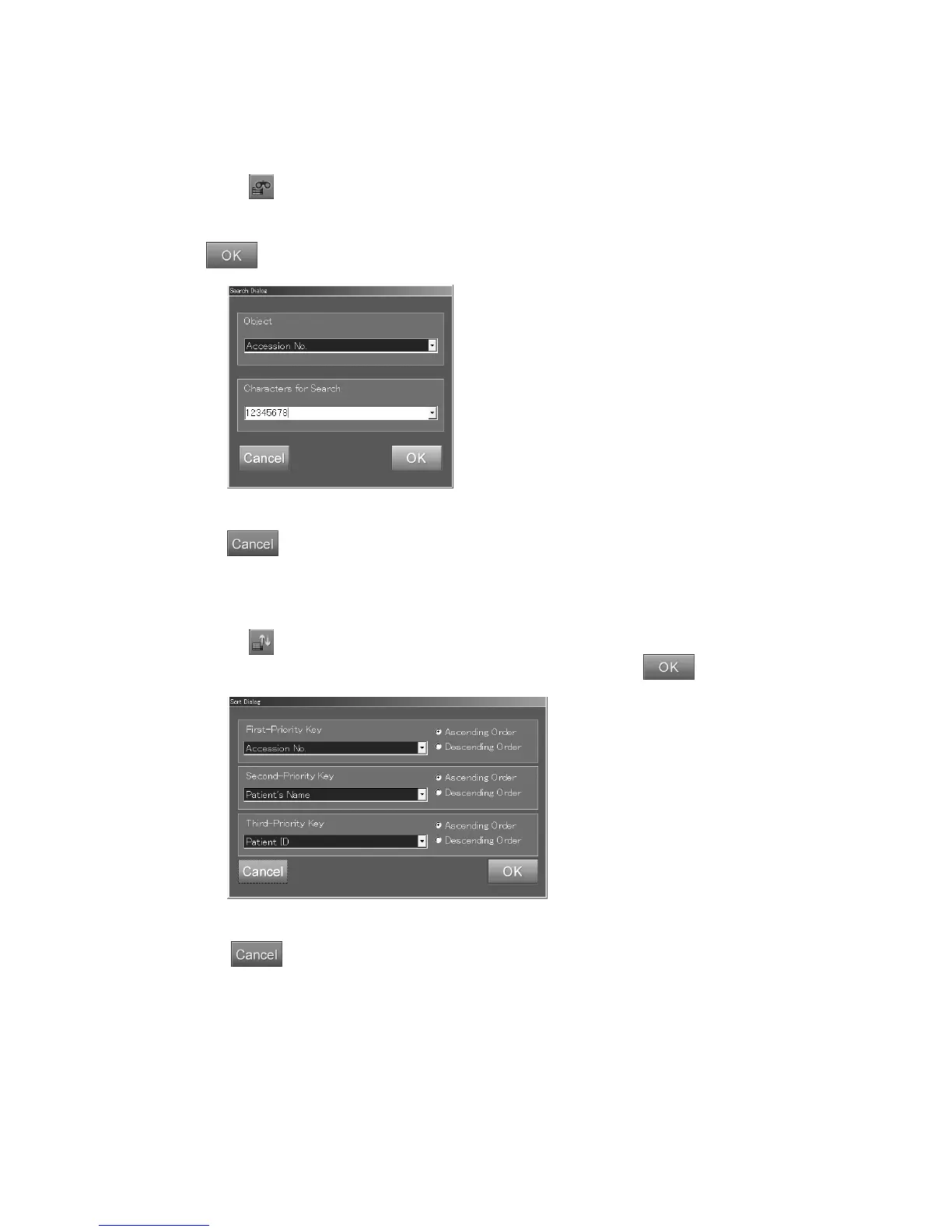
Searches (selects) specific information from the list. The target will be the information currently
displayed in the list. This function is valid for all the lists.
When
is selected, a dialog box is displayed.
Select the information item to be searched, and enter the character string to be searched, (if the
character string has been entered before, it can be selected from the drop down list.), and then select
.
“Search dialog box”
: Cancels operation.
(3) Setting the Sorting Order
Sets order for sorting the list. This function is valid for all the lists.
When
is selected, a dialogue box is displayed.
Selects the priority of the sort keys and their orders, and then select
.
“Sorting dialog box”
: Cancels operation.



 To Next Page