CR Console Operation Manual
3 - 24 2011. 06 897N0519M
(2) Starting Studies from the “Local WL” List
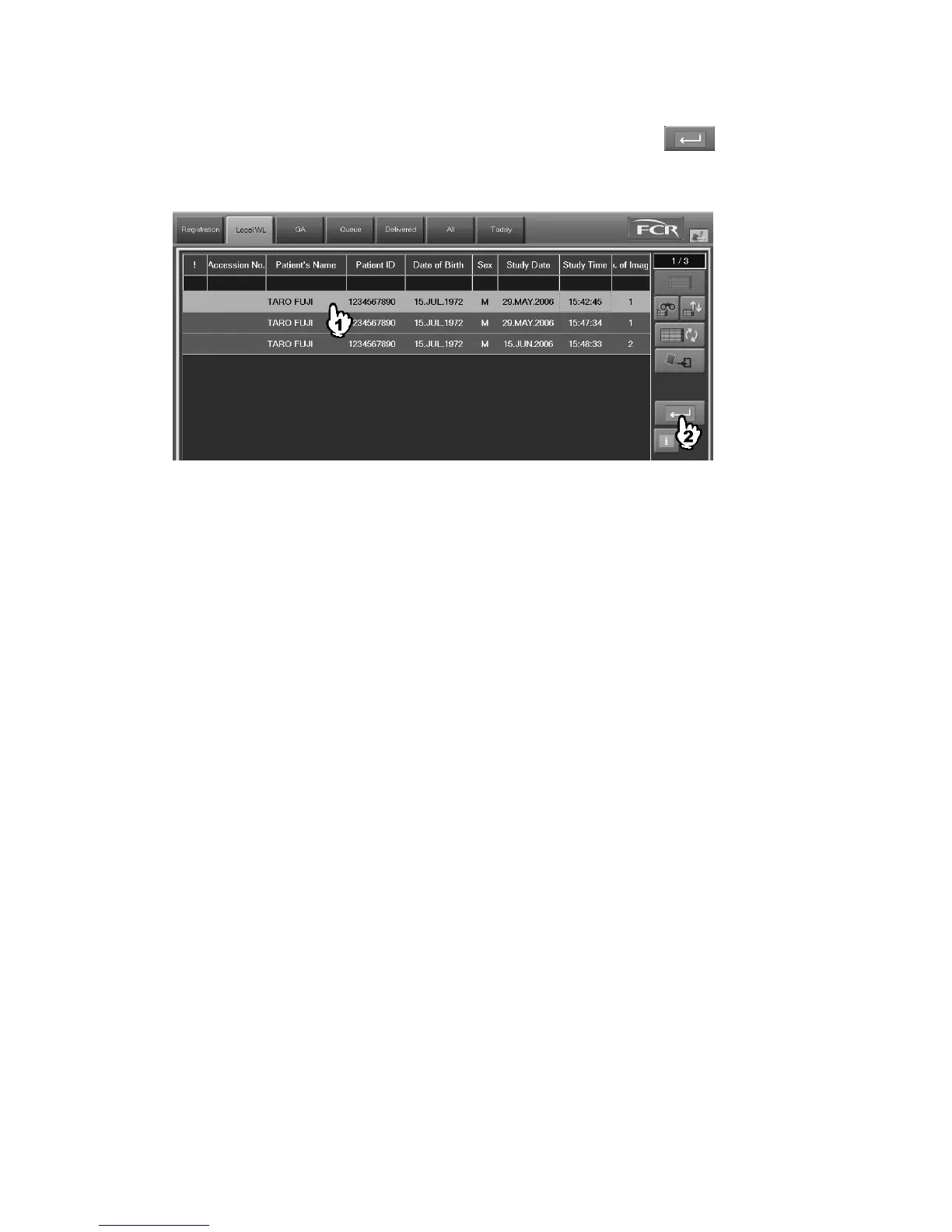
Executes studies stacked in the “Local WL” list. Select a study, and then select
.
In the event that the selected study has already been opened on another CR Console, it cannot be
opened. (See [
Chapter 5. OPERATIONS - LIST
].)
The Study Execution Screen is displayed. For more information about the Study Execution Screen,
see [
2.2.9 Study Screen
].
When starting multiple studies at the same time (option)
At the option where multiple studies can be started at the same time, it is possible for you to start
multiple studies from the “Local WL” at the same time for the same patient.
To start multiple studies for the same patient at the same time, the following input items of the
patient information should be consistent with each other. Note that inconsistency will result even if
these information items have been input differently for each study or no such items have been input.
• Patient ID
• Patient name
• Sex
• Date of birth
Note also that either of the following patient information items should have been input indispensably.
• Patient ID
• Patient name



 To Next Page