CR Console Operation Manual
6 - 6 2010. 10 897N0519K
Precautions when using the cassette-in FCR Image Reader
•
After performing one exposure, it is important that you follow the procedure to perform a single IP
registration.
When you have performed the IP registration, the X-ray exposure parameters are received and the
parameters are reset. For this reason, when you do multiple IP registrations after one batch of
multiple exposures, the actual setup data for the batch exposures are counted as a single set of X-
ray exposure parameters when the first IP registration is performed.
•
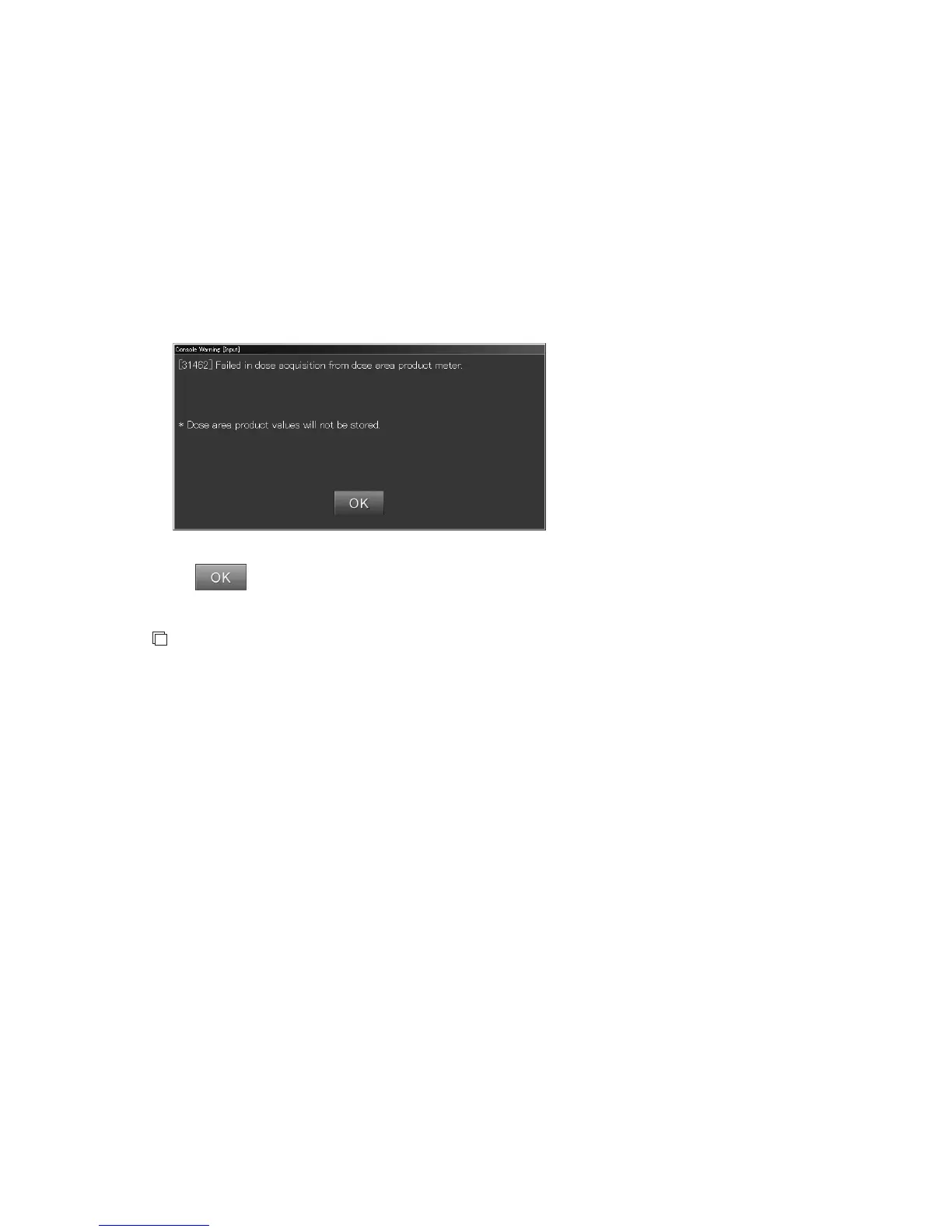
If a problem occurs in the line condition during step 4, the following error message box will
appear.
Select
. If this error message box appears, the X-ray exposure parameters cannot be received.
NOTES
•
If you use the X-ray Control Unit Online Software in a hardware configuration for receiving X-ray
exposure parameters (actual setup data), make sure the peripheral devices (X-ray controller, etc.)
are turned on before you start up the CR Console.
If the peripheral devices are not turned on, the CR Console will not be able to receive any X-ray
exposure parameters.
•
The unit may be different between exposure results on the display unit of an area dosimeter and
those the CR Console has received.
Check the unit on both to make sure that exposure results are the same.



 To Next Page