CR Console Operation Manual
3 - 28 2011. 06 897N0519M
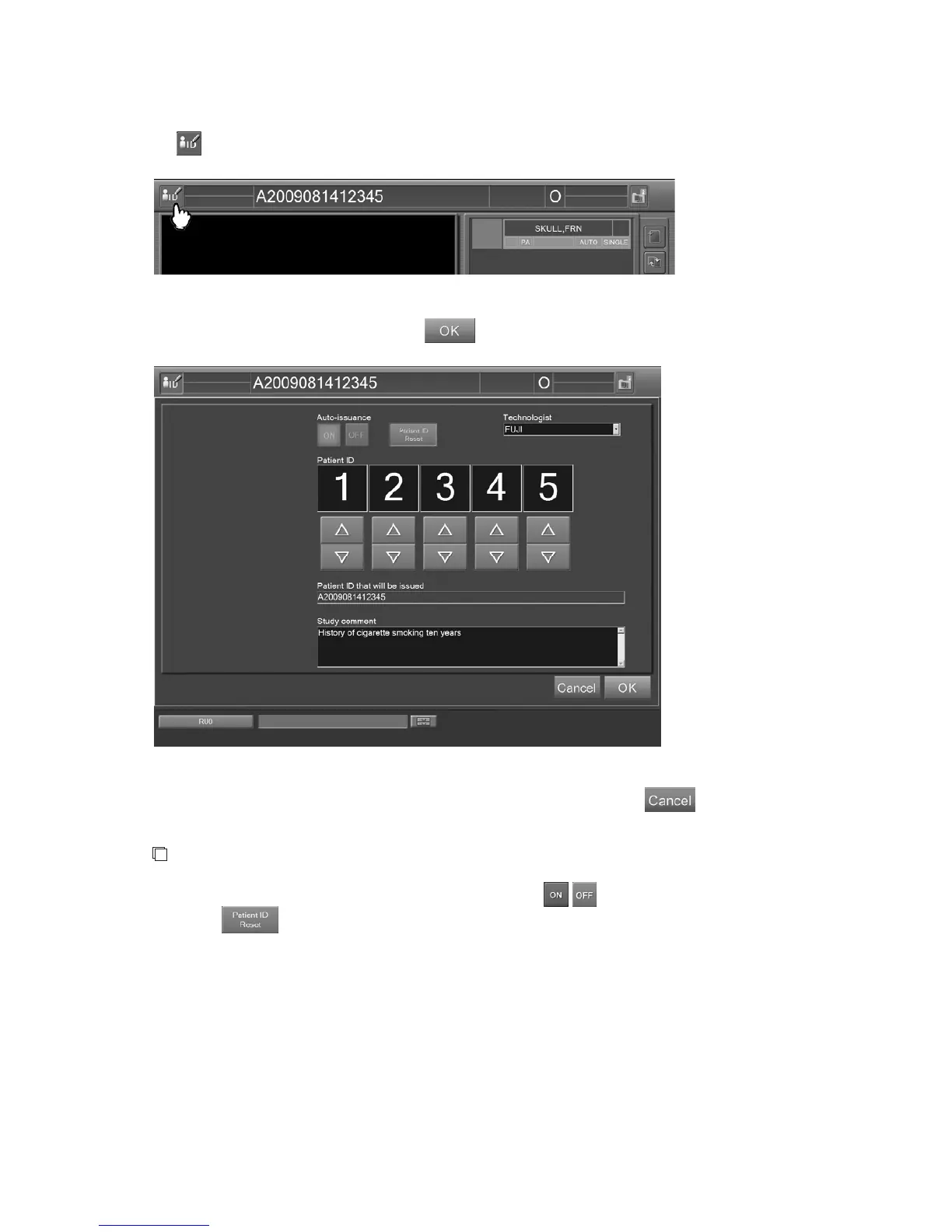
Changing the contents of examination order
Select
on the “Study Screen”.
The “Examination Order Change Screen” is displayed.
After changing the setting as required, select
.
“Examination Order Change Screen”
To cancel the setting and close the “Examination Order Change Screen”, select .
NOTE
Different from the “Examination Order Issuance Screen”,
/ for automatic ID issuance as
well as
cannot be selected.



 To Next Page