CR Console Operation Manual
2009. 09 897N0519H 4 - 23
NOTES
• The marker input in the marker input box cannot be deleted with the use of the deletion icon
available in the annotation character input box. Delete it in the marker input box. Equally, the
annotation characters input in the annotation input box cannot be deleted with the use of the
deletion icon available in the marker input box. Delete them in the annotation character input box.
• When the exposure menus are changed or the image switching processing is performed after
annotation characters have been input on one image, those characters are erased.
• For the case where annotation characters have been input on an image composed by means of
image composition processing (option), those characters are erased if re-composition processing
is performed on that composed image.
• When annotation characters are input in the source image for composition, those characters are
erased and a new composed image is created accordingly.
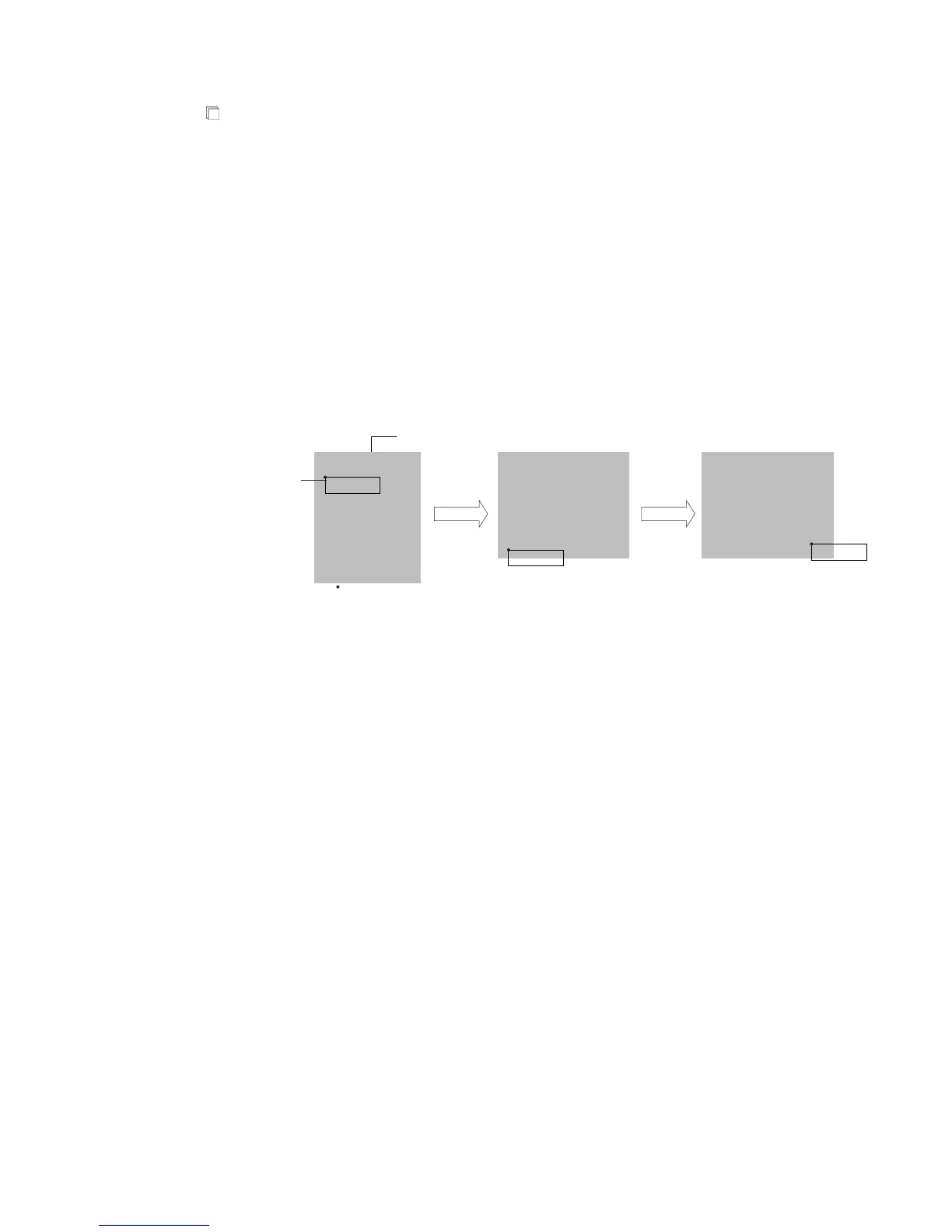
• If an image is rotated or flipped, the related annotation characters will also be rotated or flipped
consequently, though the character display direction remains unchanged, as illustrated below.
PATIENT
PATIENT
PATIENT
Image
Annotation
characters
Start point
Rotated
90 degrees
to left.
Right/left
flipped.
• Annotation characters are output printed on film. If you do not wish to output annotation
characters printed on film when images are delivered, contact a designated service supplier.



 To Next Page