CR Console Operation Manual
4 - 22 2009. 09 897N0519H
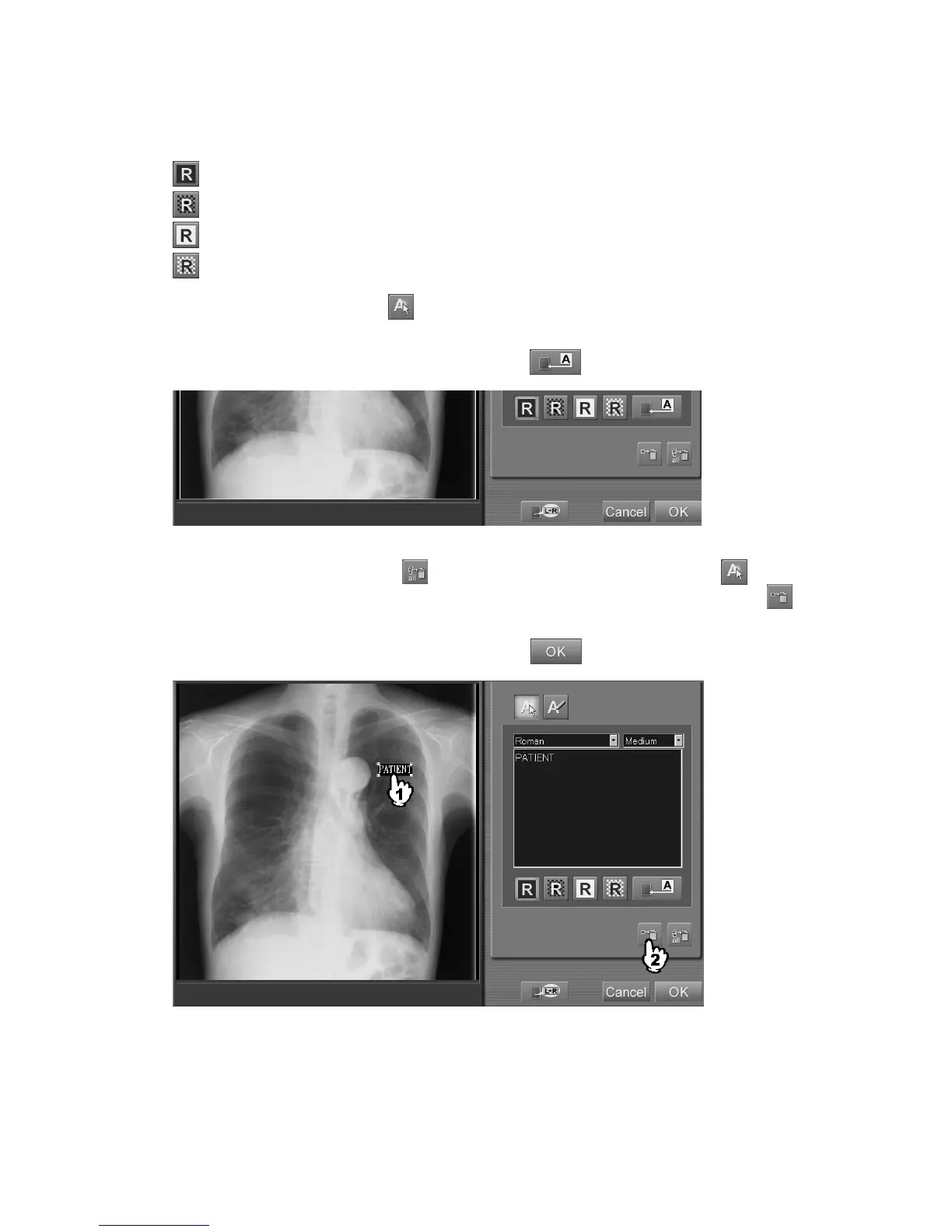
To change the character color/background color for the annotation, select the annotation characters
and then select one of the following icons.
: White characters/black background
: White characters/transparent background
: Black characters/white background
: Black characters/transparent background
To edit annotation characters, select to go into the annotation selection mode and then select
annotation characters you want to edit.
Input modified annotation characters in the box and select
.
To delete annotation characters, select
(deleting all annotation characters), or select to go
into the annotation selection mode, and then select characters you want to delete. Select finally
(delete).
At the completion of the annotation character input, select
.



 To Next Page