CR Console Operation Manual
2011. 06 897N0519M 5 - 21
For the “Delivered” list, the additional exposure can be performed to the selected study by selecting
while holding down the Shift key. About the additional exposure for the delivered studies,
refer to [
3.6.2 Additional Exposure]
.
Selecting multiple studies and starting the next processing at the same time (option)
For the “QA” list, QA processing can be performed if you select multiple studies by the operation
below.
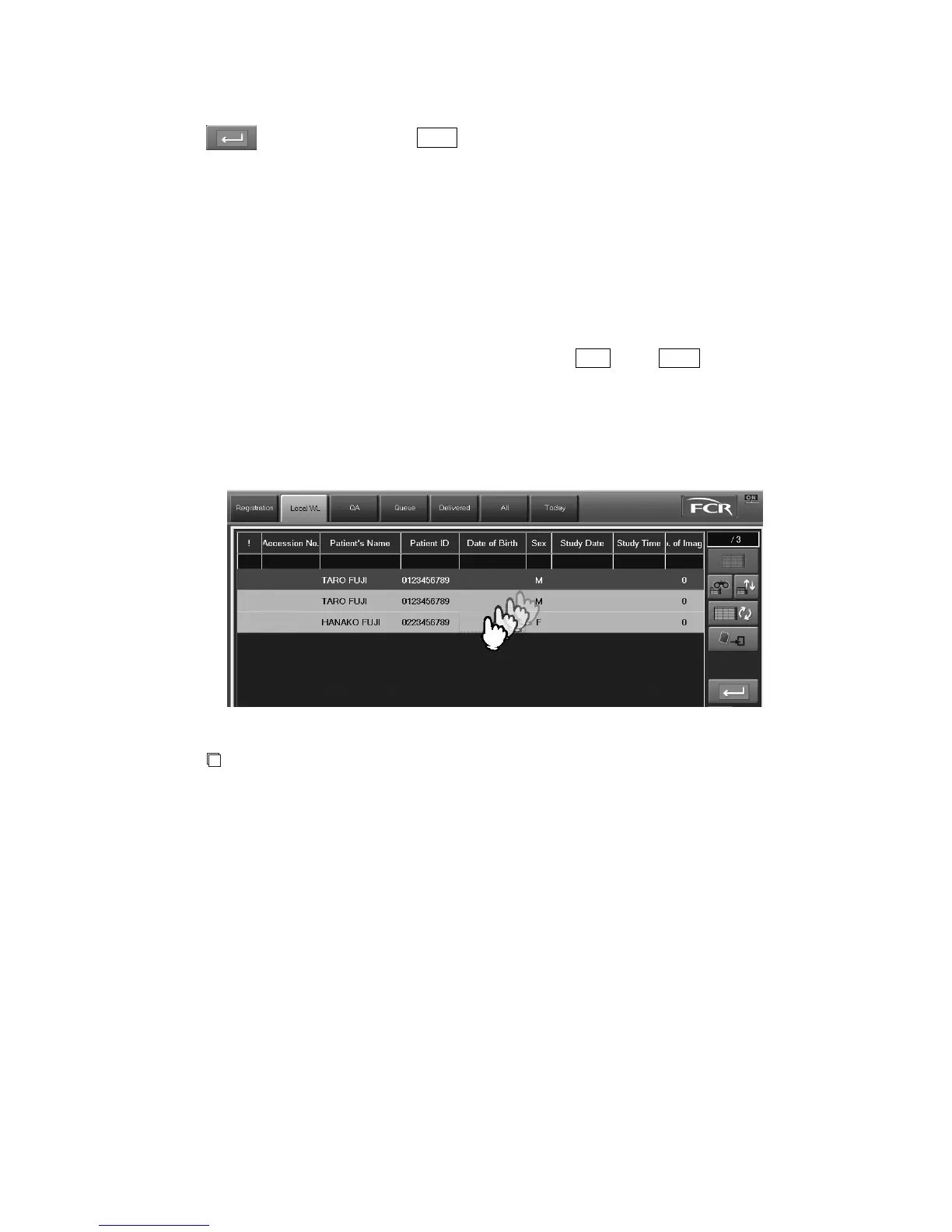
For the “Local WL” list, the intended study can be performed if you select multiple studies by the
operation below.
For the “All” and “Today” lists, multiple studies can be selected and then output only when the
function for “Printing 12 frames of multiple study images on one film” has been activated.
• Selecting ranges for multiple studies at the press of the Ctrl key or Shift key
• Selecting ranges for multiple studies by touching those studies on the touch panel
• Selecting ranges for multiple studies at the left-click of those studies
For requirements applied to starting multiple studies at the same time, see [
3.4.1 (2)
When
starting multiple studies at the same time (option)
].
NOTE
When a multiple number of studies are selected on those lists, an icon for the function that is
disabled for the selected studies cannot be selected.
If this is the case, select any one of the studies of those lists to release the selected range and the
re-select a study accordingly.



 To Next Page