CR Console Operation Manual
2009. 09 897N0519H 4 - 43
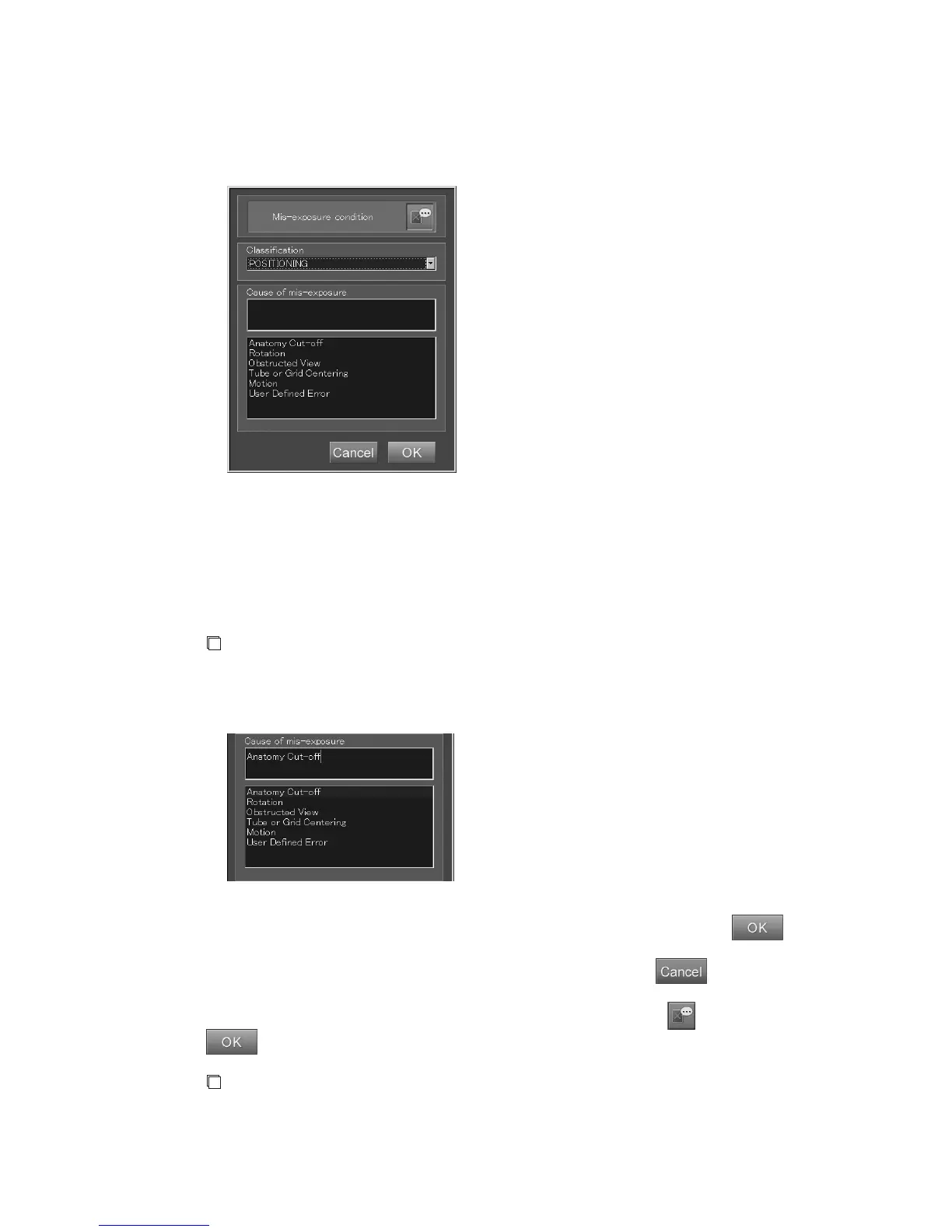
Comments pre-determined for the classification will be listed in the box below another one where a
cause of the rejection is to be entered.
Select a cause for it from the displayed list.
A cause thus selected will be displayed in the relevant box.
It is also possible to input any characters in this box.
(Classification and comments can be determined using the User Utility function. For details, refer to
[
Chapter 3 TABLE SETTING / CR Console OPERATION MANUAL - THE USER UTILITY
OPERATIONS
].)
NOTE
When you are using Retake Analysis software (rejection analyzing software), make sure to select
comments on causes of rejection from the pre-determined list. You are not allowed to input any
causes of rejection from the keyboard as you like.
Input causes of the rejection selected from the pre-determined list and then select
to close the
rejection reason input box. The relevant image will thus be handled to have been rejected.
To cancel the operation to close the rejection reason input box, select
. The state of rejection
of the image will not be changed.
The box shown above opens also when canceling the state of rejection.
remains unselected. If
is selected while in this state, the box will be closed to cancel the rejection state.
NOTE
Whenever a change was made for the “Classification”, be sure to re-select the “Cause of
rejection”.



 To Next Page