CR Console Operation Manual
3 - 30 2011. 06 897N0519M
Patient Information Input Screen/Exposure Menu Selection Screen/Study Execution
Screen/individual lists :
Select
.
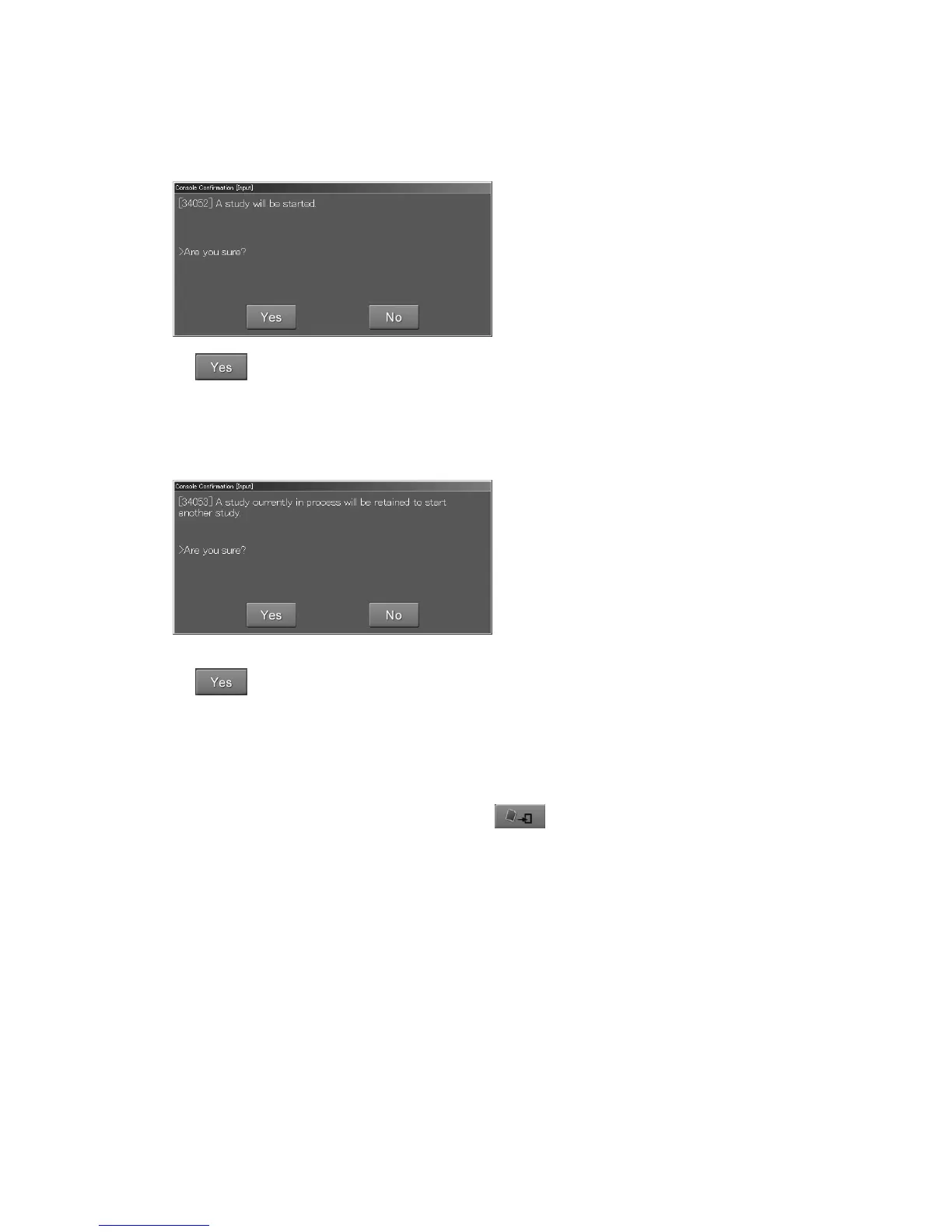
A study selected in the scroll view is resumed. (When the resumed study is finished, the display
returns to the previous screen.)
Study Execution Screen :
Select
.
The ongoing study is suspended and a study selected in the scroll view is resumed.
(When the resumed study is ended, the screen returns to the suspended study.)
The User Utility allows you to perform settings for whether to end or suspend a study for which the
image reading was completed in the background. The User Utility also allows you to determine how
to end a study after it has been finished (by selecting
) in the “Local WL” list.
For how to perform settings in the User Utility, see the [
Chapter 4 PROPERTY SETTING / CR
Console OPERATION MANUAL - THE USER UTILITY OPERATIONS
].
The Study Execution Screen displays. For more information about this screen, see [
2.2.9 Study
Screen
].



 To Next Page