CR Console Operation Manual
3 - 52 2011. 06 897N0519M
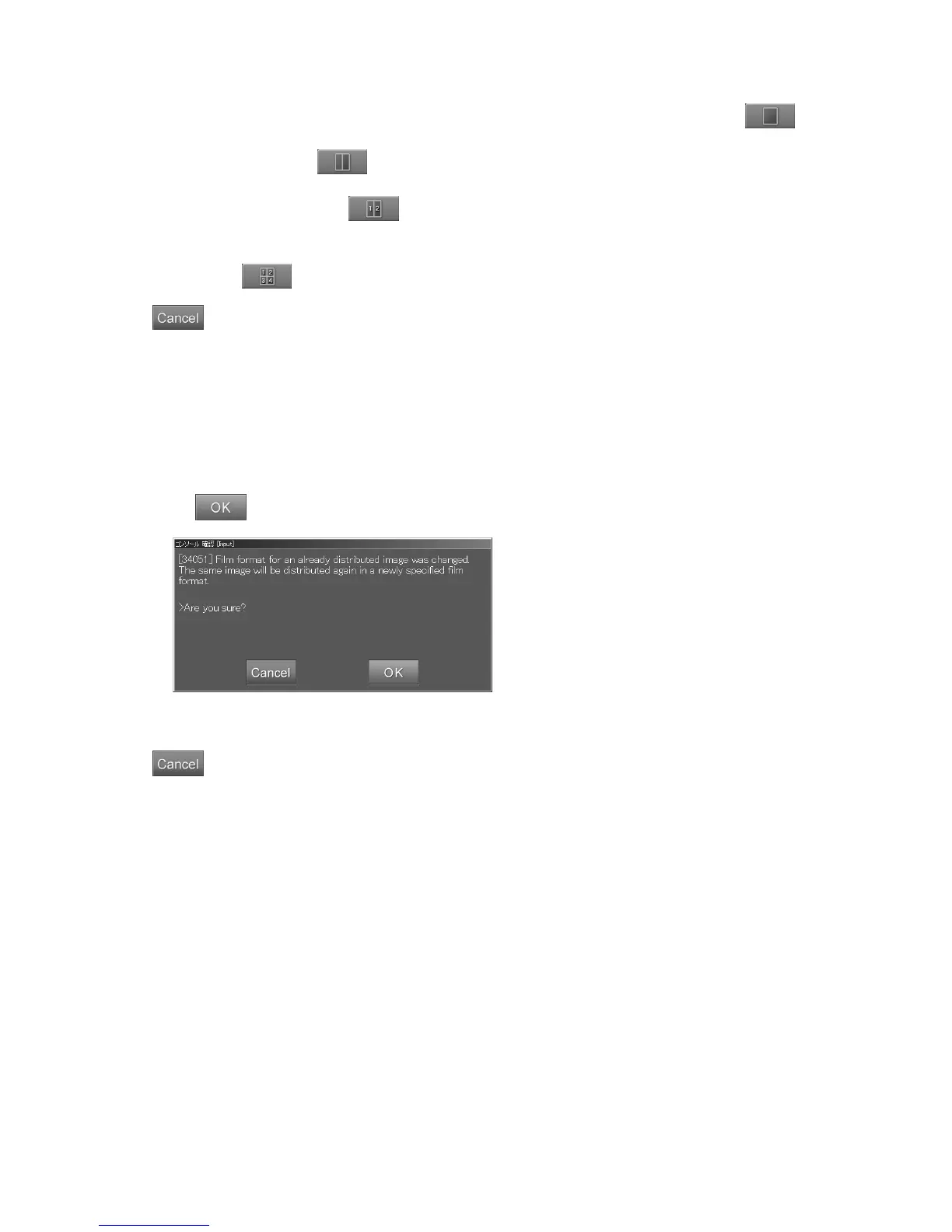
For one image format, select an image (more than one image can be selected), and then select .
For the two image format (one right/left image), select an image (more than one image can be
selected), and then select
.
For the 2on1 format (two different images), select left image (frame position: 1) and then right image
(frame position: 2), and select
.
For the 4on1 format, sequentially select, upper left image (frame position: 1), upper right image
(frame position: 2), lower left image (frame position: 3) and then lower right image (frame position:
4), and select
.
: Cancels operation.
The 2on1 format and the 4on1 format can be applied only to a menu for which the function is set to
“RT” (routine processing). For how to set the function, see [
3.4.2 (5) Function
].
It is also possible to select images set in other film and recompose them accordingly. All other
images selected from other films will be changed to the one-image format.
When format change is executed to the delivered images, a confirmation box is displayed if “OK” is
selected.
Select
. Film output is yielded.
“Confirmation box”
: Cancels operation.
When format change is executed to undelivered images, no film images will be output and delivered
after image reading processing according to the auto-delivery setting.



 To Next Page